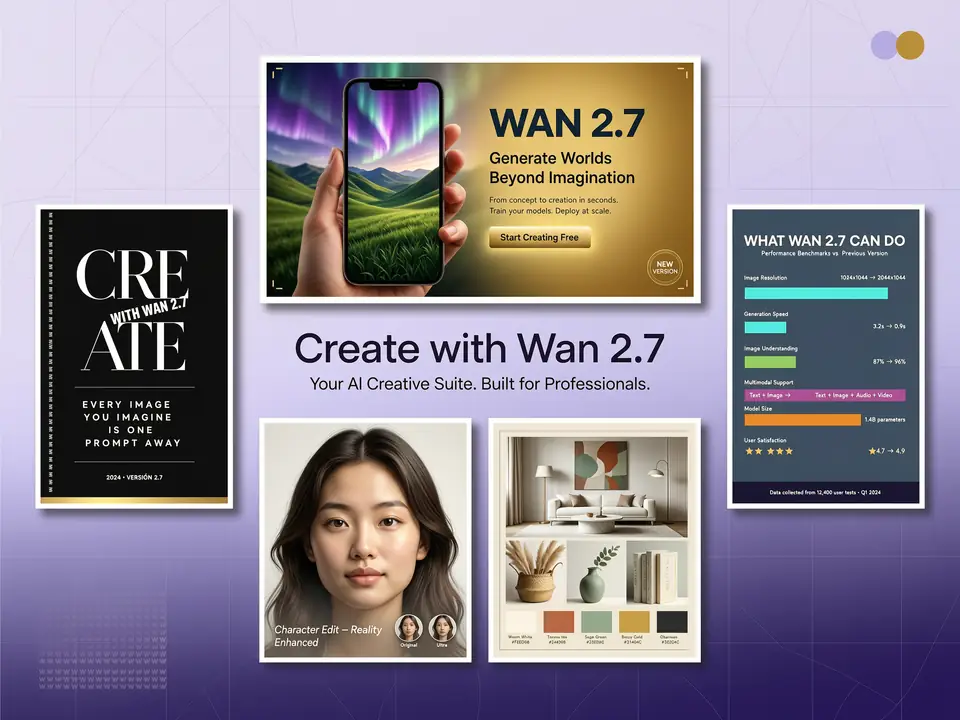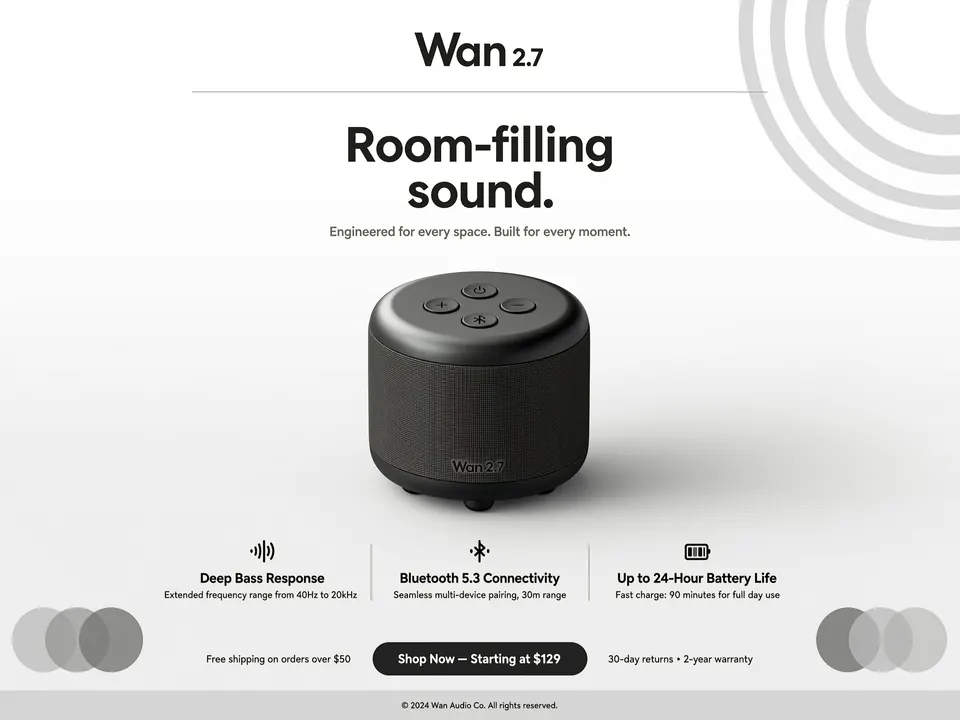
Product Advertising Visual
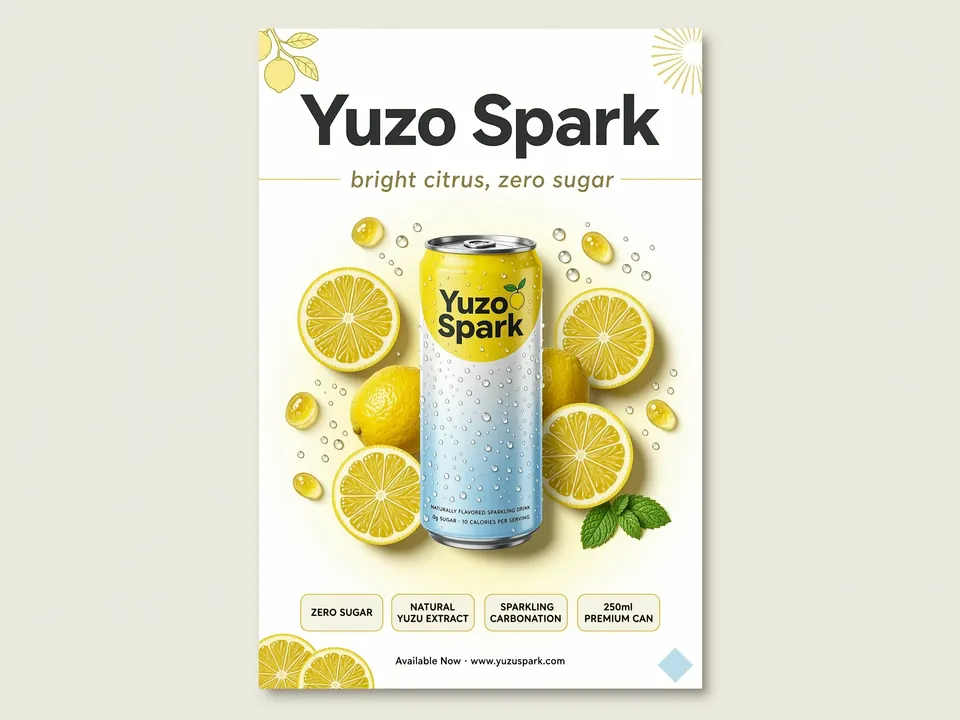
Create clean commercial images with a hero product, readable headline, benefit callouts, and controlled studio lighting.
Use Wan 2.7 Image on Toolaze to create images from prompts, edit uploaded references, combine multiple inputs, and generate structured visuals with prompt reasoning and text layout control.
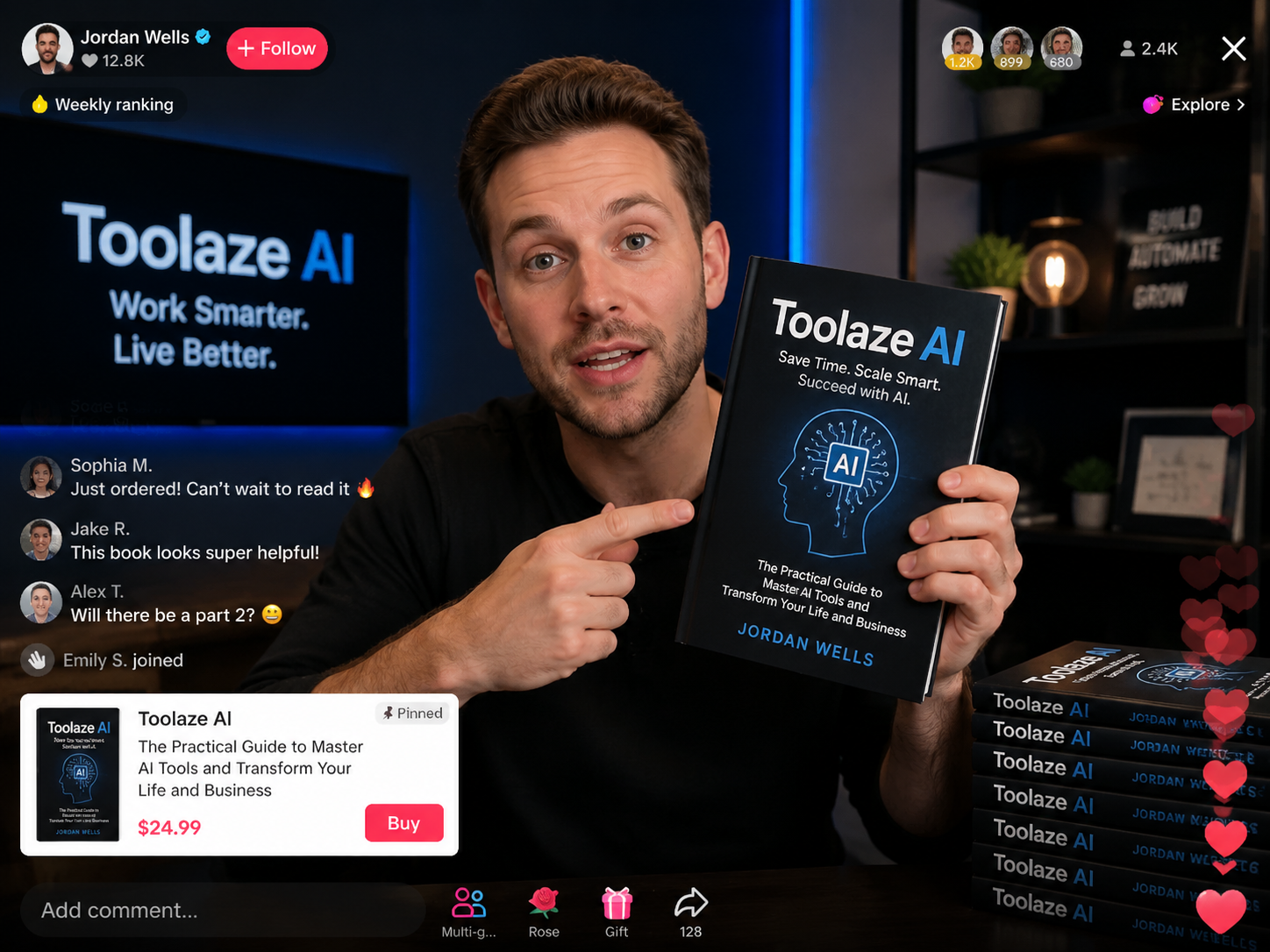
Wan 2.7 Image is Alibaba's image generation and editing model family for text-to-image, image-to-image editing, multi-reference creation, and consistent visual sets. It handles prompts that define layout, visible text, subject placement, and reference image roles.
On Toolaze, Wan 2.7 Image works inside a browser generator: write a prompt, choose an aspect ratio and resolution, upload reference images when needed, then generate and download the result without leaving the page.
Use Wan 2.7 Image when a prompt needs more than a single subject description: structured posters, product visuals, text-heavy graphics, guided edits, and multi-reference compositions.
Wan 2.7 Image supports thinking mode in eligible text-to-image scenarios, helping the model interpret longer prompts, layout rules, object relationships, and visual constraints before producing the final image.
Use it for posters, educational graphics, campaign concepts, and prompts that describe several subjects, exact text, a background system, and composition requirements at once.
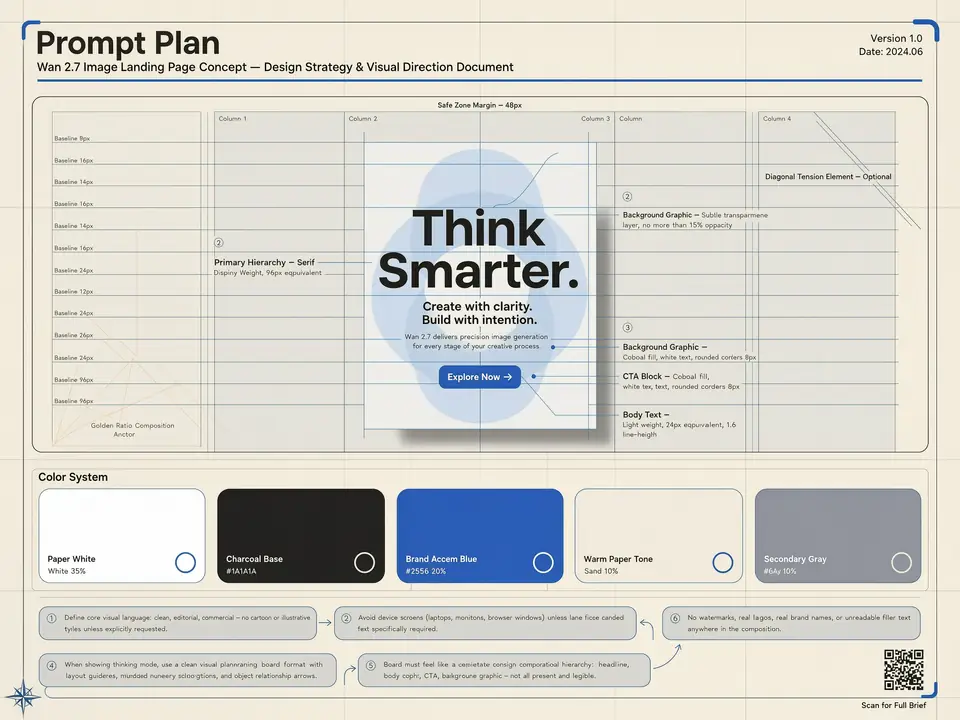
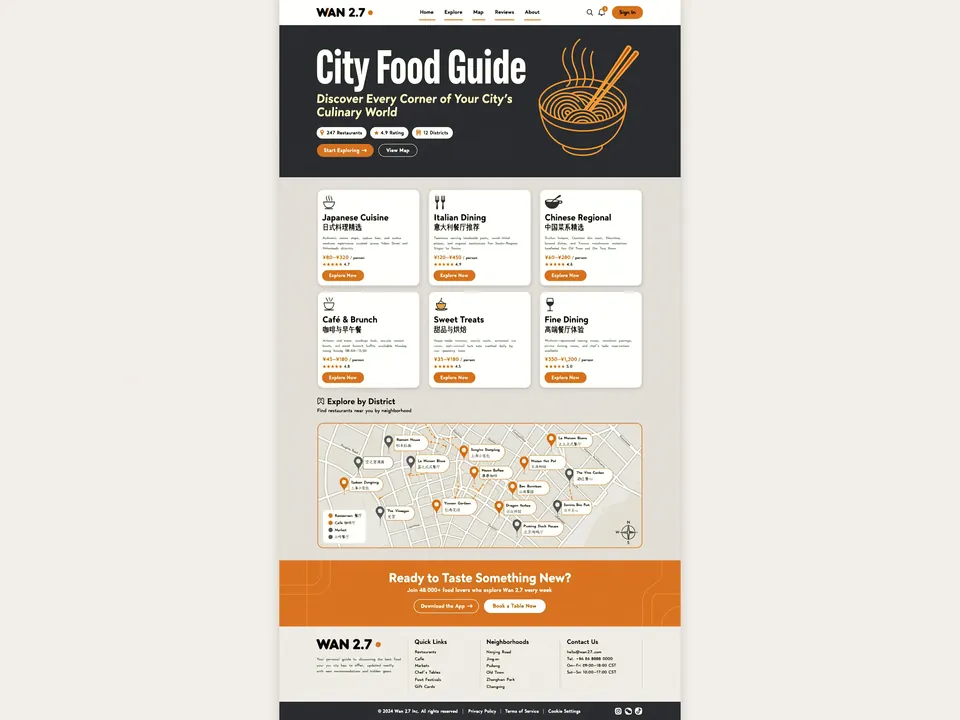
Wan 2.7 Image is a practical choice for title-led graphics, labels, menus, social cards, event posters, and simple information graphics that depend on readable text and clear layout.
Generated text should still be reviewed before publishing, especially when small legal copy, addresses, prices, or brand-critical wording must be exact.
Wan 2.7 Image supports both creating new images from prompts and editing existing images with natural language instructions. You can upload a reference and describe what to change while keeping the subject, layout, or visual direction stable.
Use it for product edits, background changes, localized revisions, composition cleanup, and design variations from an existing visual.
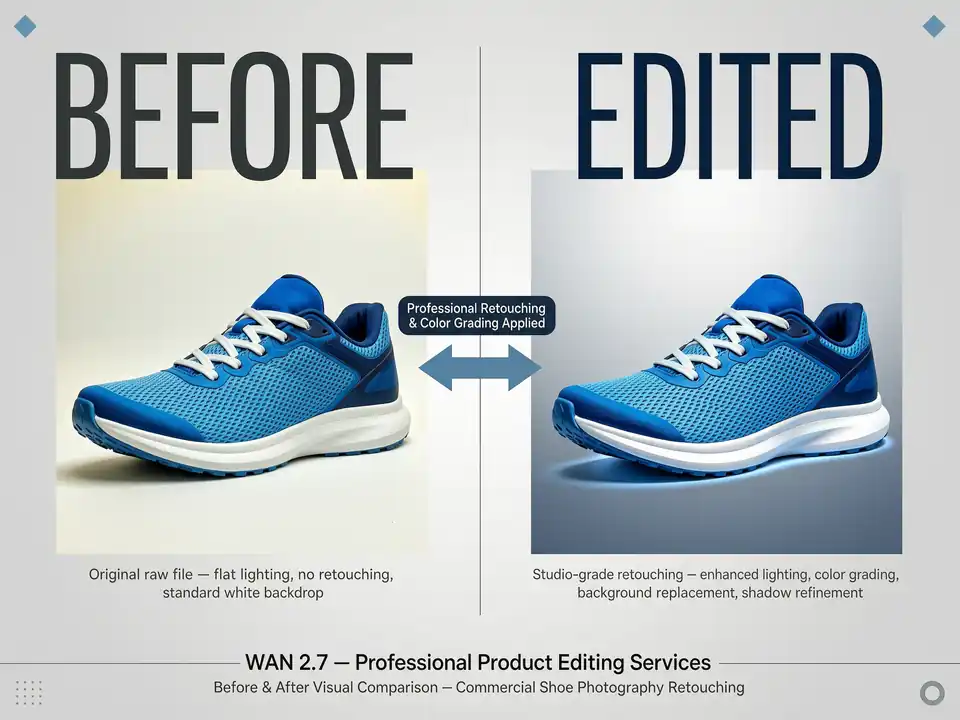
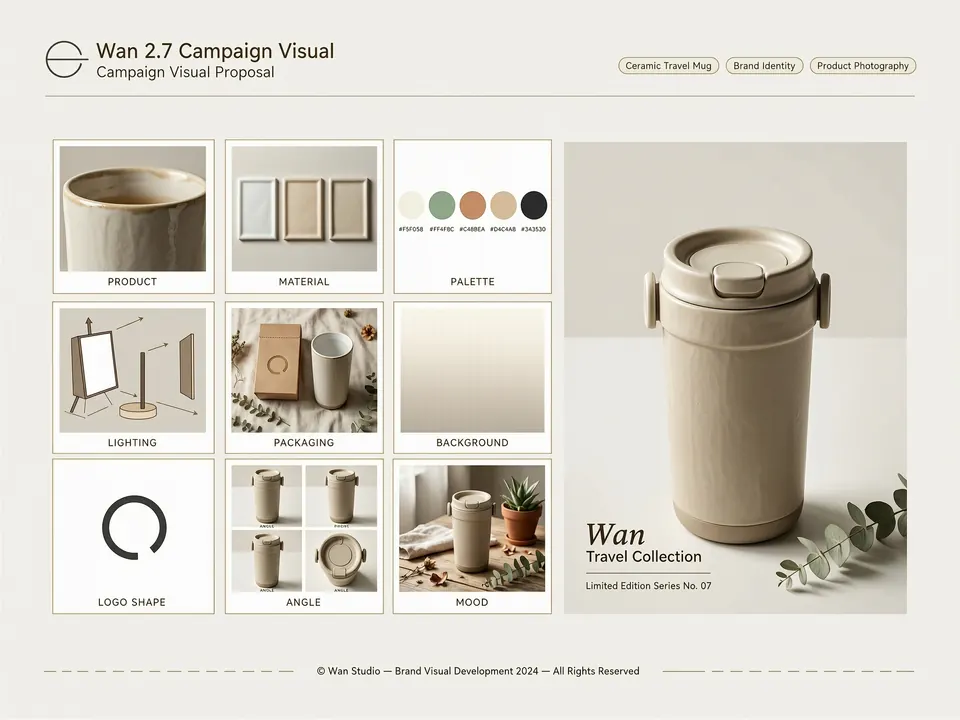
Wan 2.7 Image supports up to 9 input images for reference-guided generation and editing. You can combine a product photo, style reference, background direction, character sheet, logo, or material sample in one prompt.
For best results, name what each reference controls, such as subject identity, style, composition, background, packaging, or color palette.
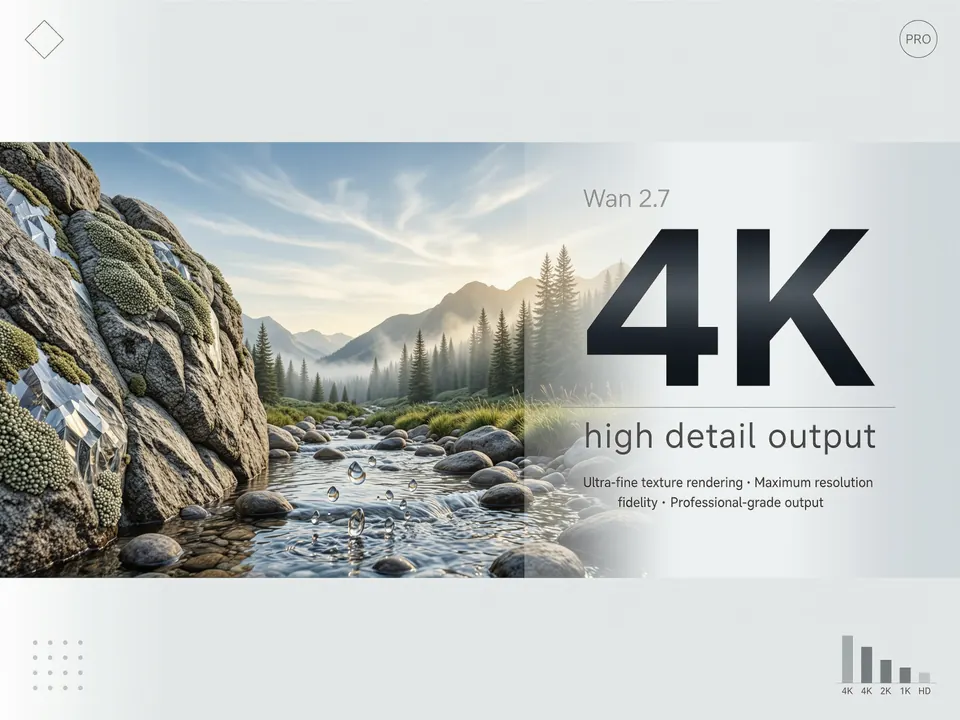
The standard Wan 2.7 Image mode supports 1K and 2K output for generation and editing. The Pro text-to-image path supports 4K output when no reference image is used.
Use 2K for reference edits and fast campaign drafts. Choose 4K for text-to-image posters, detailed product boards, or large-format concepts when the selected generation mode supports it.
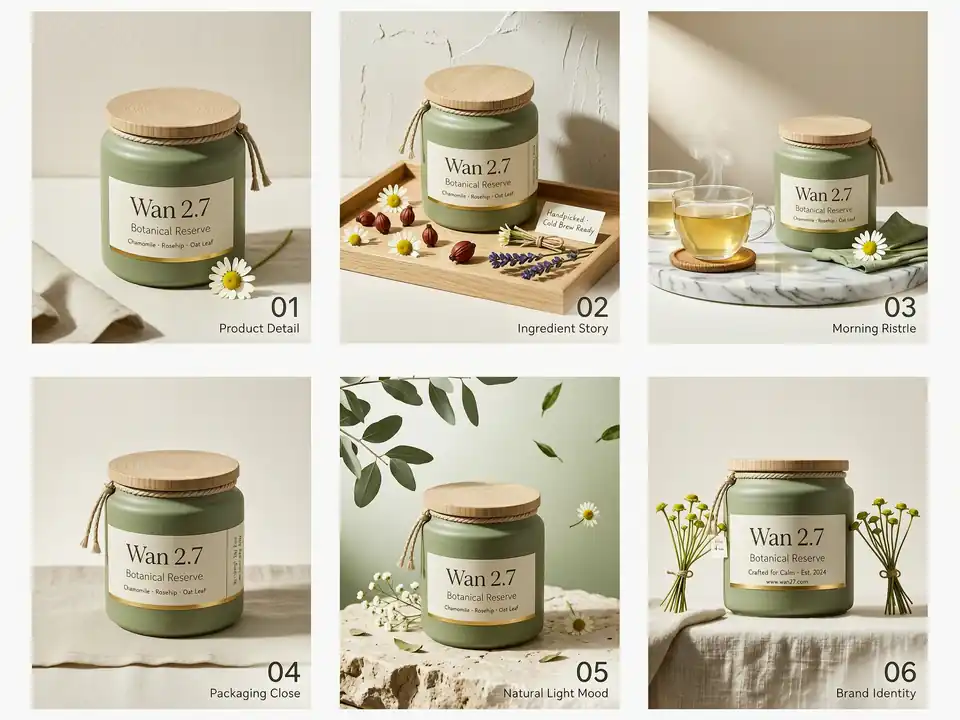
Wan 2.7 Image can help plan related visuals such as storyboard frames, product catalog variations, children's book concepts, slide visuals, and multi-card campaigns.
On Toolaze, use clear naming in your prompt so each requested frame, angle, or variation has a defined role.
See common Wan 2.7 Image use cases for commercial design, dense text, multi-reference editing, and structured image work.
Create clean commercial images with a hero product, readable headline, benefit callouts, and controlled studio lighting.
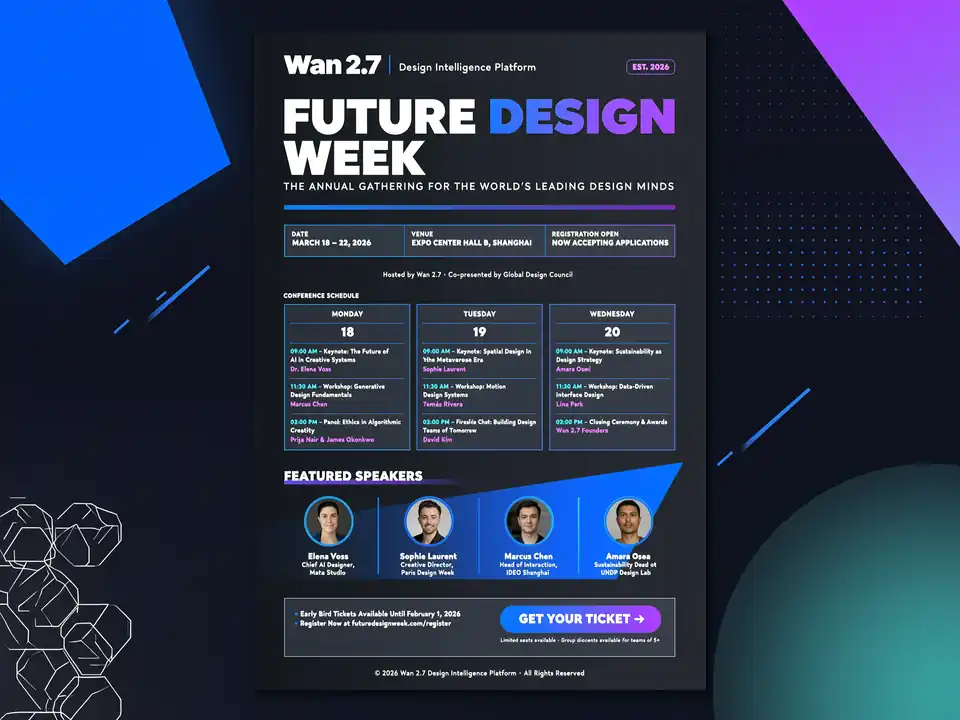
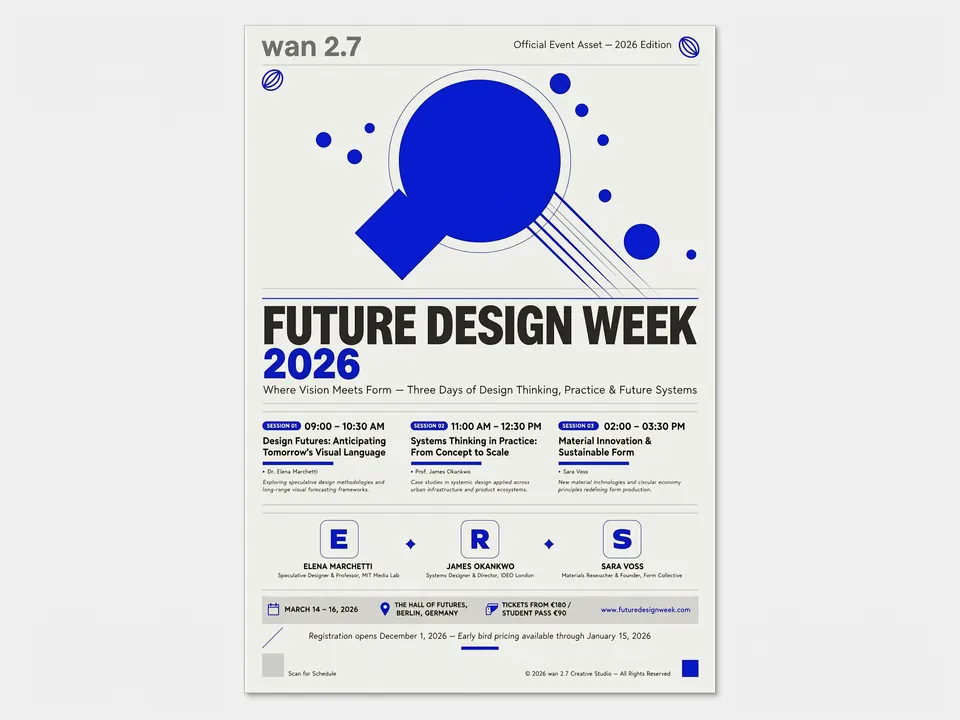
Generate posters with title hierarchy, date, venue, speaker blocks, and visual rhythm.
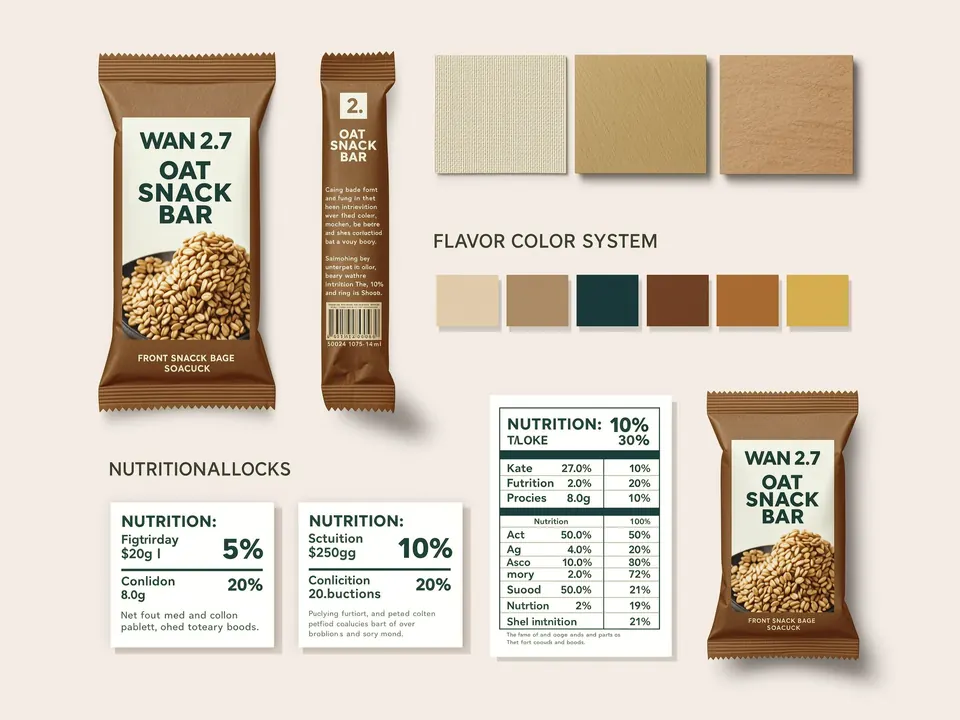
Test label systems, materials, brand colors, product surfaces, and retail presentation ideas.
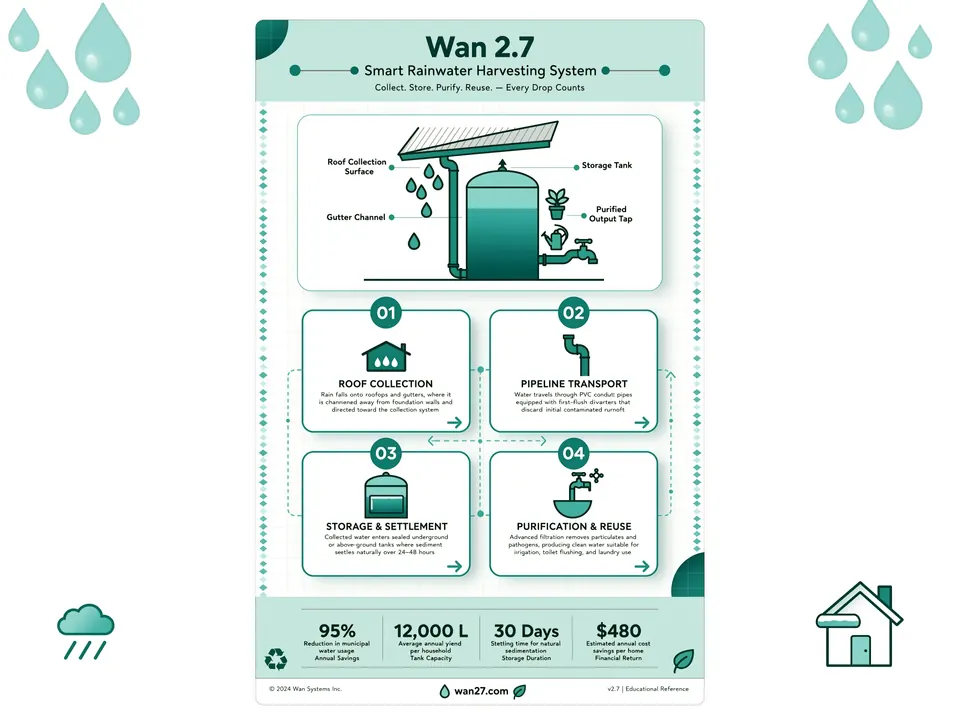
Build simple learning graphics with icons, numbered steps, short labels, and clean visual hierarchy.
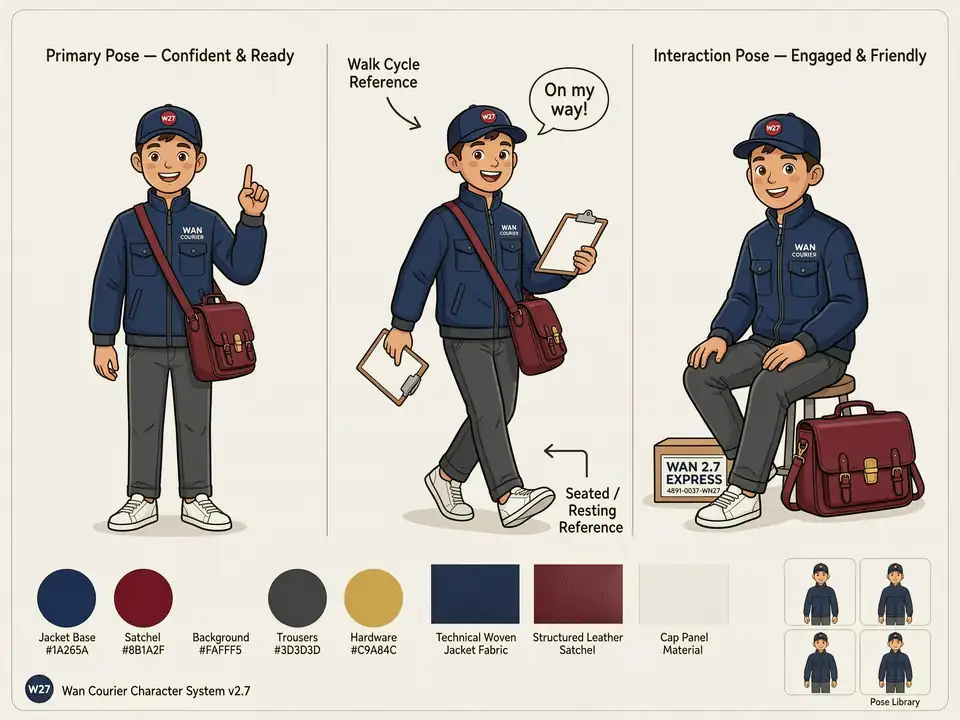
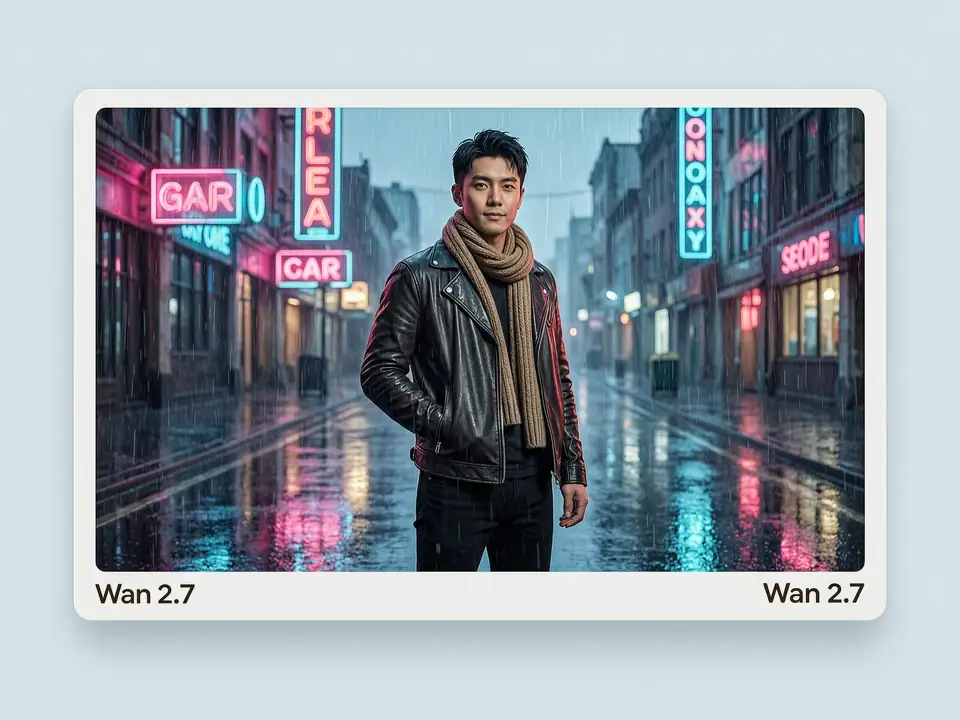
Use references to keep a subject or character consistent while changing pose, outfit, or scene.
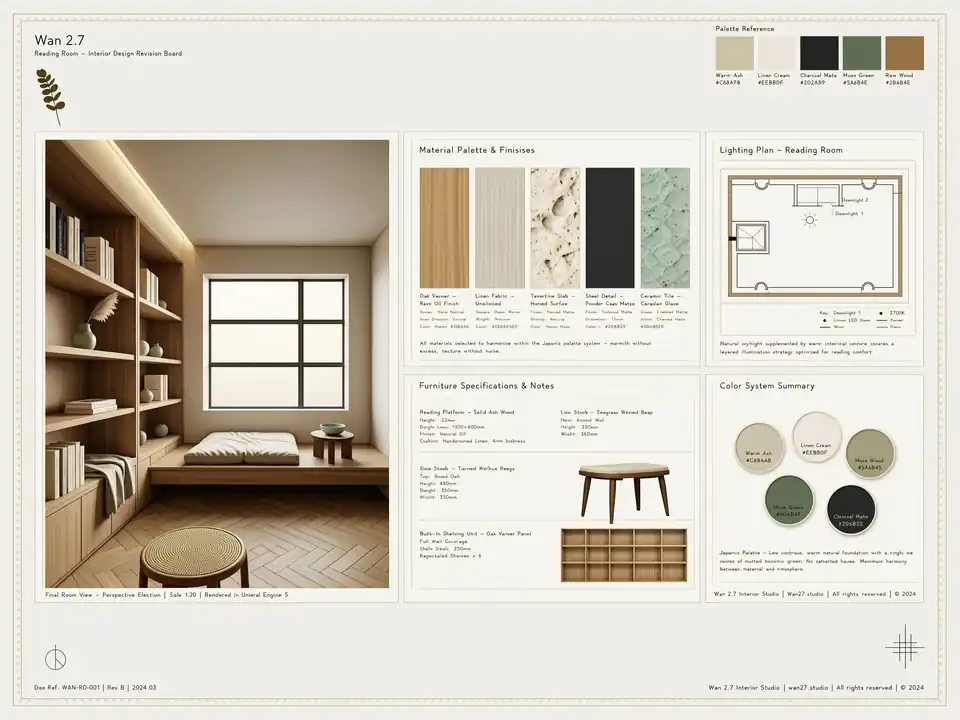
Transform a room reference into a different style while preserving layout and camera angle.
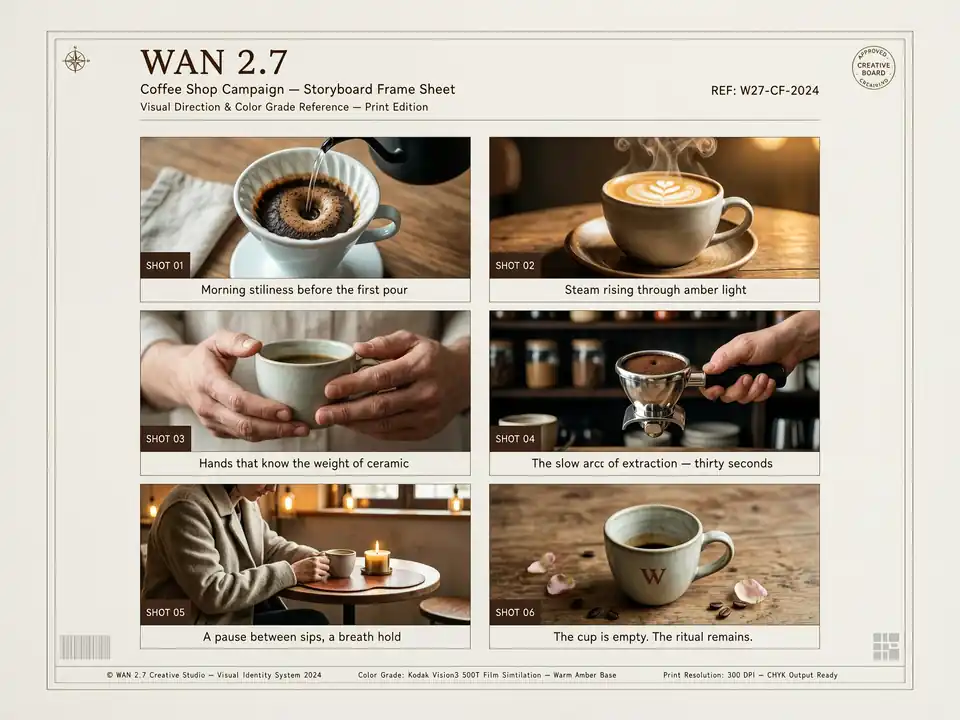
Plan campaign frames, scene beats, thumbnails, and narrative visuals with a consistent direction.
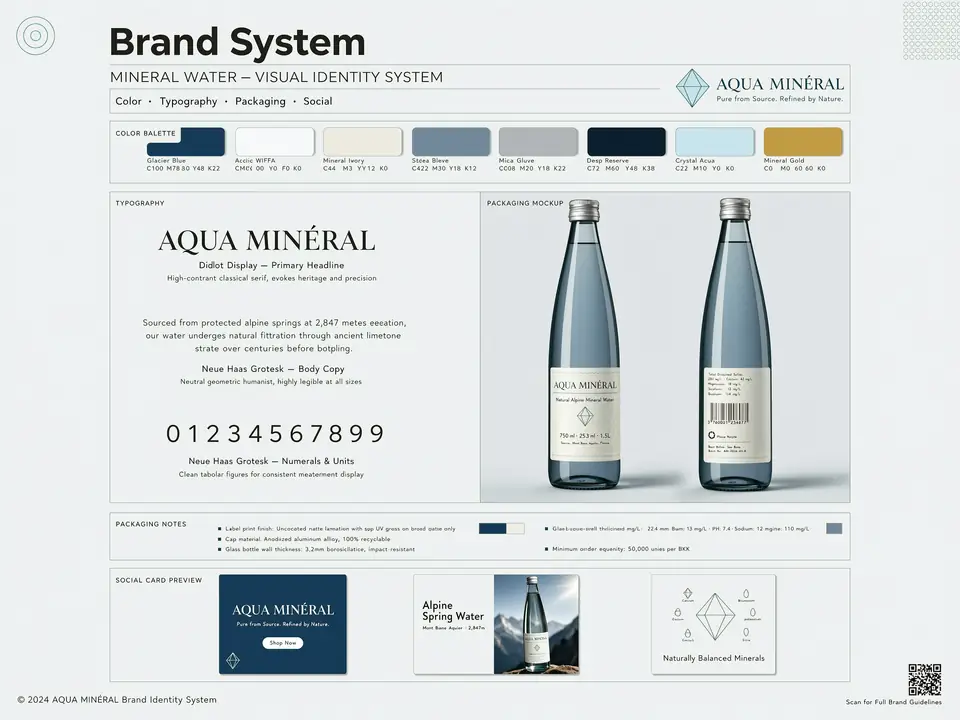
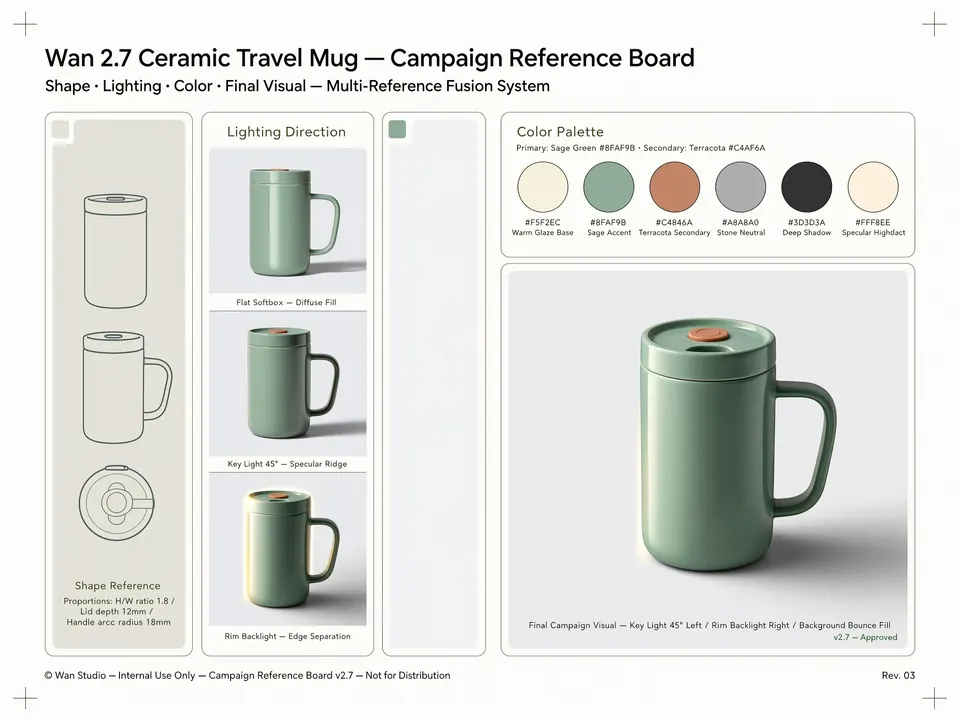
Combine typography, palette, product imagery, and campaign notes into one structured concept board.
Use this table as an official-spec first comparison. When a public official page does not list a hard limit, the table says so.
| Capability | Wan 2.7 Image | GPT Image 2 | Seedream 4.5 | Nano Banana Pro |
|---|---|---|---|---|
| Max output resolution | Pro: 4K for text-to-image; image input/edit: 2K. Standard: 2K | Up to 3840px edge and 8.29MP, including 3840x2160 | Official Seed page does not list a public max | 1K, 2K, 4K Preview |
| Reference images | 0 to 9 input images | Up to 16 images for GPT image edit workflows | Multi-image editing; official max not listed | Maximum 14 images per prompt |
| Image editing | Supported with prompt, image input, and optional boxes | Supported through image edits and reference images | Supported; official page highlights detail preservation | Supported, including multi-turn image editing |
| Aspect ratio and size | Custom ratio 1:8 to 8:1 within pixel limits | Custom size; ratio up to 3:1; edges must be multiples of 16 | Official page shows multi-format design use; exact API limits not listed | 1:1, 3:2, 2:3, 3:4, 4:3, 4:5, 5:4, 9:16, 16:9, 21:9 |
| Official strength | Thinking mode, image sets, color palette control, multi-reference input | Flexible high-resolution sizes, high-fidelity inputs, image edits | Reference consistency, typography, dense text, multi-image editing | Reasoning, Search grounding, C2PA, complex multi-turn editing |
Use these examples as starting points for the tasks where Wan 2.7 Image is strongest: structured layouts, text graphics, editing, reference fusion, and consistent visual systems.
Create a vertical product launch poster for a premium sparkling yuzu drink. Include a readable headline "Yuzu Spark", subtitle "bright citrus, zero sugar", one hero can with condensation, sliced yuzu fruit, clean white and citrus-yellow background, small benefit callouts, and polished commercial lighting.
Create a modern event poster for "Future Design Week 2026". Include readable schedule blocks for three sessions, speaker names, date, venue, ticket note, and a bold abstract visual system. Use strong hierarchy, generous spacing, and an editorial design style.
Use the uploaded product image as the exact product reference, the second image as lighting reference, and the third image as color palette reference. Create a campaign visual that keeps the product shape unchanged while applying the lighting and color direction from the references.
Use the uploaded character reference. Keep the same face, hairstyle, body proportions, and outfit identity. Change the scene to a rainy neon street at night, add reflective pavement, cinematic rim light, and a calm confident pose. Do not change the character identity.
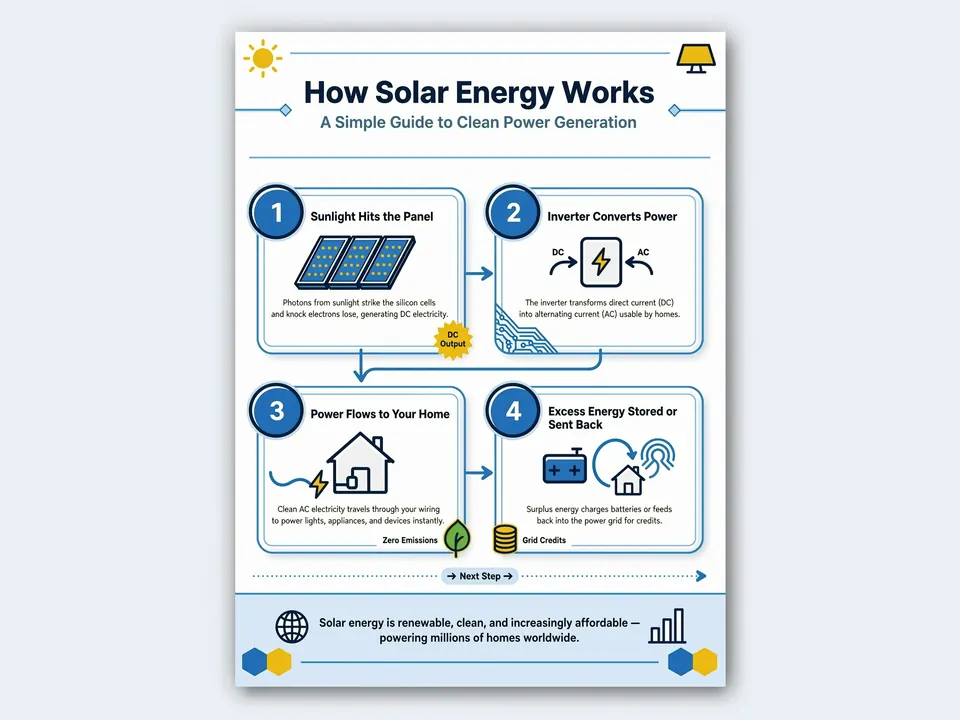
Create a clean infographic explaining how a solar panel converts sunlight into electricity. Use four numbered steps, short readable labels, simple icons, a blue and yellow palette, white background, and clear hierarchy for classroom use.
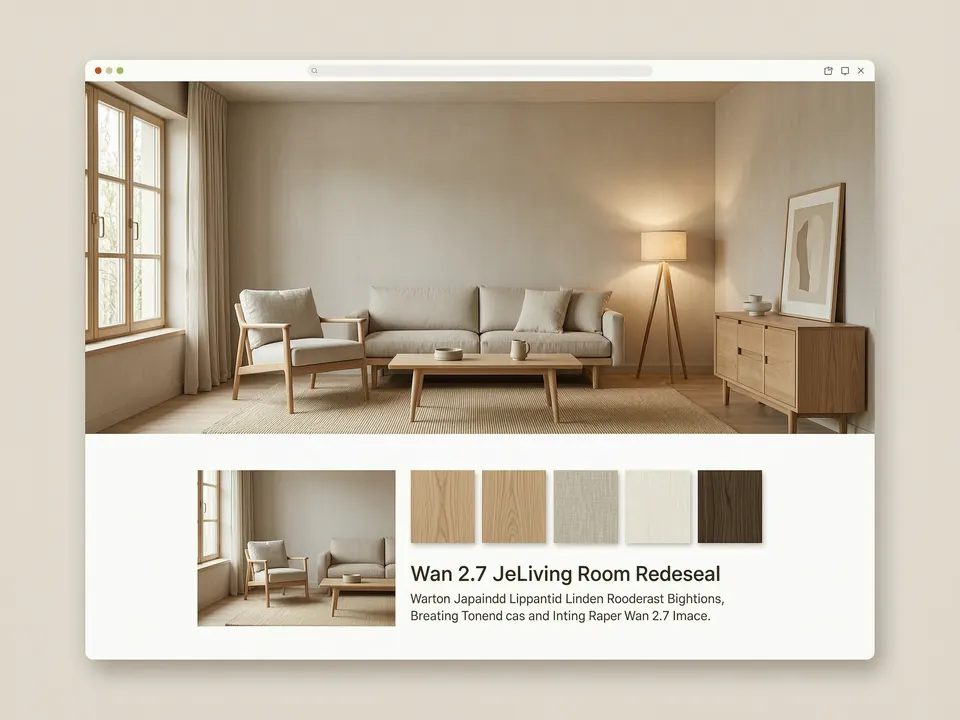
Use the uploaded living room photo as a reference. Keep the camera angle, windows, walls, and furniture positions. Redesign the room in a calm Japandi style with oak wood, linen textures, warm indirect lighting, neutral walls, and a tidy magazine-ready finish.
Watch selected YouTube videos that test Wan 2.7 Image color control, prompt handling, face realism, editing behavior, and high-resolution output.
All About AI
A focused walkthrough of Wan 2.7 Image color control, palette handling, and model behavior in practical image-generation tests.
Watch on YouTube
AI Samson
A longer test of Wan 2.7 Image quality, prompt response, generation modes, and visual output across several examples.
Watch on YouTube
AI Creator School
A creator test that looks at Wan 2.7 Image output quality, reference behavior, and where the model fits compared with other image tools.
Watch on YouTube
Browse real Reddit posts about Wan 2.7 Image availability, launch reactions, early tests, and community questions. Each card keeps media from its original Reddit thread.
r/budgetpixel
Reddit discussion

A r/budgetpixel thread announcing Wan 2.7 and Wan 2.7 Pro availability, with the original Reddit preview images kept together in one card.
Open Reddit threadr/AtlasCloudAI
Reddit discussion

A r/AtlasCloudAI question thread for early user testing, useful for reading practical reactions beyond official model notes.
Open Reddit threadr/ArtificialInteligence
Reddit discussion

A r/ArtificialInteligence launch discussion about Wan 2.7 Image and what users expect from the next Wan video model.
Open Reddit threadr/aicuriosity
Reddit discussion

A r/aicuriosity post covering the Wan 2.7 Image release and positioning it as a newer image model for sharper, smarter visuals.
Open Reddit threadSee X posts with real Wan 2.7 Image announcements, creator tests, and model notes. Cards use actual post media and profile avatars.

Wan
Verified@Alibaba_Wan
The official Wan account introduces Wan2.7-Image as a unified model for generation, editing, text rendering, color control, and image sets.
 View image
Browncat AI
Verified@browncatro1
A creator test in Japanese noting natural reference-face behavior and comparing detail against other image models.
 View image
VORTEX
Verified@VORTEX_Promos
A public X post summarizing Wan 2.7 text-to-image, image edit, Pro text-to-image, and Pro edit modes.
 View image
Poe
Verified@poe_platform
Poe announces Wan 2.7 Image availability and highlights cohesive image sets, consistent characters, style, context, and bounding box editing.
 View image
Brent Lynch
Verified@BrentLynch
A creator shares early Wan 2.7 Image tests and compares where it may sit against Nano Banana and Seedream-style image models.
 View image
Alisa Qian
Verified@alisaqqt
A concise feature breakdown covering facial control, palette-based color control, multilingual text rendering, and interactive editing.
 View image
Design Arena
Verified@Designarena
Design Arena announces Wan2.7-Image availability with notes on detail, prompt alignment, stylistic control, and model variants.
 View image
WaveSpeedAI
Verified@wavespeed_ai
A WaveSpeedAI post showing Wan 2.7 Image outputs in a multi-image example set, useful for checking generation range.
 View image
Mark Kretschmann
Verified@mark_k
A fal-related post testing Wan 2.7 Image on a complex city scene and noting realistic faces, color extraction, multilingual text, and visual editing.
 View image
Wan
Verified@Alibaba_Wan
The official Wan account promotes a Wan2.7 creator webinar about next-generation workflows and AI-agent-assisted creativity.
 View image
Use GPT Image 2 for text-rich visuals, editing, UI-style compositions, and clean layout control.
Try Now
Try Seedream 4.5 for product visuals, posters, typography-rich layouts, and reference-guided edits.
Try Now
Create high-resolution image assets and reference-guided visual drafts with Nano Banana Pro.
Try Now
Use Nano Banana 2 for fast everyday image generation and quick visual variations.
Try Now
Browse Toolaze image and video model pages for a broader model comparison.
Try Now
Yes. You can try Wan 2.7 Image on Toolaze for free. Usage may vary by quota, selected quality settings, model availability, or rate limits.
Yes. Wan 2.7 Image supports prompt-based image editing with uploaded references, including workflows where the prompt describes what to preserve and what to change.
Wan 2.7 Image supports up to 9 input images in multi-reference workflows. Use clear prompt wording to assign a role to each reference.
The standard workflow supports 1K and 2K. The Pro text-to-image path supports 4K when no input image is used. Reference-based editing should use 1K or 2K.
Use structured prompts that describe the asset type, subject, exact visible text, layout, references, lighting, background, aspect ratio, and what must stay unchanged.
Start with a prompt, add references when needed, and use Wan 2.7 Image for structured graphics, commercial visuals, and image edits.
Try Wan 2.7 Image