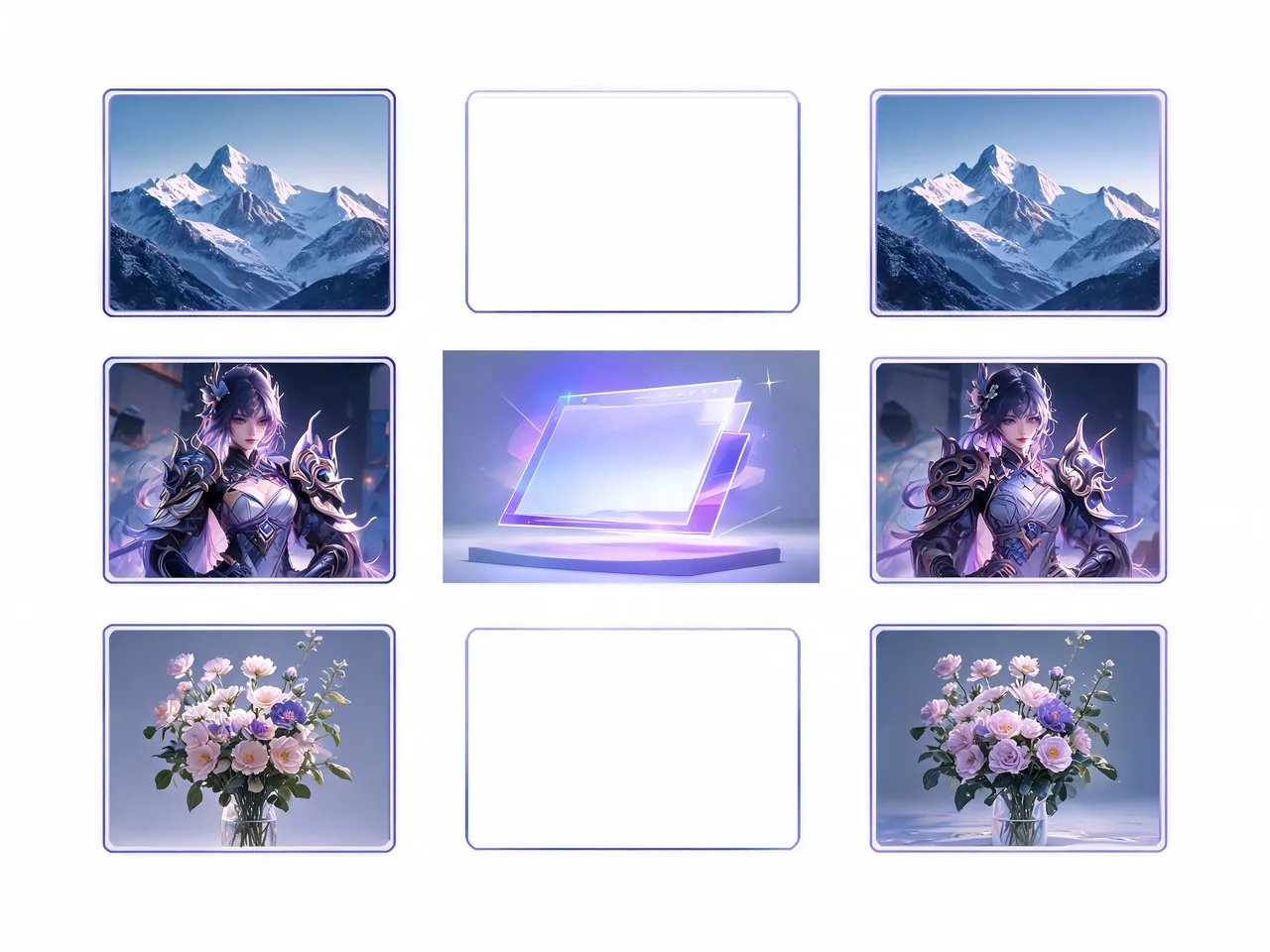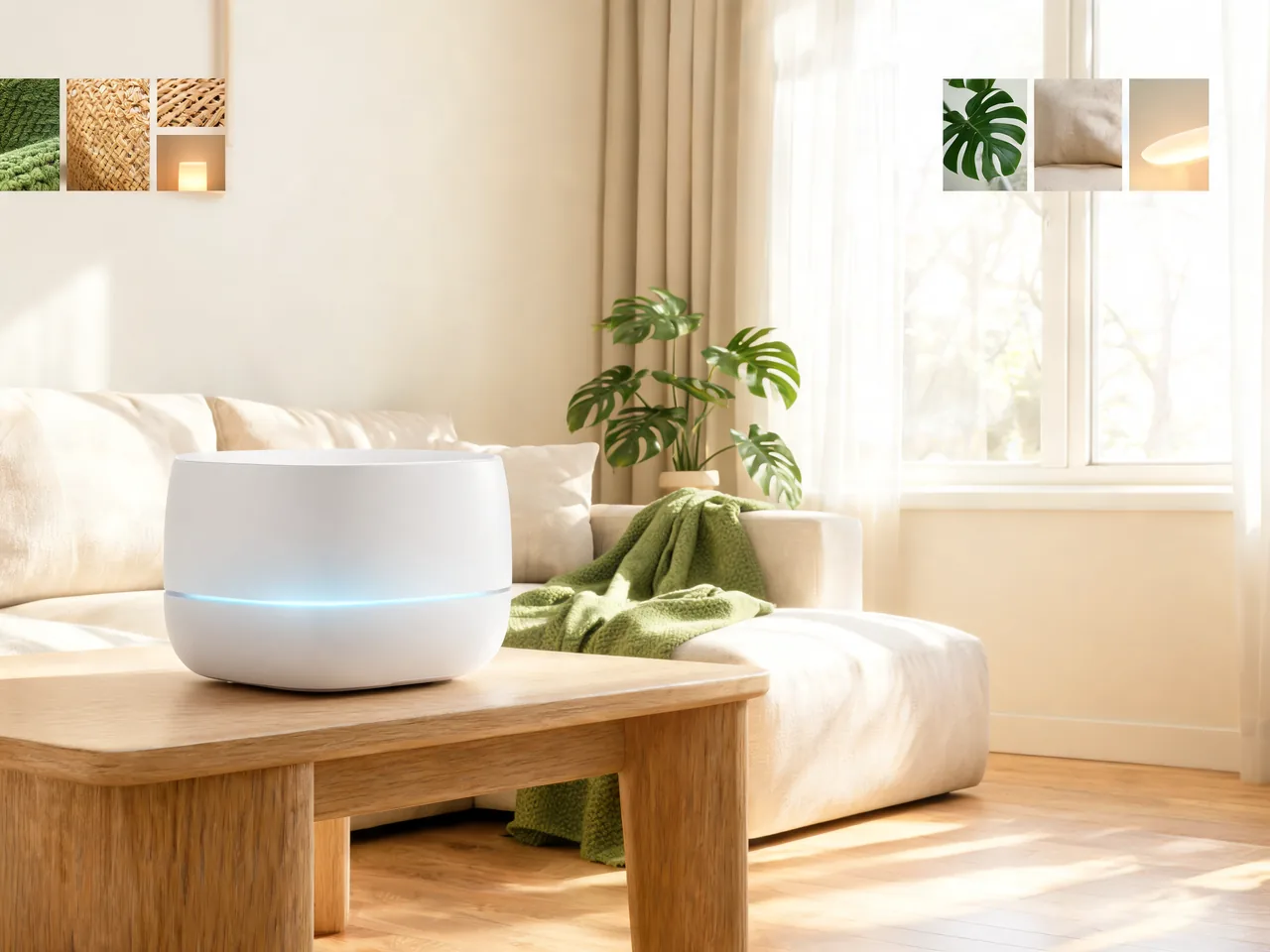
Search-Grounded Product Concept
Create a product launch image with region-aware visual cues, current design language, accurate material details, and a clean hero composition.
Explore Seedream 5.0 Lite, ByteDance Seed's image model for reasoning-driven prompts, online search grounded visuals, reference-aware edits, and polished image design workflows.
Seedream 5.0 Lite is a ByteDance Seed image generation model presented as a unified multimodal image model. Official materials emphasize stronger understanding, deep thinking, online search grounding, and higher-quality image generation across creative and professional tasks.
The model is designed for prompts that need more than visual style alone: it can reason through layout instructions, use web-grounded context where available, preserve visual intent across edits, and produce images for posters, branded assets, illustrations, product visuals, and text-led designs.
On Toolaze, this page helps creators compare Seedream 5.0 Lite with current image models and prepare stronger prompts for the Seed image workflow.
Use Seedream 5.0 Lite when the prompt needs reasoning, reference awareness, factual context, and controlled visual composition rather than a single decorative image.
Seedream 5.0 Lite is positioned around stronger reasoning. That matters for prompts with several constraints: subject placement, layout hierarchy, exact style rules, scene relationships, and visible design intent.
Use it for briefs where the image should satisfy a plan instead of only matching a mood: landing page visuals, explainers, campaign scenes, and design compositions with multiple constraints.
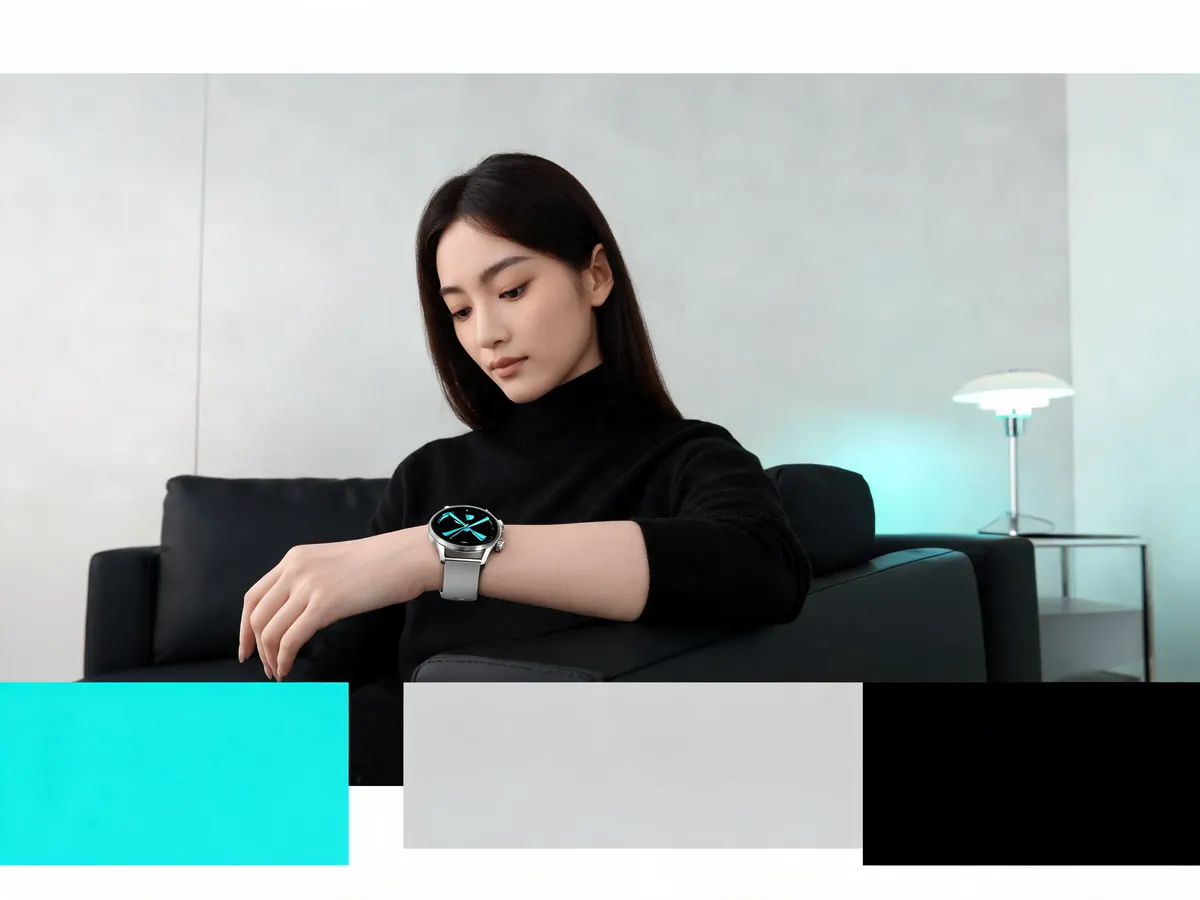
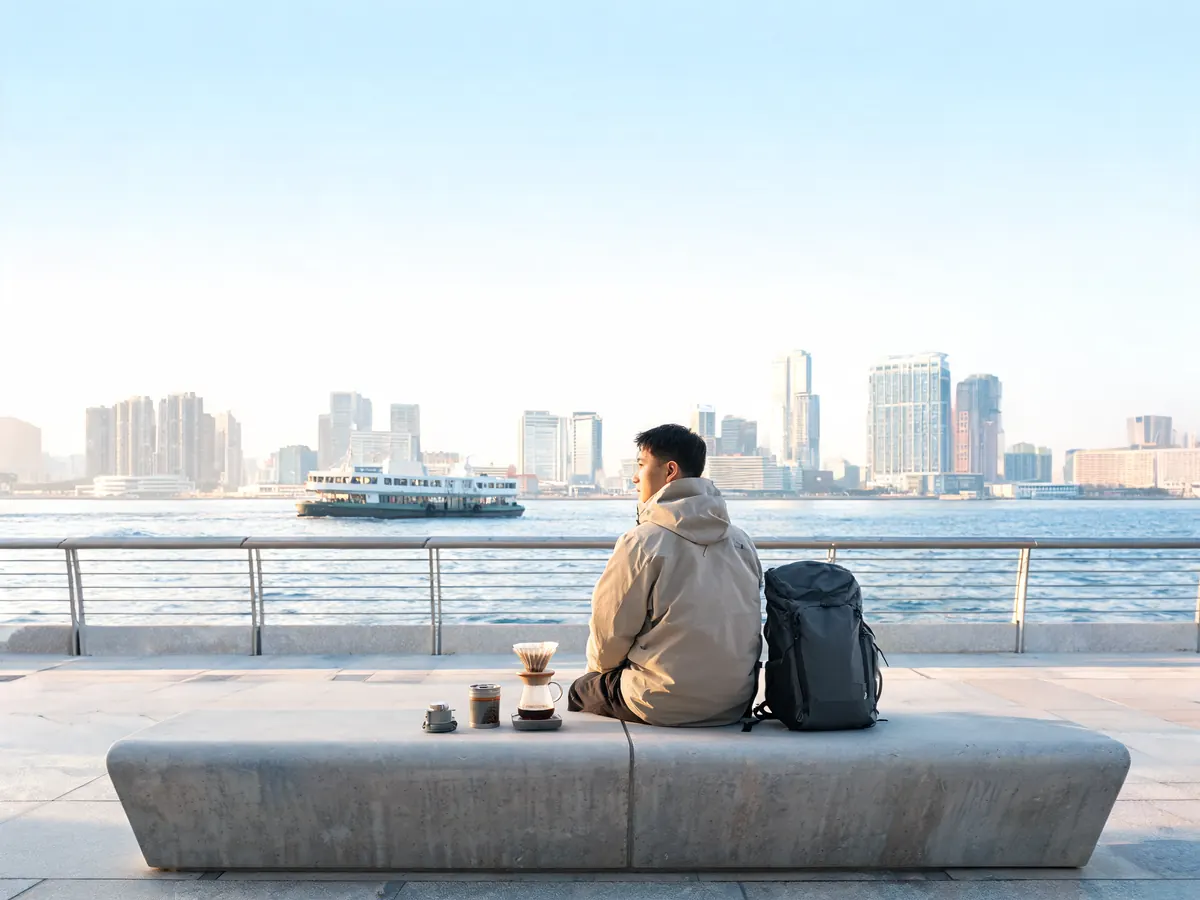
Official Seedream 5.0 Lite materials highlight online search. This is useful when an image concept depends on current context, recognizable categories, regional details, or richer visual references.
For production work, this helps turn a broad creative brief into more grounded visual direction before you refine composition, lighting, typography, and final output settings.
Seedream 5.0 Lite is designed for multimodal image tasks, including workflows where uploaded images, style references, or existing compositions should guide the result instead of being ignored.
That makes it useful for product iterations, character continuity, poster refinements, and brand scenes where the uploaded reference should remain recognizable after editing.

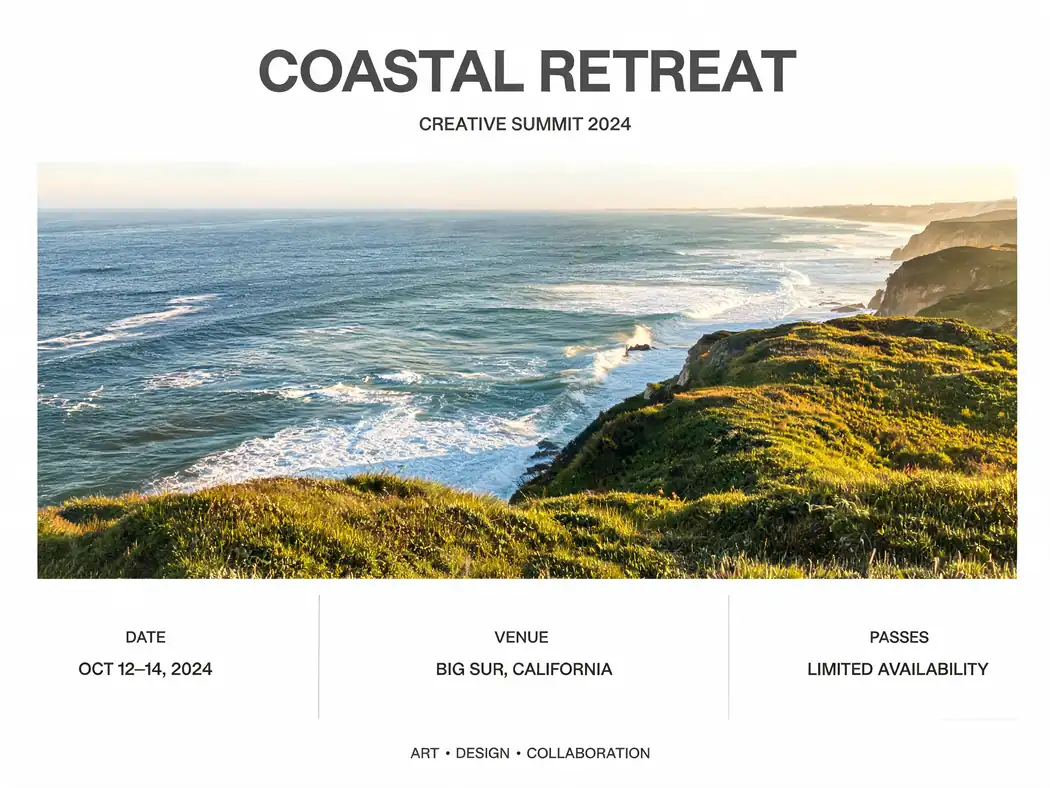
Use it for campaign posters, information cards, brand mockups, editorial visuals, product scenes, and social graphics where readable structure and polished composition matter.
Structured prompts should define hierarchy, label areas, title placement, safe margins, visual density, and where the image needs clean negative space.
Seedream 5.0 Lite is most useful when text instructions and visual references work together, especially for design reviews, image refreshes, and concept-to-output workflows.
Combine a concise objective with reference roles, must-keep elements, composition notes, visual style, output format, and review criteria before generating.
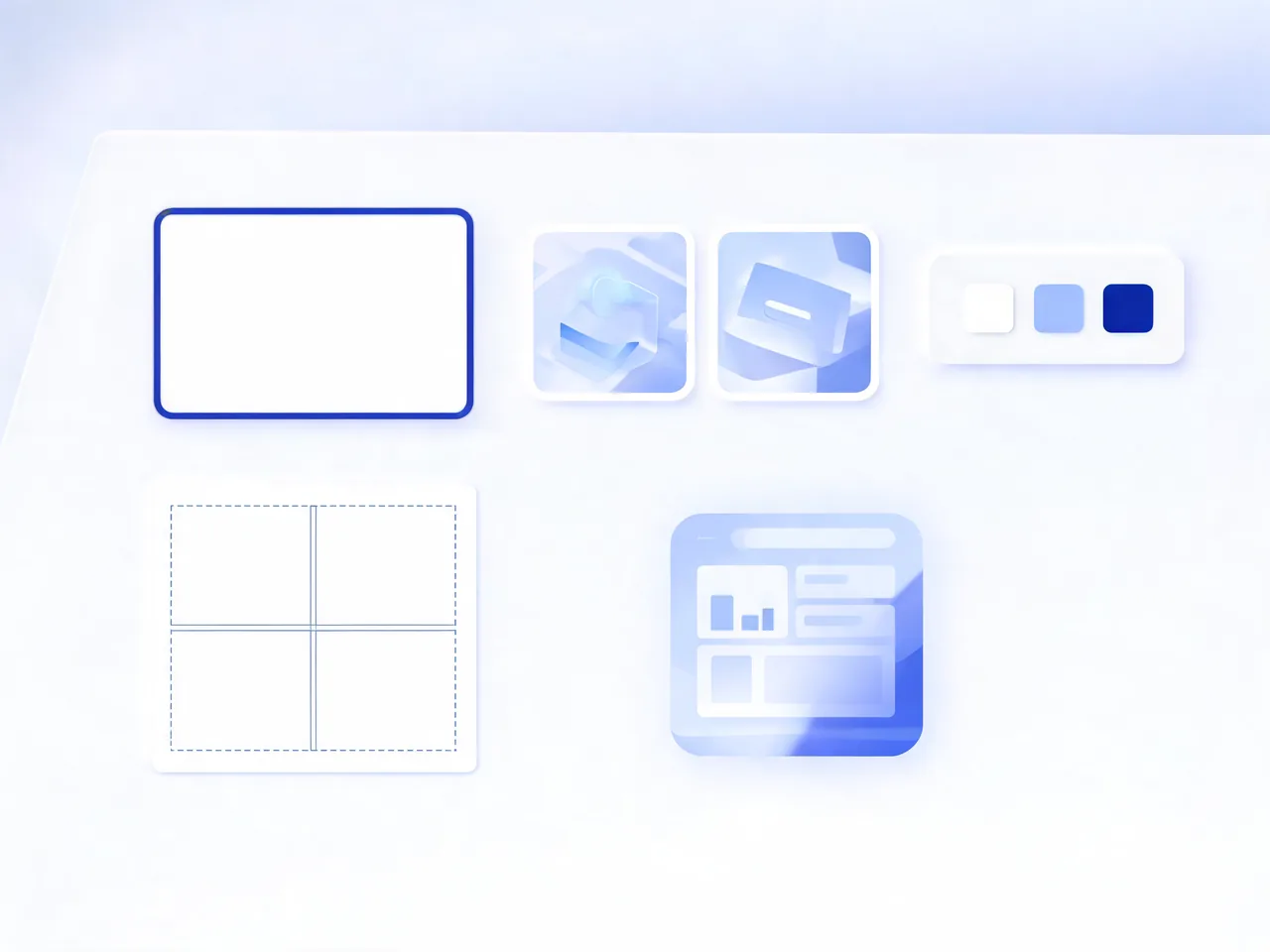
These prompt directions reflect the official capability focus: reasoning, search-grounded context, design layouts, reference editing, and creative visual exploration.
Create a product launch image with region-aware visual cues, current design language, accurate material details, and a clean hero composition.
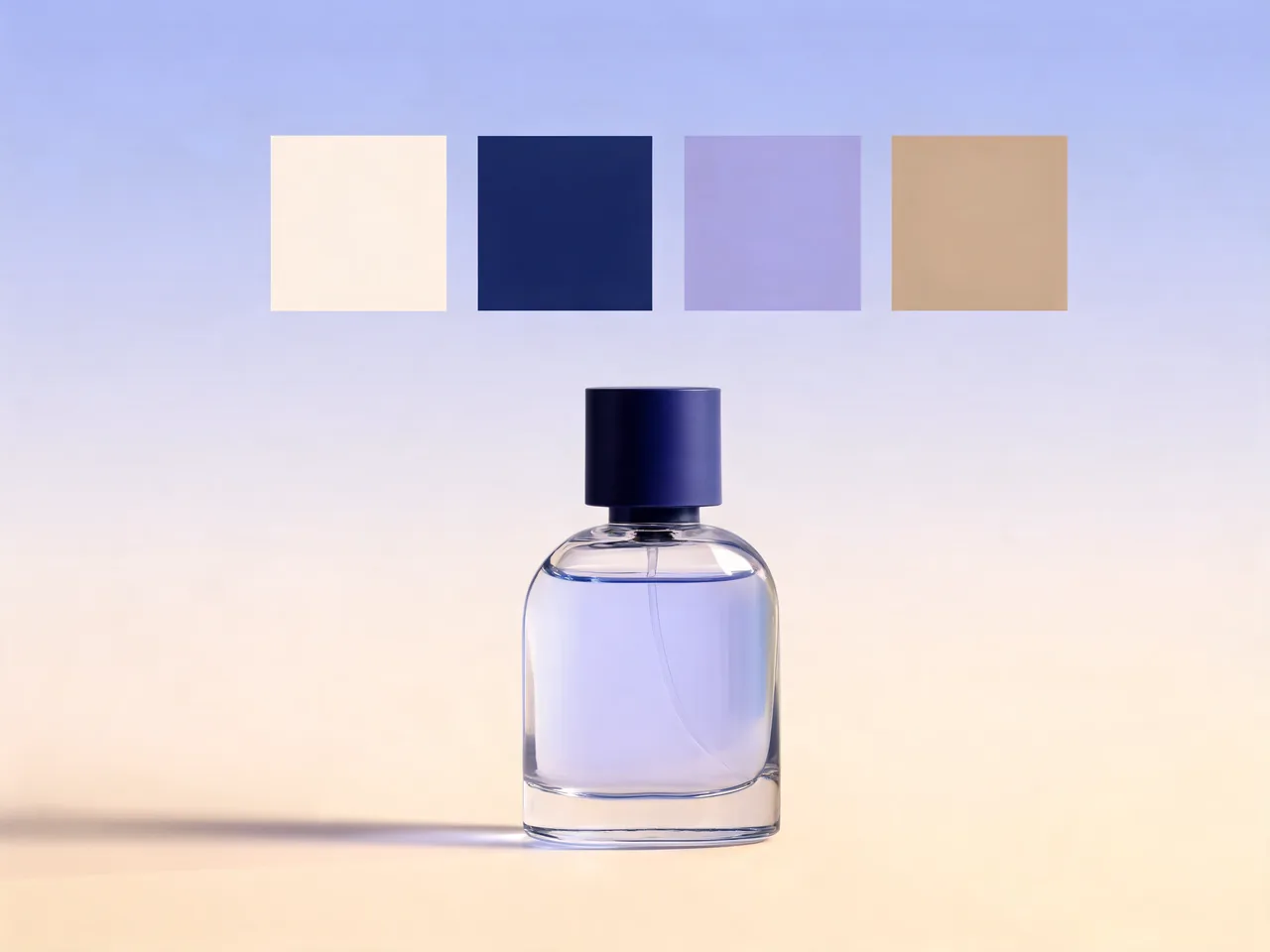
Upload a draft poster, keep the central product and brand palette, then improve hierarchy, lighting, title placement, and call-to-action clarity.
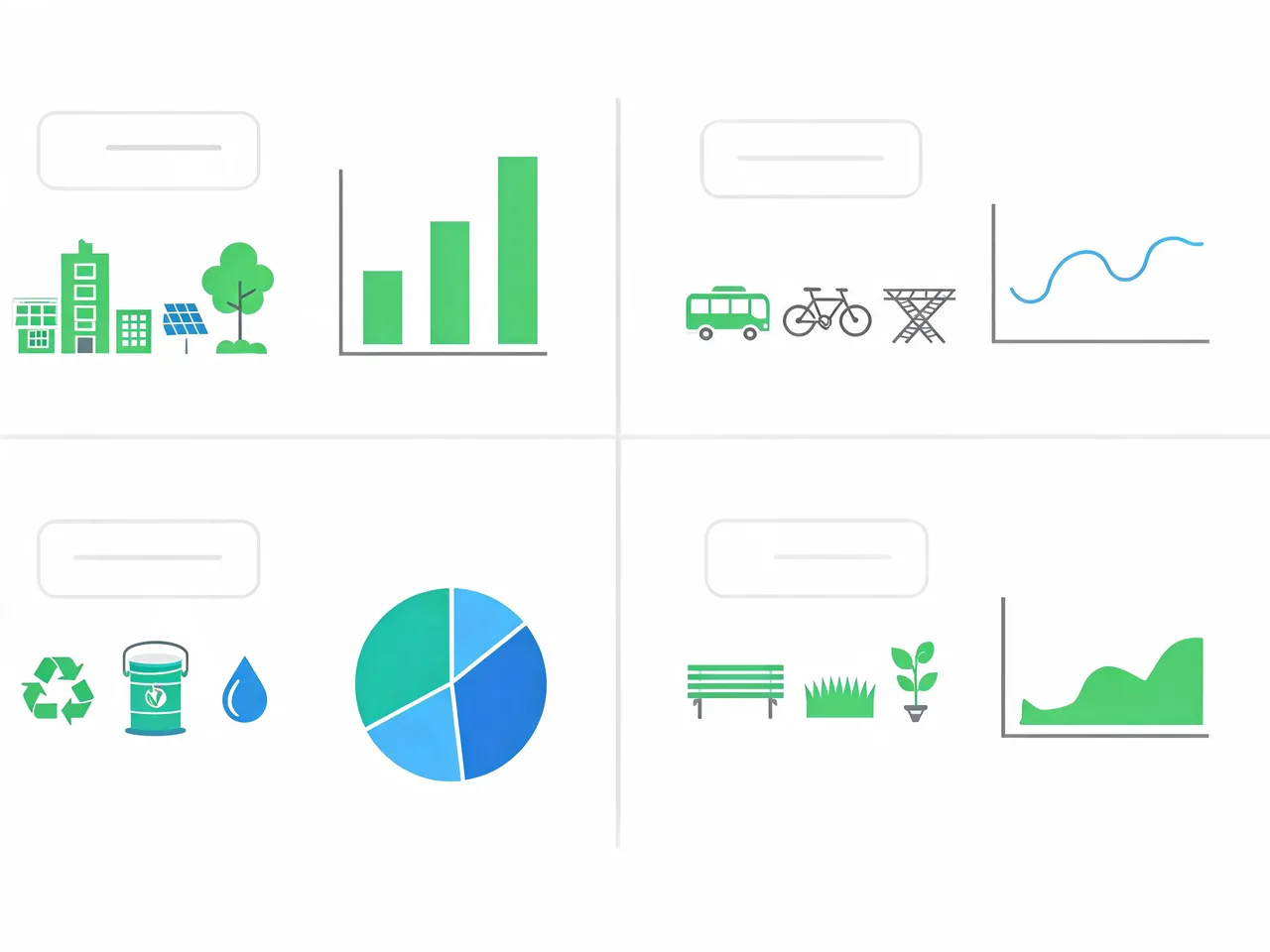
Design a simple information graphic where every visual element maps to a specific concept, with readable labels and balanced spacing.
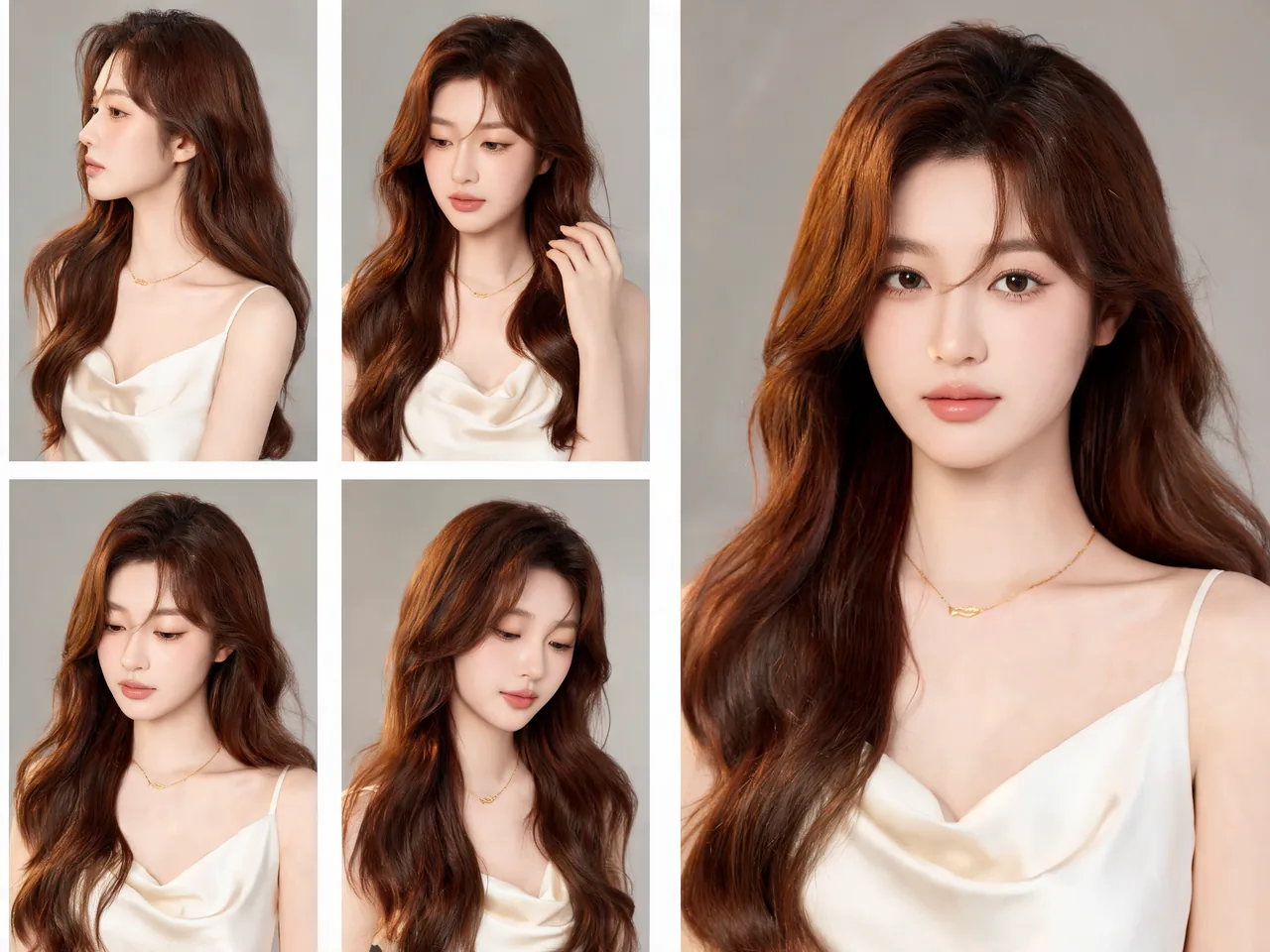
Use reference images to keep a character, outfit, or brand asset consistent while changing background, mood, camera angle, or format.
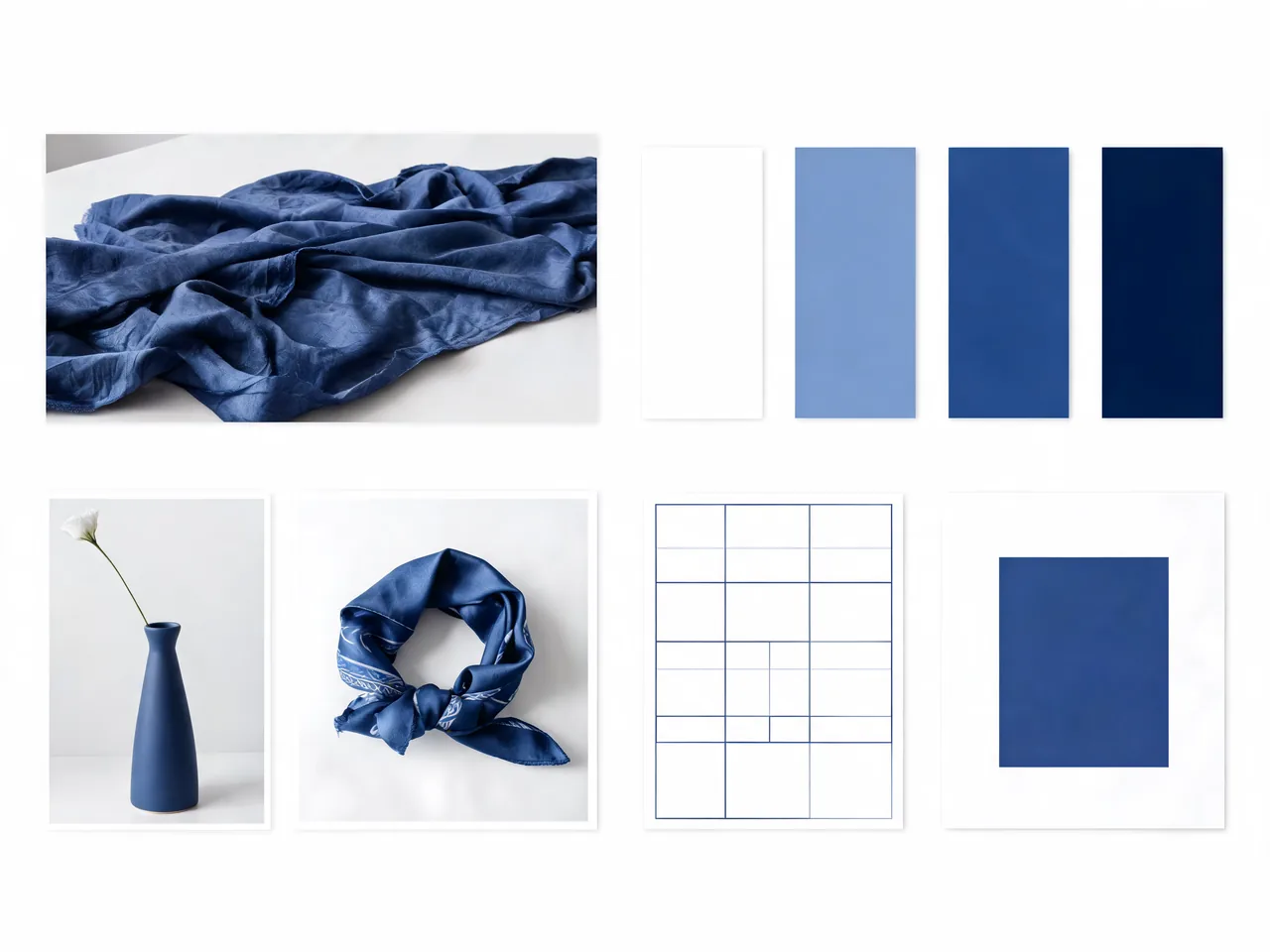
Turn a complex article theme into a clean editorial image with symbolic objects, headline-safe space, and a controlled visual hierarchy.
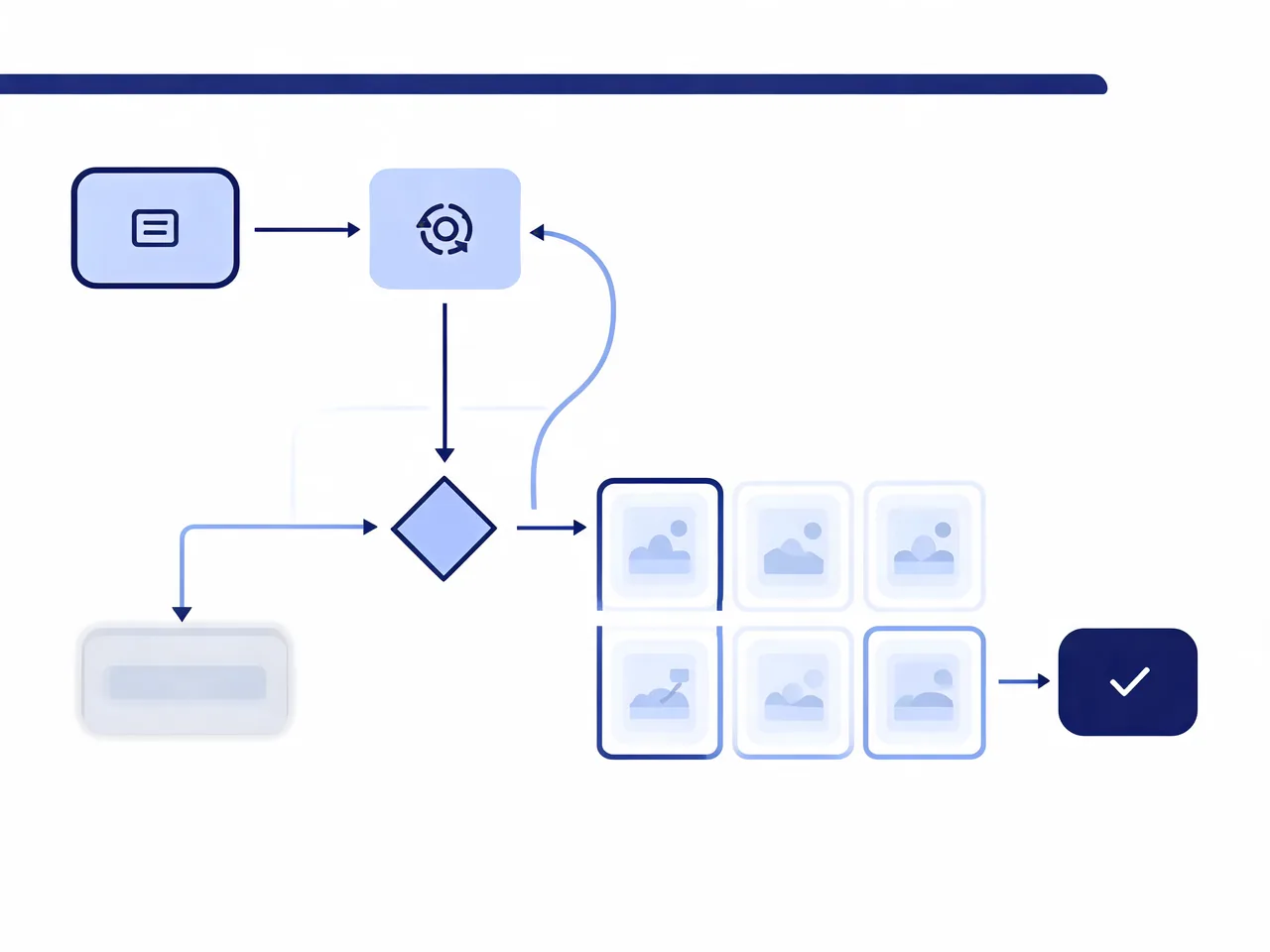
Create a product workflow diagram or interface concept where labels, panels, arrows, and visual grouping stay easy to scan.
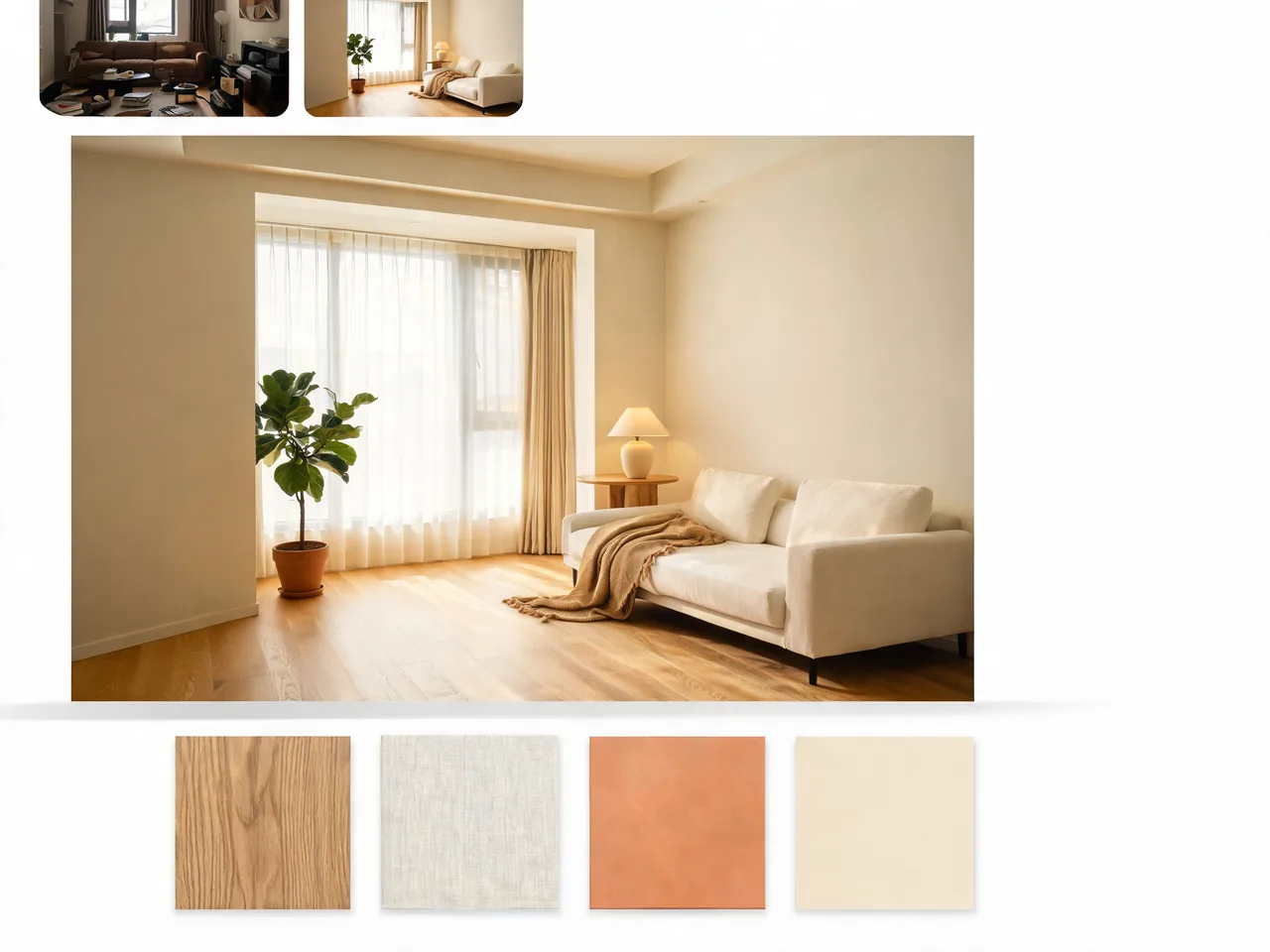
Use a room or facade reference, keep structural cues, and change lighting, materials, furniture, signage, or seasonal mood.
Prepare a poster, menu board, or social card where multiple text zones need clear hierarchy and post-generation review.
Seedream 5.0 Lite is most useful for creators who need an image model to follow a brief, reason through references, and produce structured design-ready visuals.
Brand designers preparing campaign key visuals, social cards, product scenes, and launch assets.
E-commerce teams refining product hero images, detail cards, packaging concepts, and seasonal variants.
Content teams turning explainers, reports, and article ideas into structured infographics or editorial visuals.
Creative directors comparing model behavior before choosing a workflow for higher-resolution production.
Product marketers who need clear text zones, visual hierarchy, and review-friendly image concepts.
Creators who use reference images and need consistent subjects, styles, or layouts across variations.
Choose the model by task. Seedream 5.0 Lite is most interesting when reasoning and online search grounding matter; Seedream 4.5 remains strong for Toolaze-supported 4K and reference-guided Seed workflows.
| Capability | Seedream 5.0 Lite | Seedream 4.5 | GPT Image 2 | Nano Banana Pro |
|---|---|---|---|---|
| Official source | ByteDance Seed | ByteDance Seed | OpenAI | Google Gemini image family |
| Maximum output resolution | Official max not listed; Toolaze currently exposes 1K, 2K, and 4K settings through the available Seed workflow. | Toolaze setting: 1K, 2K, and 4K. | Toolaze setting: 1K, 2K, and 4K. | Toolaze setting: 1K, 2K, and 4K; availability can depend on the active model route. |
| Reference image limit | Dedicated 5.0 Lite official max not listed; current Toolaze Seed workflow supports up to 14 reference images. | Up to 14 reference images on Toolaze. | Up to 16 reference images on Toolaze. | Up to 8 reference images on Toolaze. |
| Reference upload size | Toolaze current Seed workflow: 10 MB per reference image. | 10 MB per reference image on Toolaze. | 30 MB per reference image on Toolaze. | 30 MB per reference image on Toolaze. |
| Aspect ratio options | Toolaze current Seed workflow: 1:1, 4:3, 3:4, 16:9, 9:16, 2:3, 3:2, and 21:9. | 8 ratios on Toolaze: 1:1, 4:3, 3:4, 16:9, 9:16, 2:3, 3:2, and 21:9. | 6 ratios on Toolaze: auto, 1:1, 9:16, 16:9, 4:3, and 3:4. | 11 ratios on Toolaze, including auto, square, portrait, landscape, 16:9, 9:16, and 21:9. |
| Best fit | Reasoning, online search grounding, and multimodal image planning. | 4K-oriented product visuals, posters, typography, and reference edits. | Structured images, text-led graphics, and precise edits. | Fast creative drafts and reference-based generation. |
Open the Seedream 5.0 Lite model page and start from the functional generator area.
Write a structured prompt that names the output type, subject, layout, reference role, lighting, aspect ratio, and text requirements.
Upload reference images when the result should preserve a product, person, design, or visual style.
Use Toolaze's available Seed image workflow to draft results while dedicated Seedream 5.0 Lite access is being finalized.
Review text, factual details, and brand-critical elements before publishing any generated image.
Use these prompts as starting points for reasoning-heavy, search-aware, and reference-guided image generation tasks.
Create a premium campaign key visual for a new eco travel backpack. Use current outdoor gear design language, recycled fabric details, a realistic mountain train station setting, clear product hierarchy, soft morning light, and a clean headline area. The image should feel factual, modern, and ready for a landing page hero.
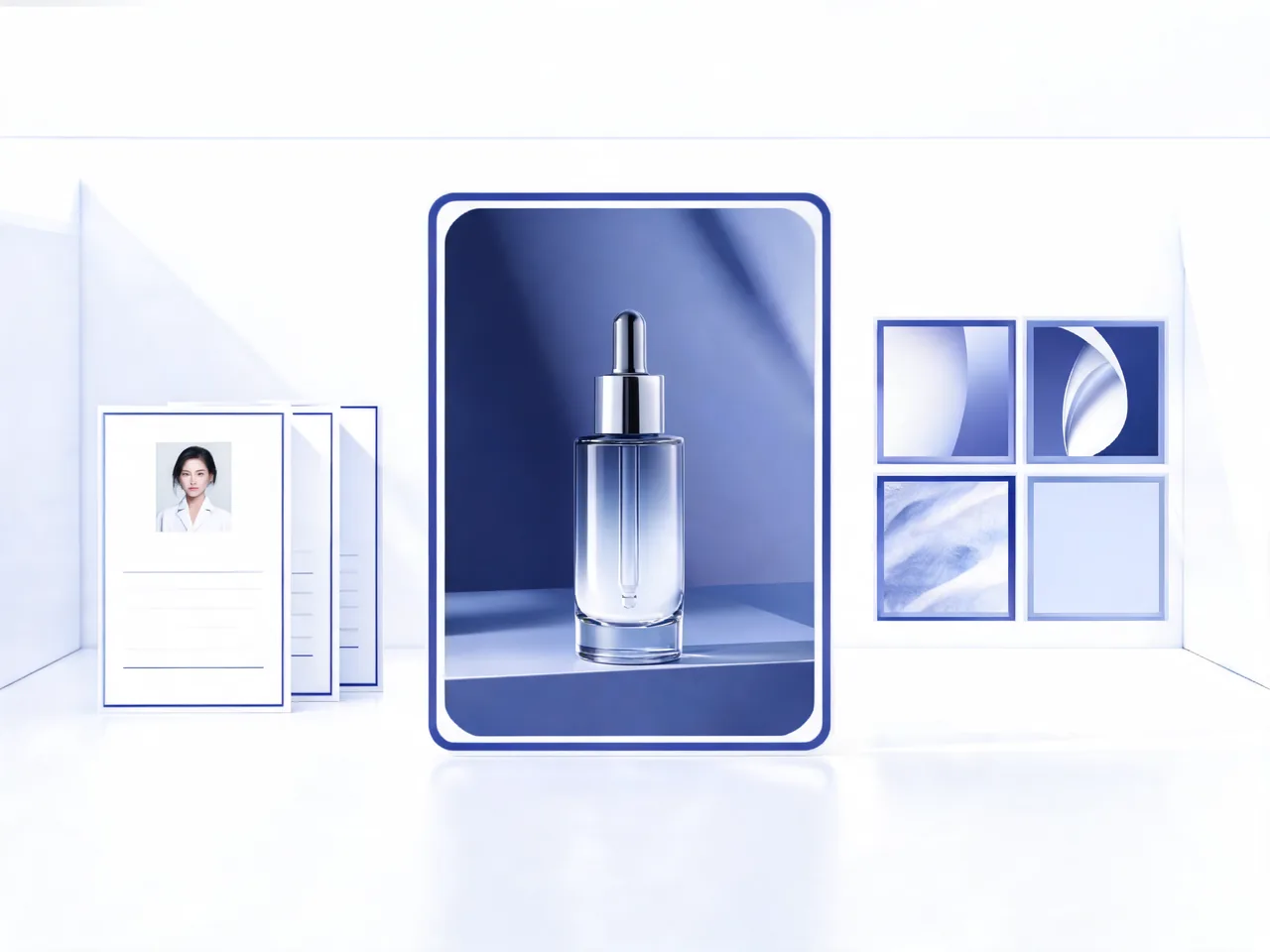
Use the uploaded product image as the exact reference. Keep the shape, logo placement, color family, and material finish. Improve the background into a minimal studio scene with subtle reflections, clearer edge lighting, and a 4:5 composition for a product page.
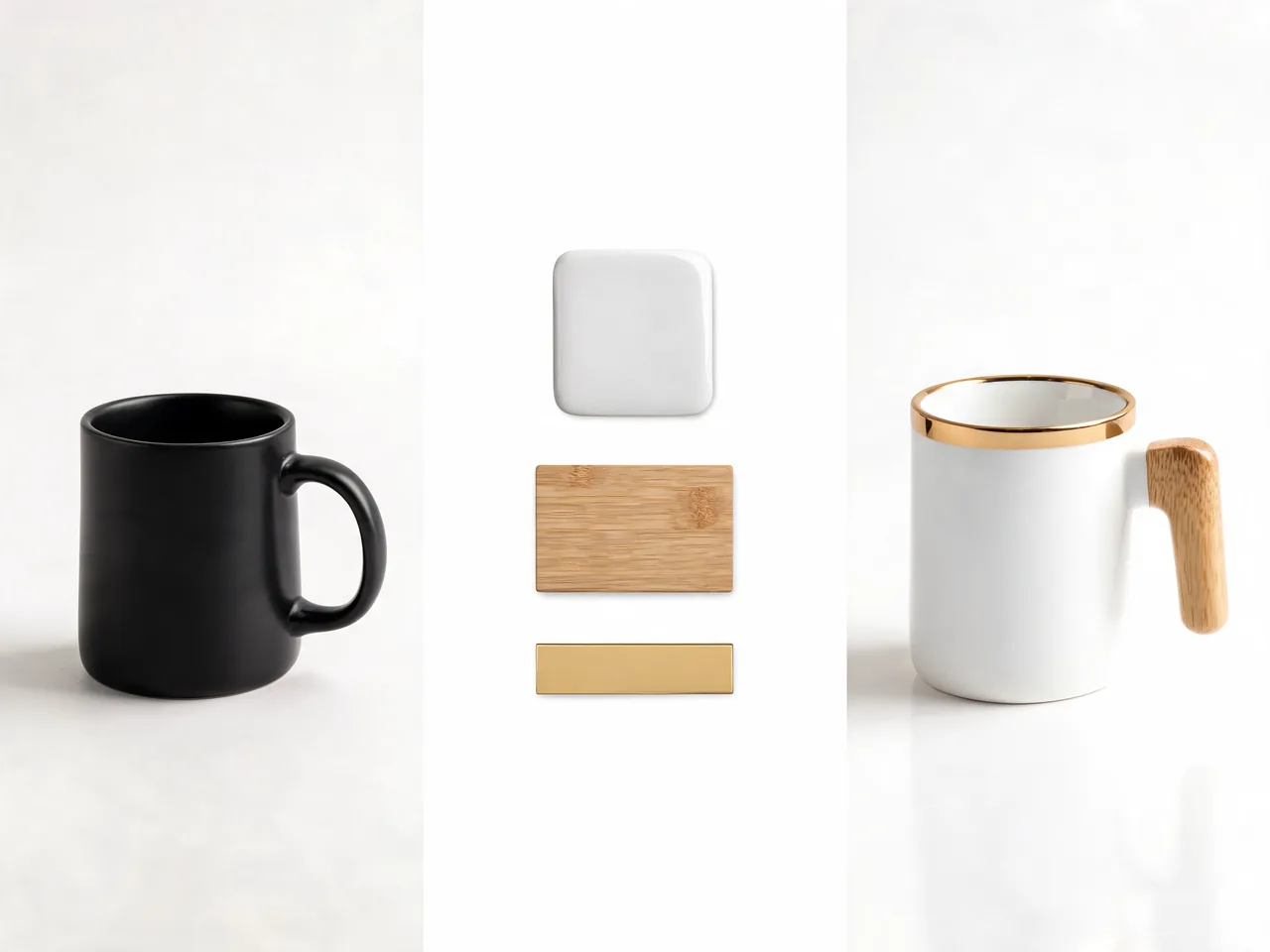
Design a square educational infographic explaining how a solar-powered home battery stores daytime energy for night use. Use three clear visual zones, readable labels, simple arrows, warm daylight on the left and evening interior light on the right, with a clean editorial layout.
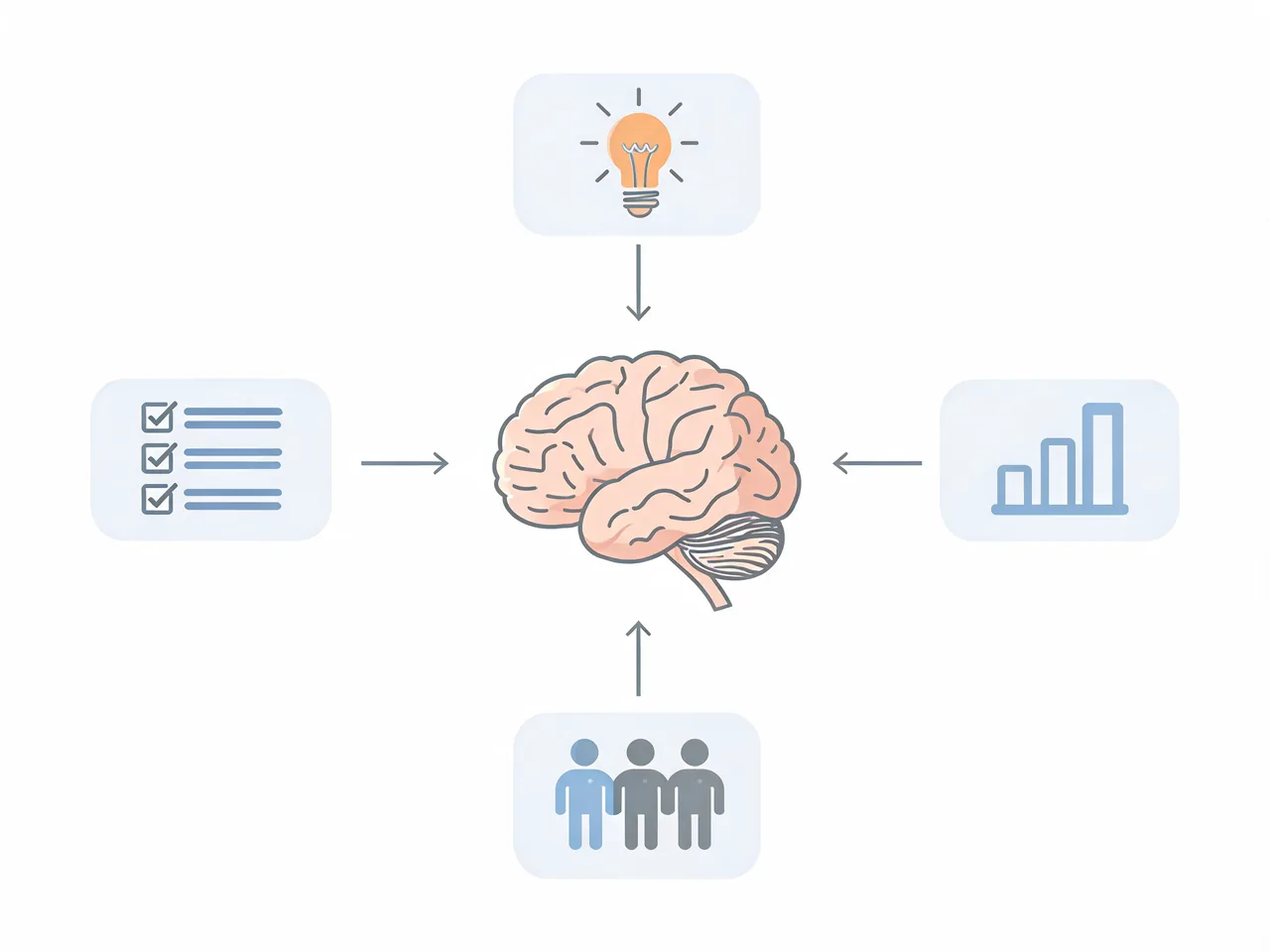
Use the uploaded character reference to create a new cinematic portrait. Keep the face shape, hairstyle, outfit color palette, and personality consistent. Change the setting to a rainy neon street, use shallow depth of field, and preserve a natural expression.
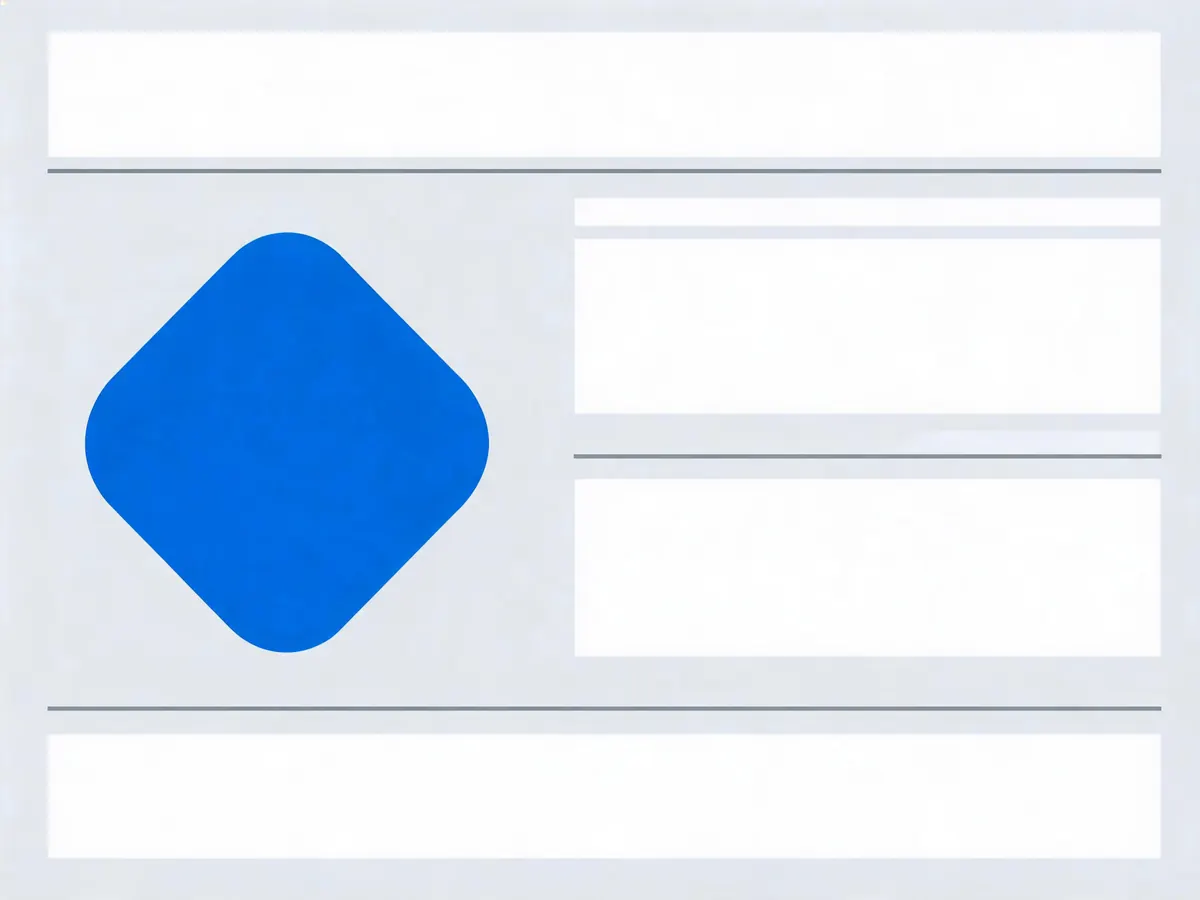
Design a vertical event poster for a future design conference. Create a bold central symbol, three clean text zones for title, date, and venue, generous margins, modern editorial lighting, and a premium technology atmosphere. Leave all text readable and easy to review.
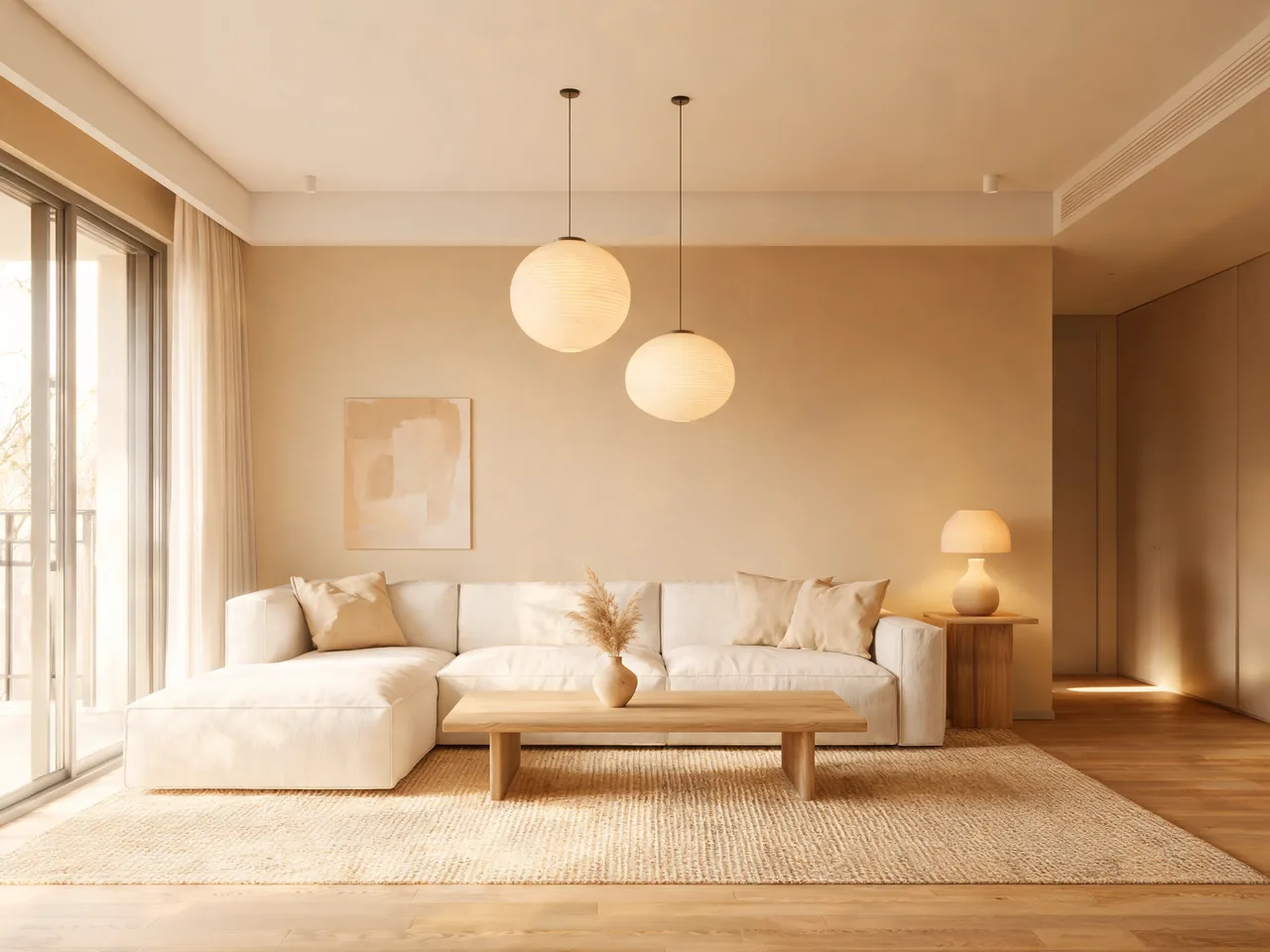
Use the uploaded living room as the structural reference. Keep the window placement and room proportions, then redesign the space with warm minimal furniture, indirect lighting, natural materials, and a calm evening mood. Show the full room in a realistic wide-angle composition.
Watch public Seedream 5.0 Lite videos that discuss model behavior, prompt workflows, and how the image model compares with adjacent generation tools.
Joseph Martin
A hands-on creator review focused on Seedream 5.0 Lite output quality and practical image generation behavior.
Watch on YouTubeYouTube creator walkthrough
A public overview video describing how Seedream 5.0 Lite changes AI image generation workflows.
Watch on YouTubeModelArk / BytePlus ecosystem
A short launch-style video introducing Seedream 5.0 Lite through the ModelArk API workflow.
Watch on YouTubeView verified Reddit posts with matching Seedream 5.0 Lite titles, source links, and original media grouped by post.
r/Freepik_AI
Community post

A Reddit announcement post for Seedream 5.0 Lite availability with multiple original media examples kept inside one carousel.
Open Reddit threadr/Bard
Community post

A Reddit post discussing Seedream 5.0 Lite pricing and API availability with an original media preview.
Open Reddit threadr/ArtificialInteligence
Community post

A Reddit comparison post testing Seedream 5.0 Lite beside Seedream 4.5 and Nano Banana with original output media.
Open Reddit threadRead public X posts from model platforms, AI tool providers, and benchmark communities discussing Seedream 5.0 Lite launch details, reasoning, search grounding, and multi-image editing.
INTRODUCING: Seedream 5.0 Lite — the next generation of AI image creation is here.
BytePlus launch post
BytePlus
@BytePlusGlobal
Official BytePlus launch post for Seedream 5.0 Lite with model positioning and image creation examples.
Source · Open postSeedream 5.0 Lite is here, with BytePlus describing it as a compact model for stronger visual creation.
BytePlus capability post
BytePlus
@BytePlusGlobal
BytePlus follow-up post describing why the Lite model is still positioned for capable image generation.
Source · Open postSeedream 5.0 Lite is live on Poe, described as a high-fidelity image generation model with multi-step visual reasoning and precise control.
Poe availability post
Poe
@poe_platform
Poe announcement post about Seedream 5.0 Lite availability and reasoning-focused image generation.
Source · Open postSeedream-5.0-Lite ties for top 5 on the Multi-Image Edit Arena.
Multi-Image Edit Arena ranking
Arena
@arena
Benchmark-style post covering Seedream 5.0 Lite performance in multi-image editing comparisons.
Source · Open postSeedream 5.0 Lite is here on fal at day 0, described as unified multimodal image generation with deep thinking and built-in online search.
fal day-zero launch
fal
@fal
fal launch post for Seedream 5.0 Lite, emphasizing deep thinking and built-in online search.
Source · Open postCompare Seedream 5.0 Lite with adjacent Toolaze image model pages when you need a different balance of generation, editing, reference control, or high-resolution output.
Use the current Toolaze Seed image workflow for 4K product visuals, typography-rich posters, and reference-guided edits.
Try nowCreate structured images, mockups, text-led graphics, and edited visuals with GPT Image 2.
Try nowTry Wan 2.7 Image for thinking mode, multi-reference generation, and structured poster layouts.
Try nowSeedream 5.0 Lite is a ByteDance Seed AI image generation model focused on stronger understanding, reasoning, online search grounding, multimodal image tasks, and professional visual creation.
Toolaze provides a Seedream 5.0 Lite model guide and lets users prepare prompts for available Seed image generation workflows.
Seedream 5.0 Lite is positioned around deeper reasoning and online search grounding. Seedream 4.5 is already supported in Toolaze for high-quality Seed image generation, 4K-oriented output, typography-rich visuals, and reference-guided edits.
Use structured prompts that define the asset type, subject, reference role, composition, visible text, factual context, style constraints, and final use case. The model is more useful when the task needs reasoning, not just a short style phrase.
Seedream 5.0 Lite final call to action
Prepare reasoning-driven image prompts, compare Seedream 5.0 Lite with current Toolaze image models, and start creating through available Seed image workflows.
Start from the generator