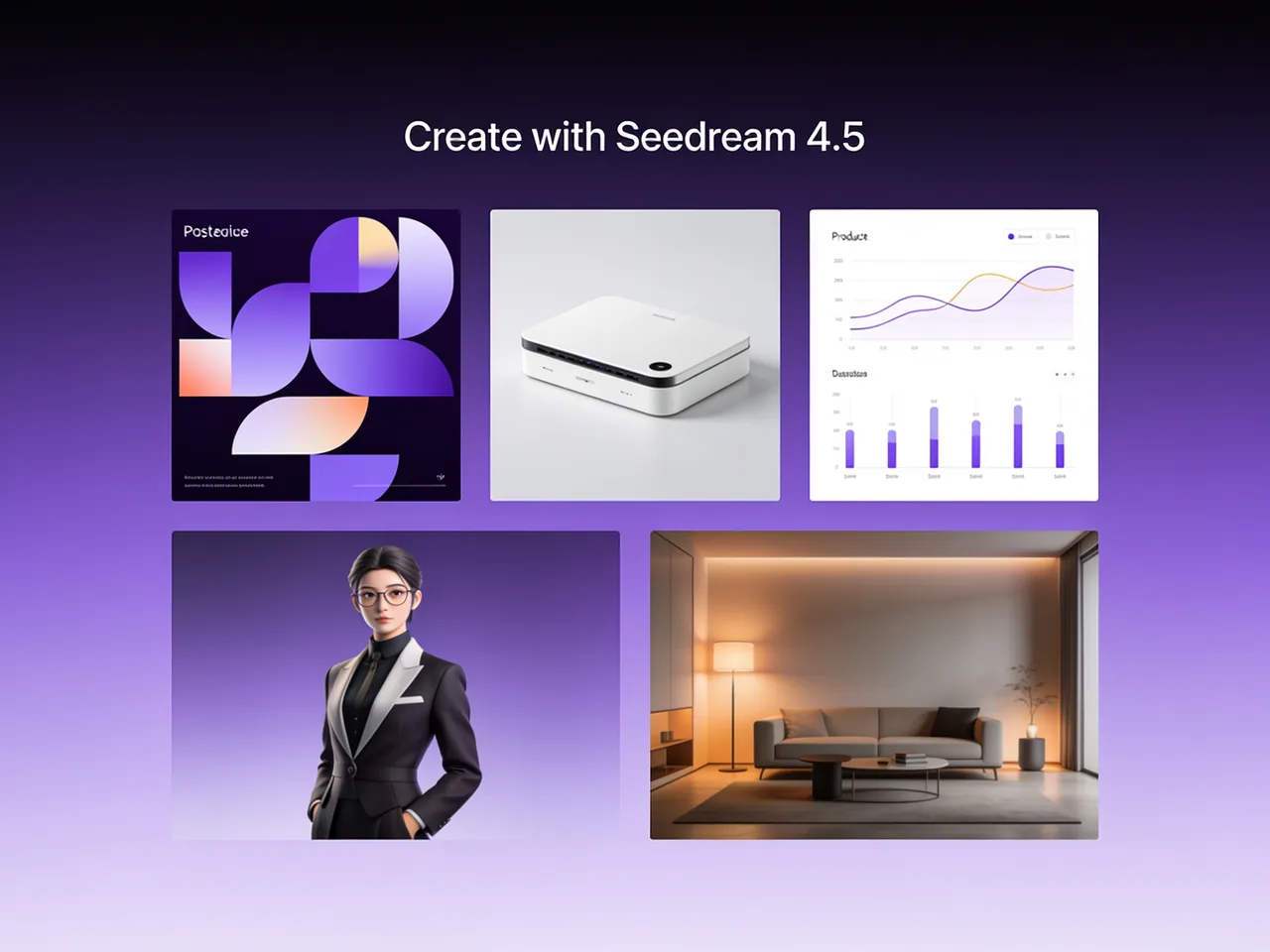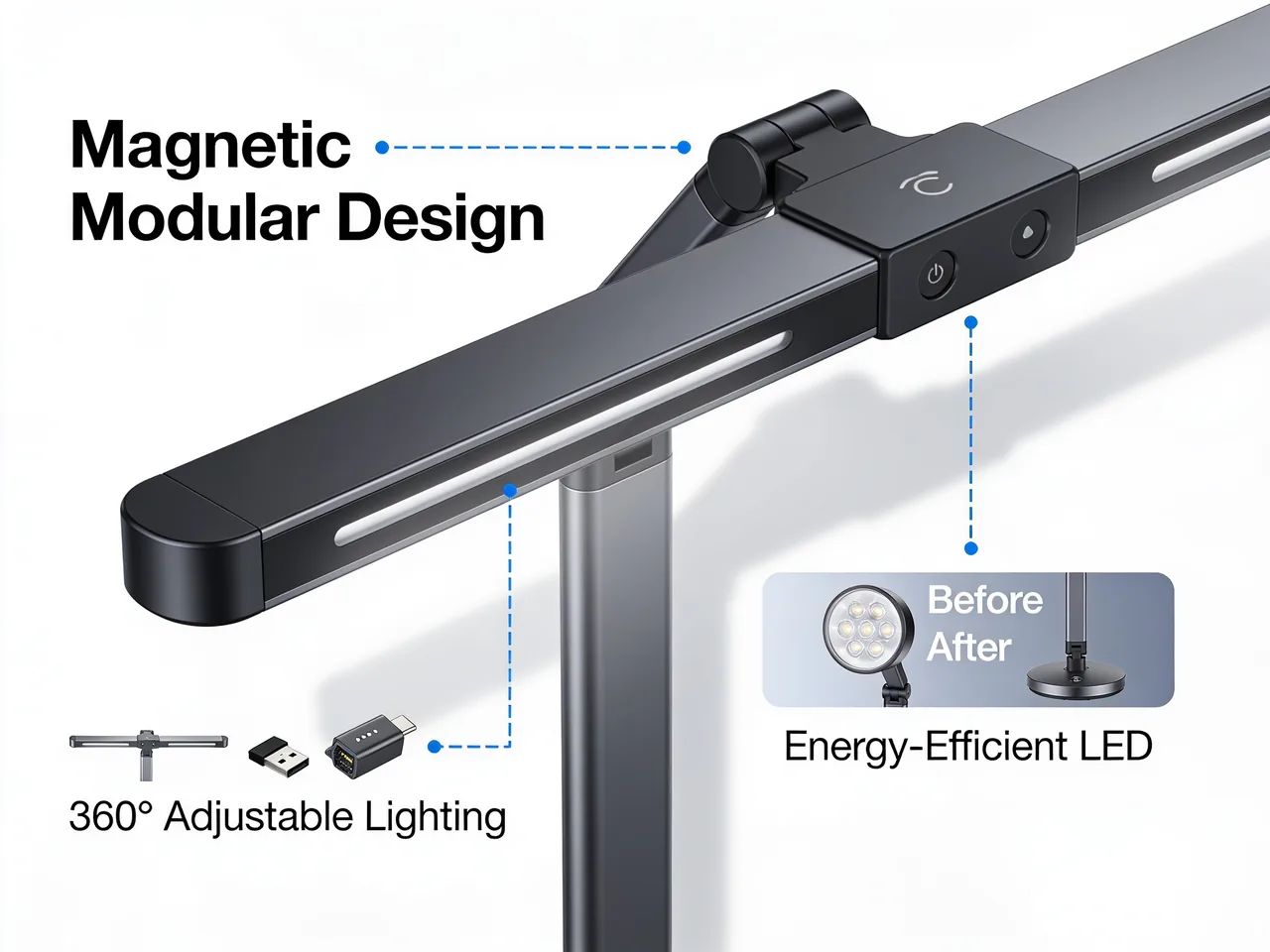
E-commerce Product Image
Create clean marketplace visuals with product focus, controlled background, readable selling points, and room for badges or promotional text.
Use Seedream 4.5 online on Toolaze for free with no signup. Create 4K product visuals, poster layouts, typography-rich designs, and reference-guided image edits directly in your browser with ByteDance Seed's image generation and editing model.
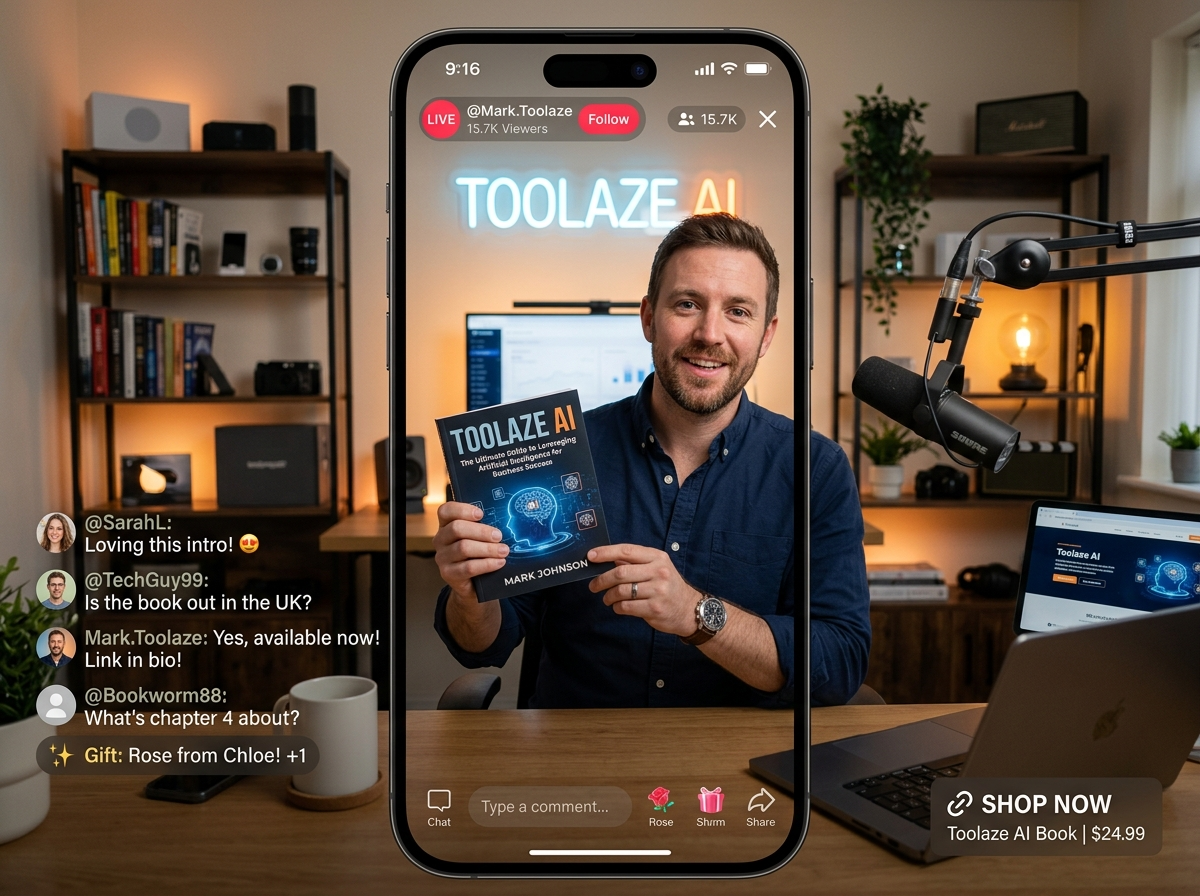
Seedream 4.5 is ByteDance Seed's AI image generation and editing model for creating and refining images from prompts and reference images. It is useful for commercial visuals, e-commerce images, poster layouts, typography-heavy designs, and multi-image editing workflows.
Toolaze supports Seedream 4.5 text-to-image, image editing, fast draft quality, and 4K high quality output, making it useful for quick concept work and higher-resolution final creative assets.
For editing, Toolaze supports JPEG, PNG, and WEBP reference files and up to 14 reference images. That makes Seedream 4.5 useful for multi-image product boards, style matching, and reference-preserving edits.
Use Seedream 4.5 for reference consistency, 4K output, typography, commercial layouts, and prompt-controlled edits.
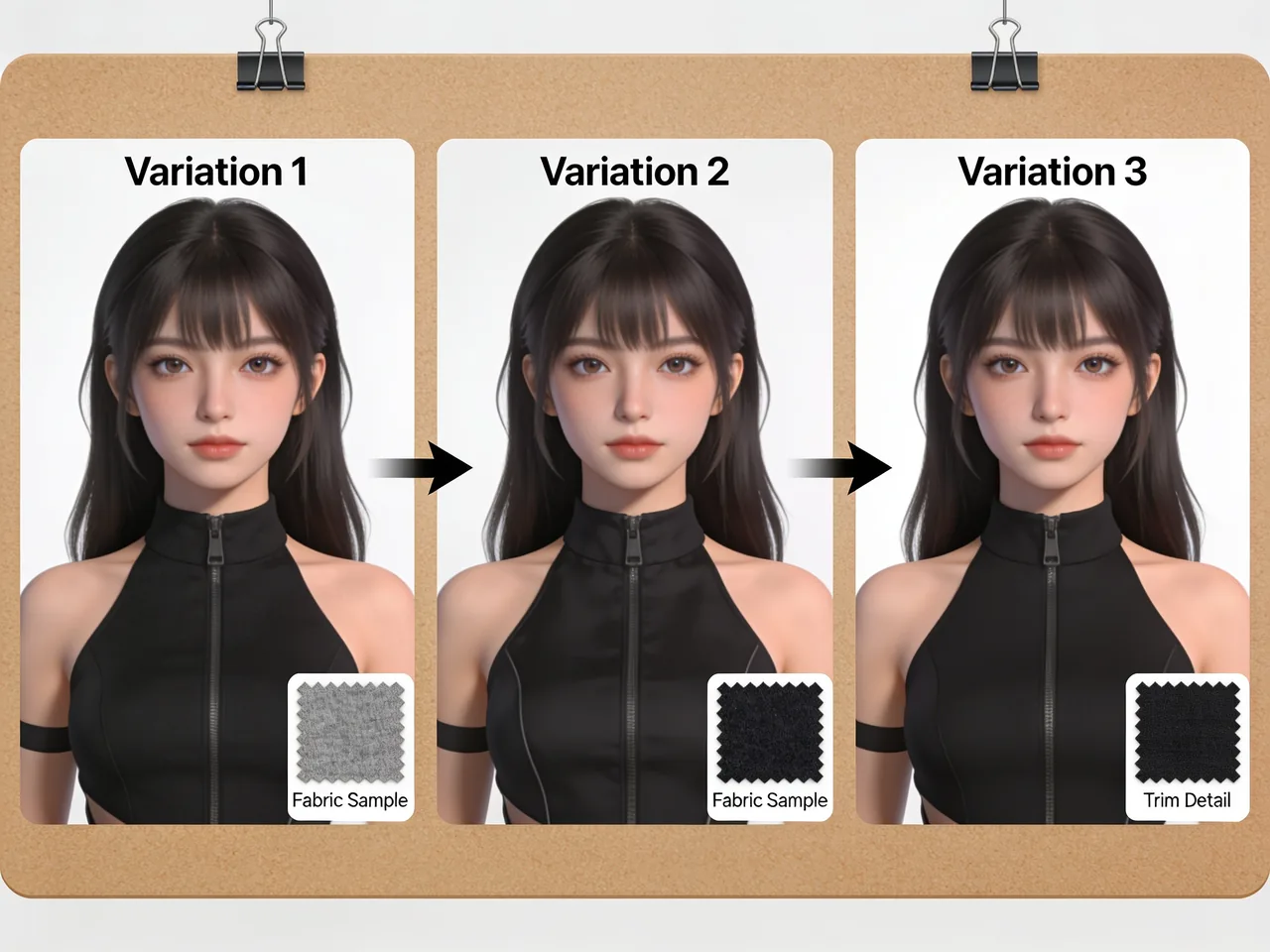
Seedream 4.5 is especially useful when a prompt needs to keep visual identity stable across multiple references. Use it for product variants, character references, packaging changes, material swaps, and scenes where the uploaded image should still feel like the same subject after editing.
Toolaze supports Seedream 4.5 image editing with reference inputs, including JPEG, PNG, and WEBP files. That makes the model a strong fit for reference-guided edits where consistency matters more than one-off visual exploration.
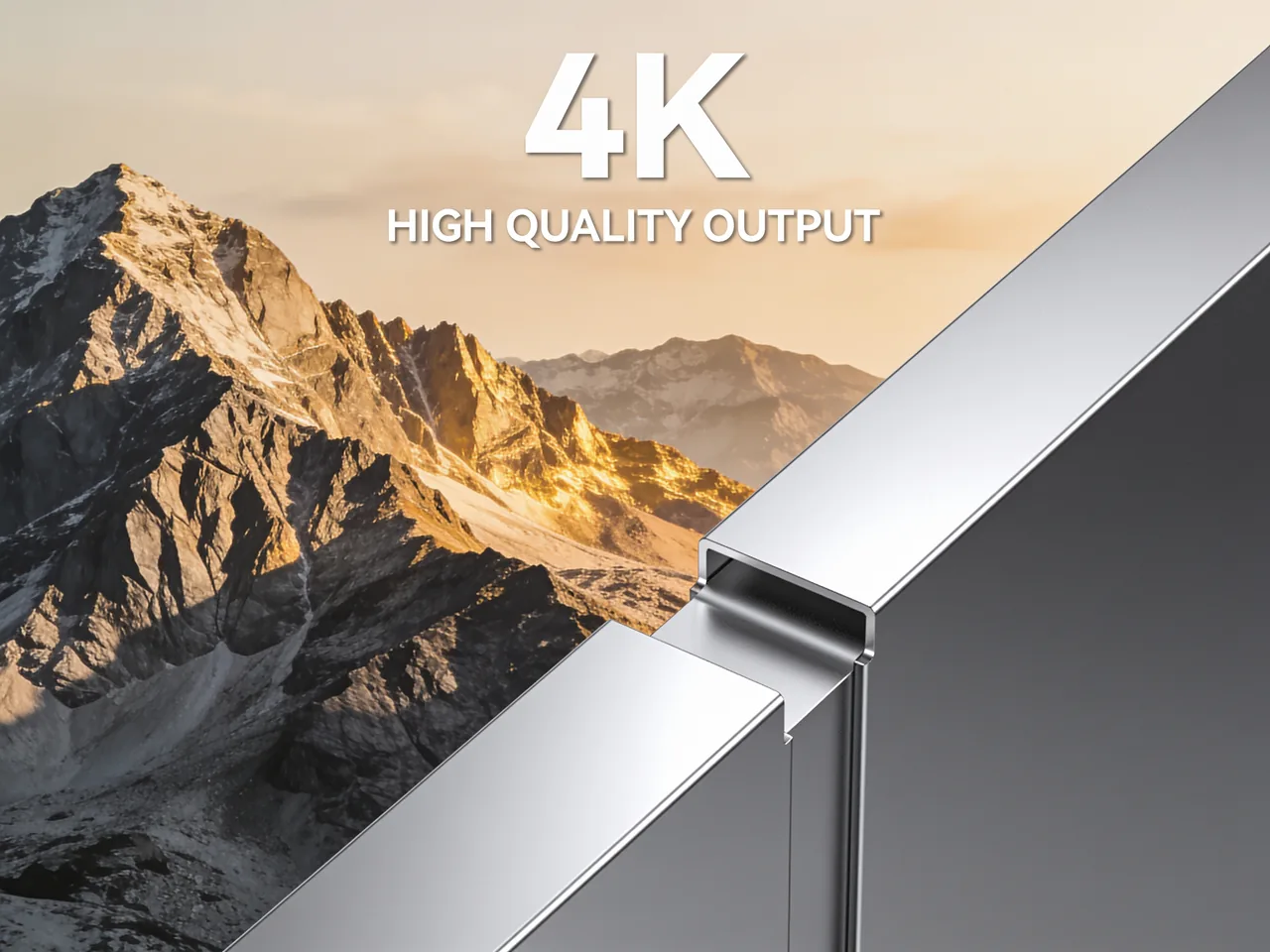
Toolaze exposes Seedream 4.5 quality modes for fast drafts and 4K output. That gives creators a clear path: draft quickly in a lighter mode, then choose higher quality when the image needs to work for posters, product pages, thumbnails, ads, or presentation visuals.
Use 4K when layout detail, small typography, product texture, and large-format composition matter. For quick ideation, a lighter output can be enough before you refine the prompt.
ByteDance Seed highlights stronger typography, dense text rendering, poster layout, and design-oriented output for Seedream 4.5. This makes it useful for menu boards, event posters, product labels, social cards, invitation concepts, and multilingual layout drafts.
Seedream 4.5 is strong for text-rich design drafts, but generated text should still be reviewed before publishing.
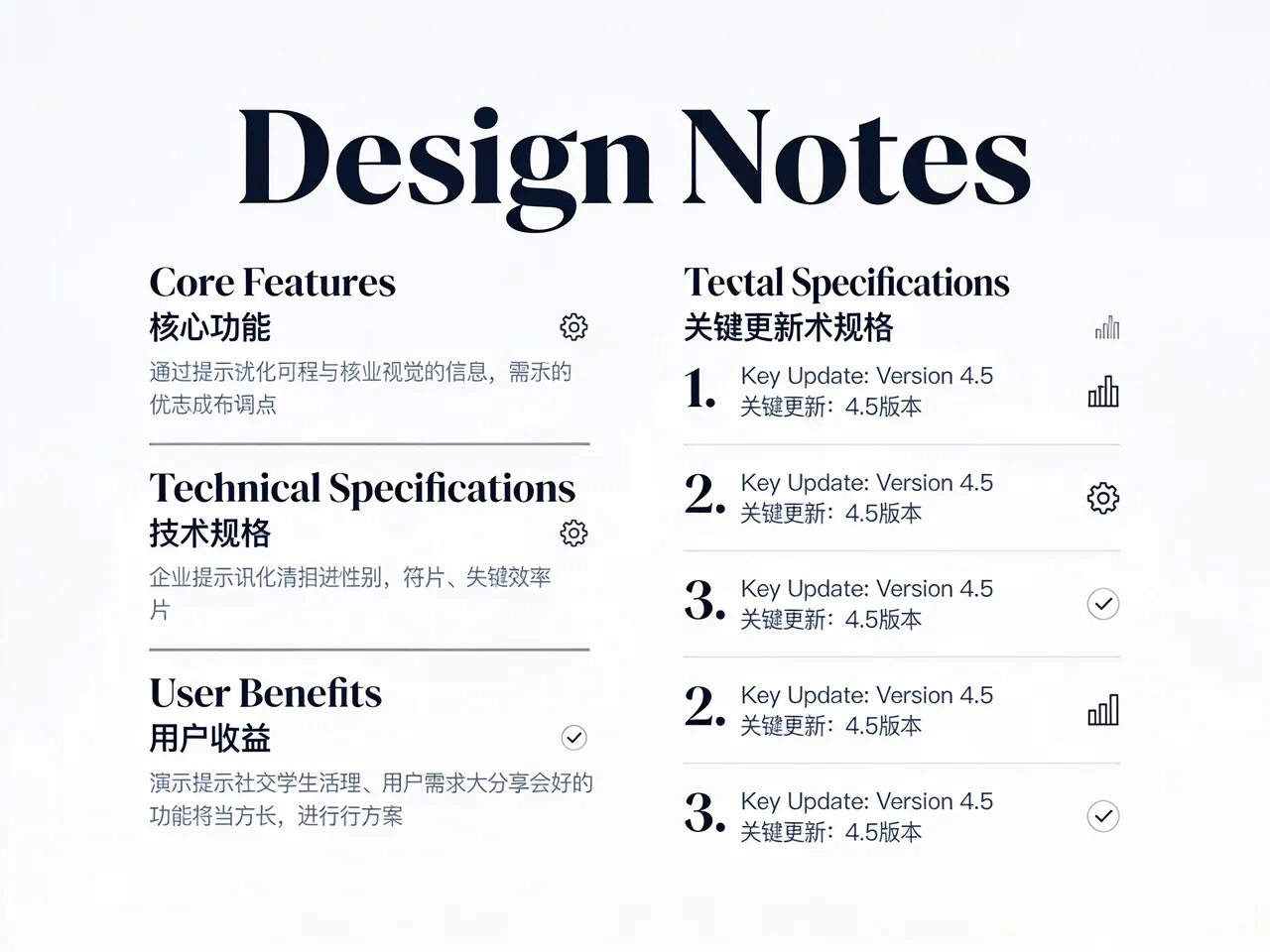
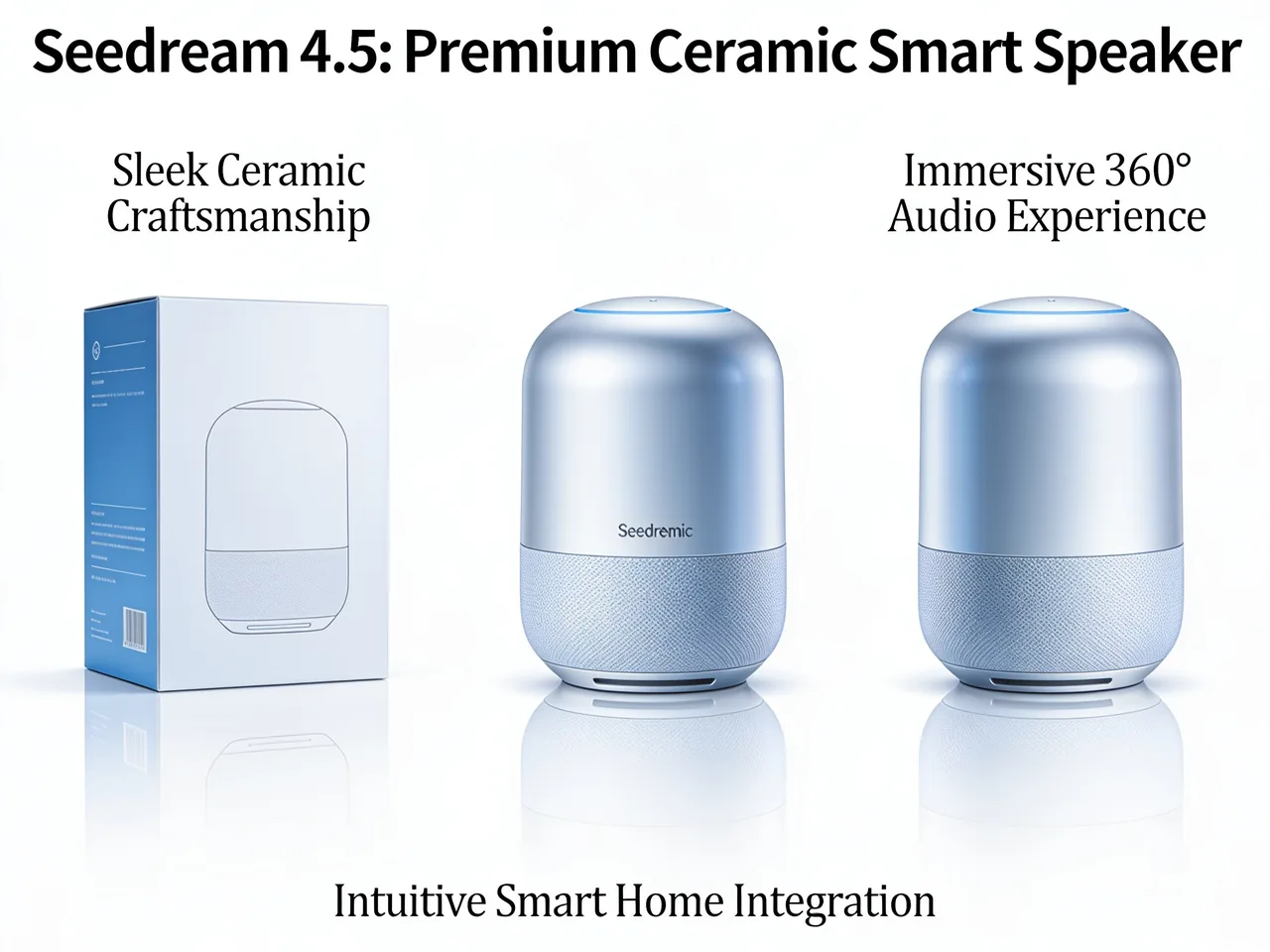
Official Seedream 4.5 examples include e-commerce product displays, poster layouts, beauty key visuals, fragrance detail pages, SaaS-style promotional images, and wedding invitation designs. Those examples map well to the jobs users bring to Toolaze: selling, explaining, launching, and testing creative directions.
For marketers and shop owners, the practical value is speed. Generate several layout directions, compare readability and product focus, then refine the best one before moving it into production.
ByteDance Seed says Seedream 4.5 improves prompt adherence, alignment, and aesthetics compared with Seedream 4.0 in its MagicBench framing. In practical terms, this matters when the prompt contains exact layout instructions, subject placement, background rules, and style constraints.
Use structured prompts that name the asset type, subject, exact text, layout, lighting, background, ratio, and what must stay unchanged. Seedream 4.5 is strongest when the task is specific rather than vague.
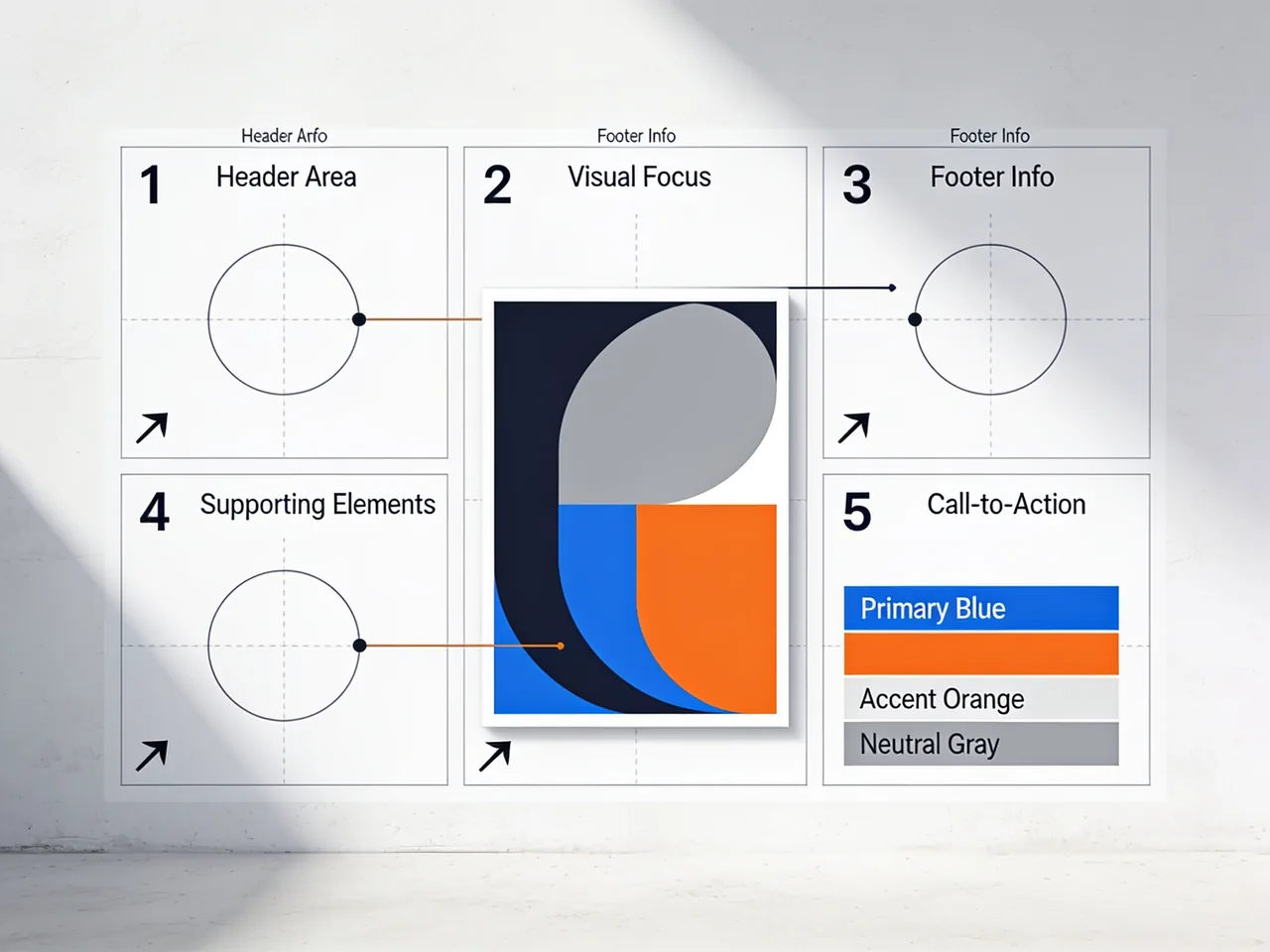
Explore common Seedream 4.5 image styles for product pages, posters, brand visuals, invitations, and text-heavy layouts.
Create clean marketplace visuals with product focus, controlled background, readable selling points, and room for badges or promotional text.
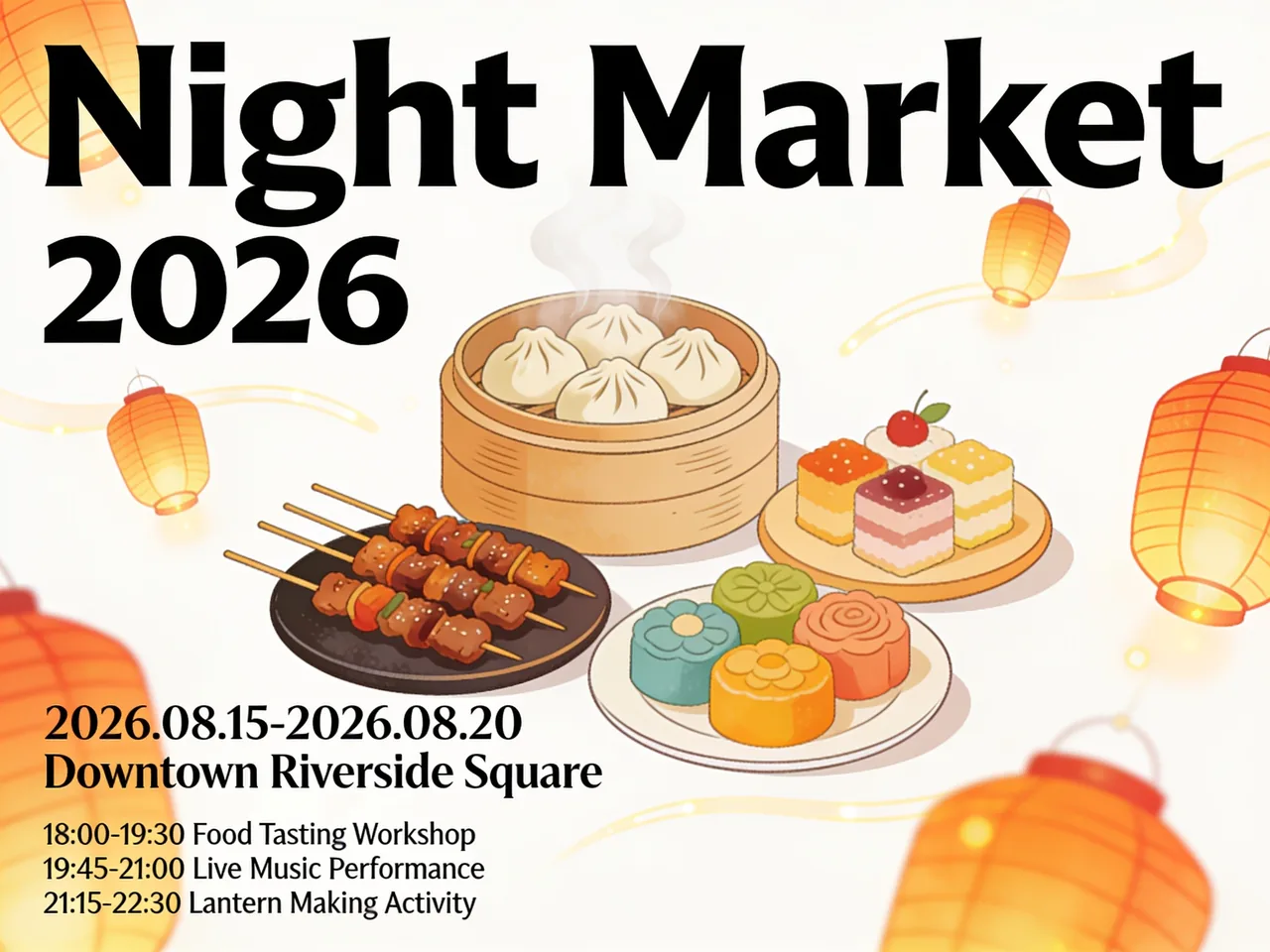
Build event posters, campaign boards, launch announcements, and title-led visuals where composition and typography matter.
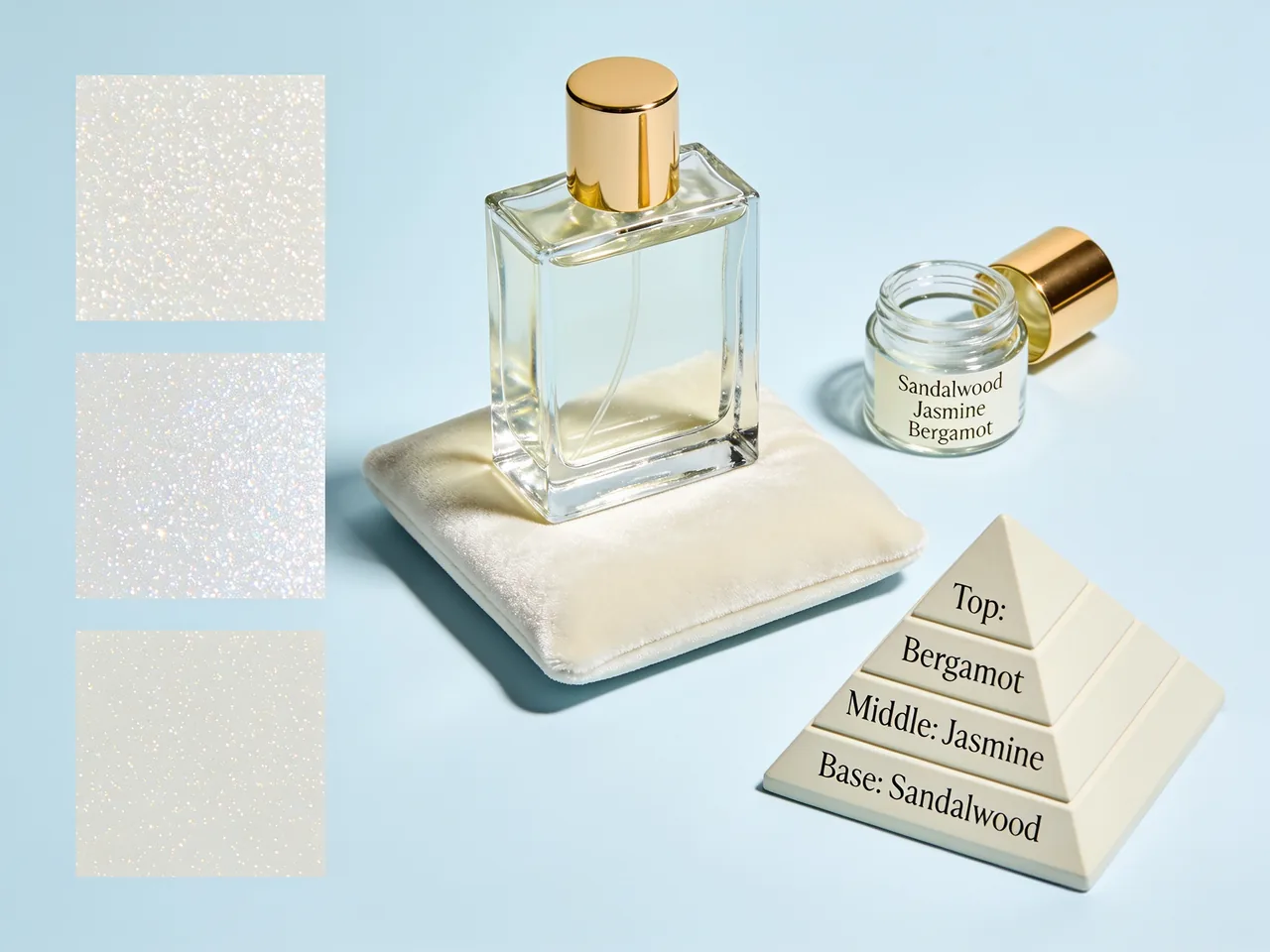
Explore premium product scenes with bottle texture, ingredient cues, layout hierarchy, and polished commercial lighting.
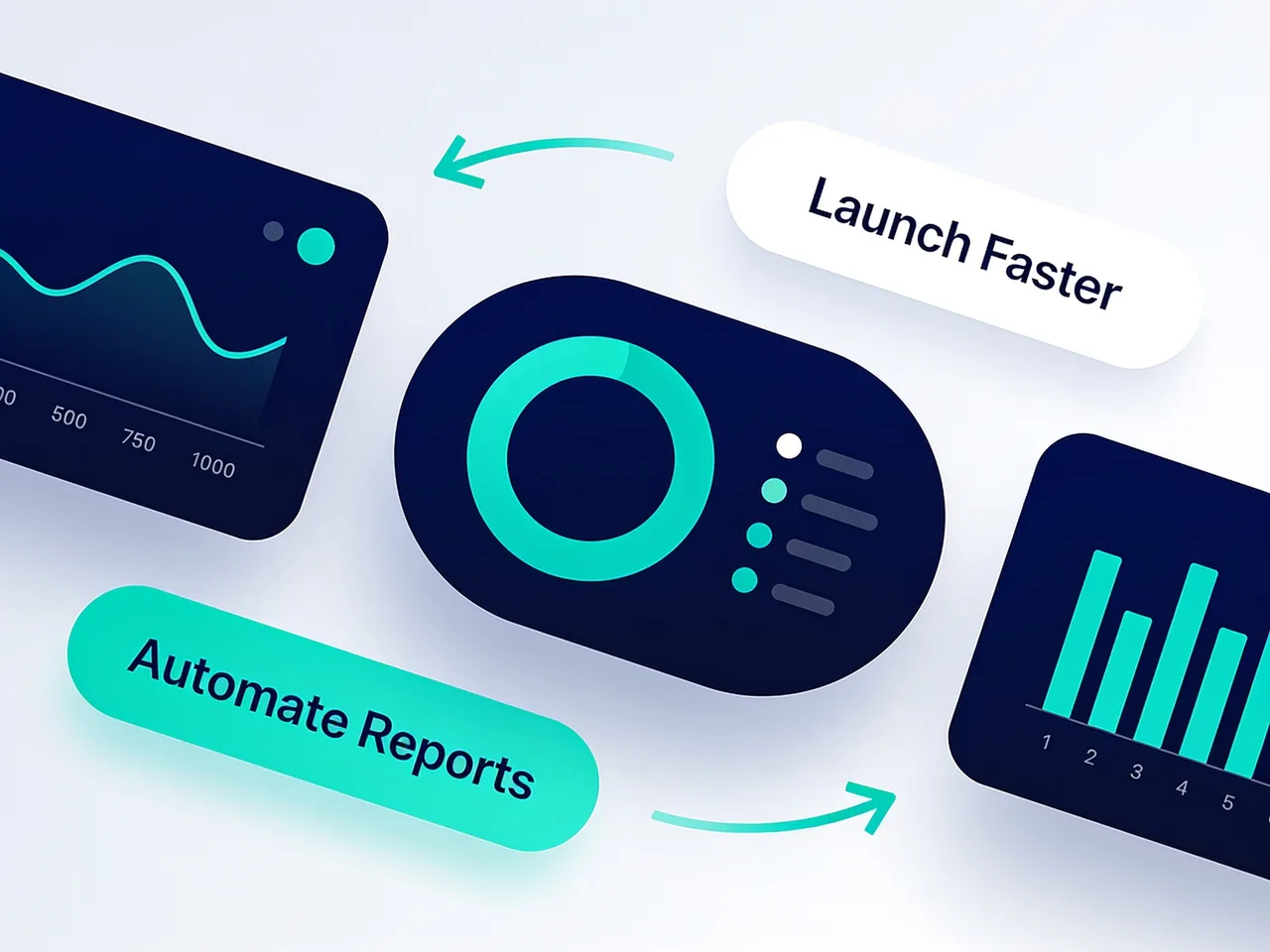
Generate product-led software ads, feature explainers, launch graphics, and clean interface-inspired campaign images.
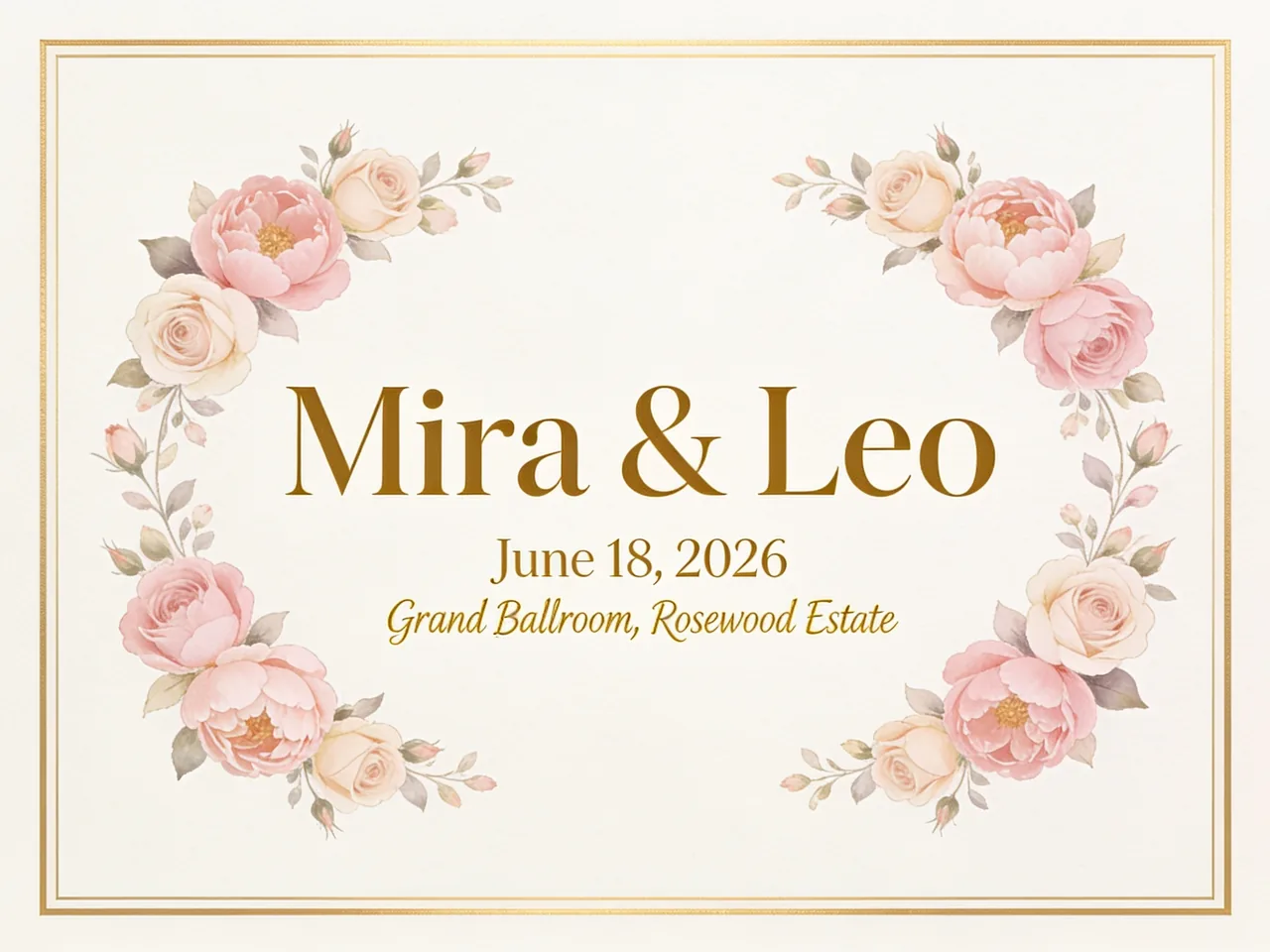
Create elegant invitation visuals, event cards, decorative borders, readable names, and refined layout directions.
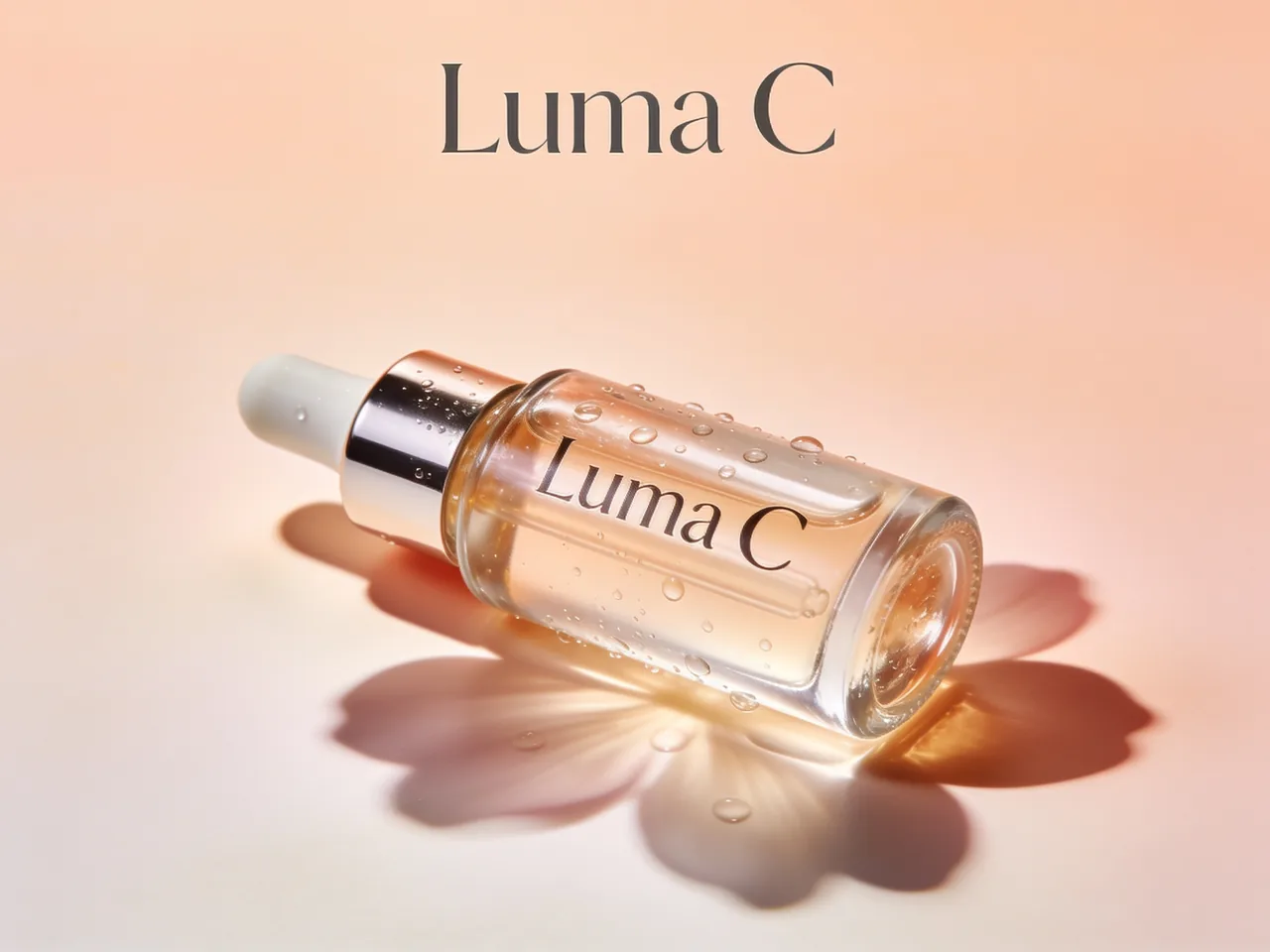
Make skincare, cosmetics, salon, or fragrance visuals with product texture, premium color, and editorial composition.
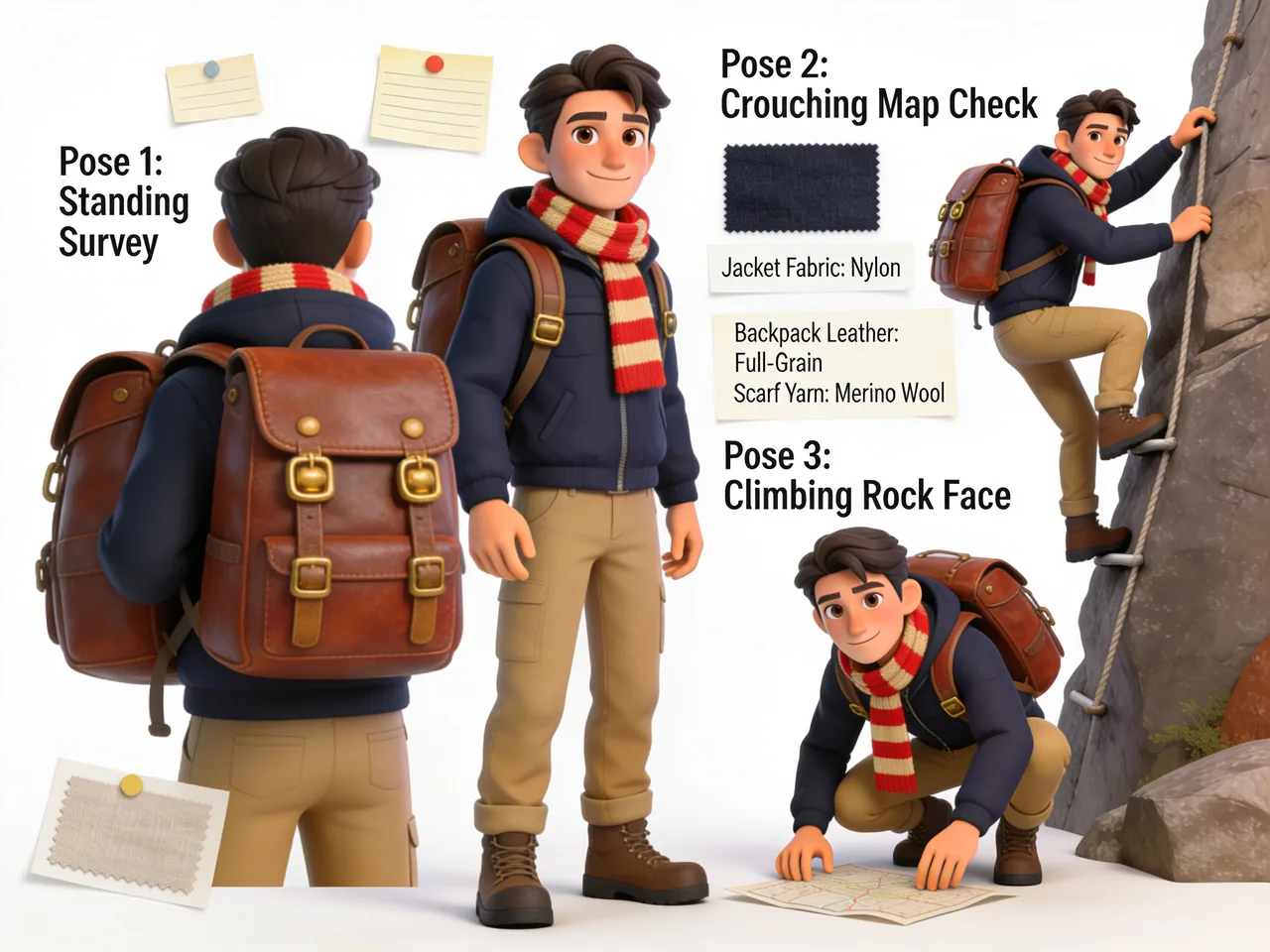
Use references to keep a character, mascot, or styled subject consistent while changing clothing, pose, scene, or mood.
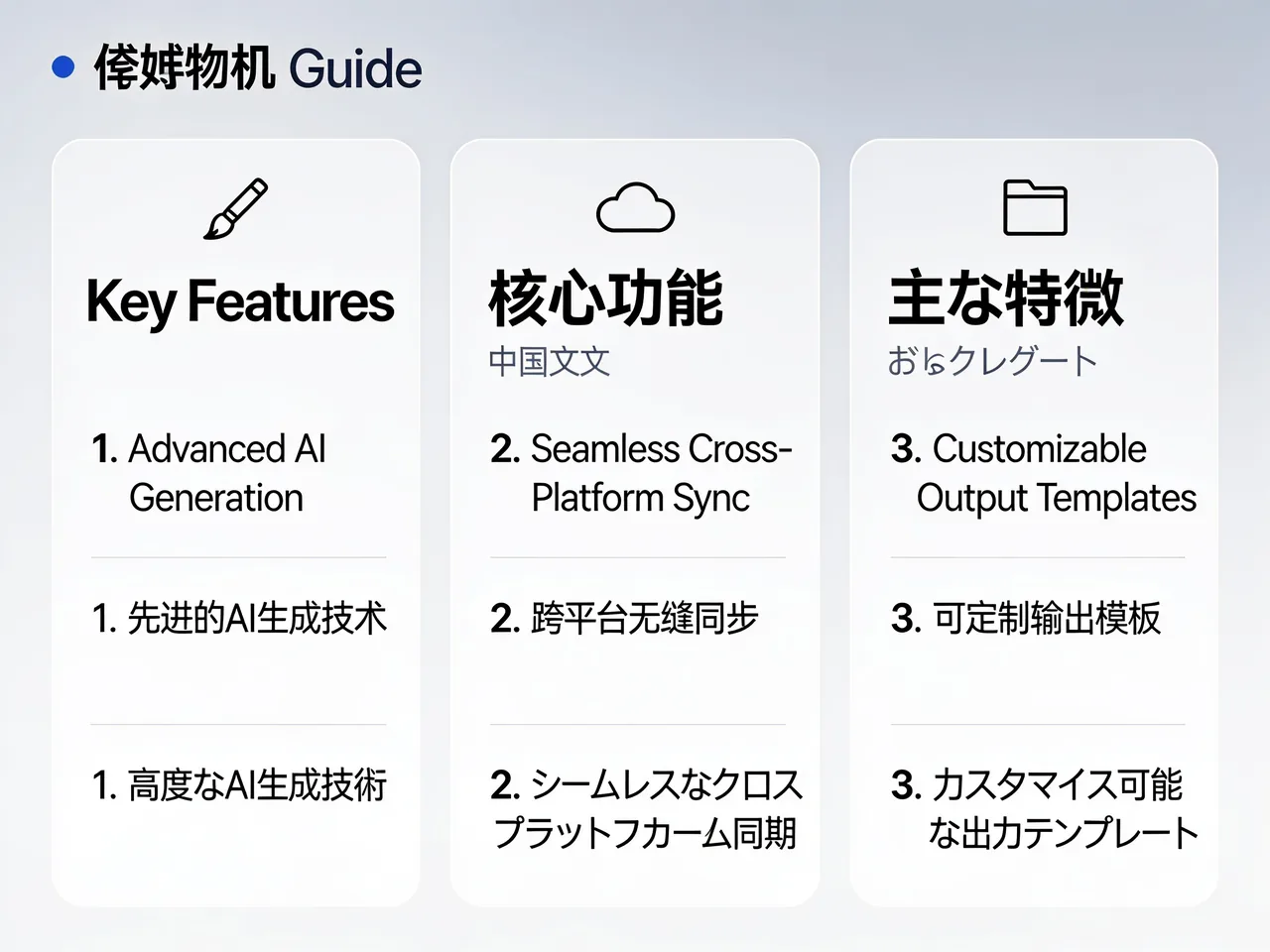
Test dense English, Chinese, Japanese, or mixed-language visual layouts for posters, labels, menus, and information cards.
Marketing teams: Create campaign visuals, product launch posters, paid social concepts, and fast creative variants before production design.
E-commerce sellers: Generate product detail images, listing visuals, bundle graphics, seasonal promotions, and cleaner commercial backgrounds.
Designers: Explore typography, layout hierarchy, poster directions, brand key visuals, and reference-based visual systems.
Content creators: Make thumbnails, social graphics, educational cards, event images, and creator product visuals with clearer text direction.
Product teams: Create SaaS feature images, onboarding visuals, announcement boards, and early concept graphics for product storytelling.
Educators: Build readable explainers, classroom posters, process diagrams, and multilingual information graphics.
Pick the model by task. Seedream 4.5 is strongest when reference editing, typography, product visuals, and layout control matter.
| Capability | Seedream 4.5 | Nano Banana | GPT Image 2 | Midjourney |
|---|---|---|---|---|
| Best for | Reference consistency, typography, product visuals, poster layouts, and prompt-controlled edits | Fast image generation, reference edits, and flexible Gemini-style workflows | Text-rich commercial visuals, image editing, UI mockups, and structured layouts | Stylized art direction, cinematic visuals, and aesthetic exploration |
| Text rendering | Strong official focus on typography and dense text layouts | Strong for text-heavy design in newer Gemini-style workflows | Strong for short readable text and structured UI-like labels | Improved, but publishing text still needs careful review |
| Image editing | Supports Seedream 4.5 Edit with reference image inputs | Good reference-guided editing and fast iteration | Strong for natural-language image edits and layout changes | Better for variation and style exploration than precise edits |
| High resolution | Supports fast draft quality and 4K high quality output | Supports high-resolution workflows depending on model and settings | Supports 4K output when selected settings allow it | High-quality outputs with upscale/export workflows |
| Commercial visuals | Strong fit for product boards, posters, invitations, and key visuals | Strong for product visuals and flexible image generation | Strong for commercial drafts with text and layout requirements | Strong for polished mood and art direction |
| Limitations | Exact text and edit details still need review before publishing | Model behavior varies by reference quality and prompt clarity | Best results still need prompt iteration and detail review | Less ideal for precise editable production layouts |
Copy these prompts to test commercial posters, character consistency, educational diagrams, interior edits, and dense text layouts.
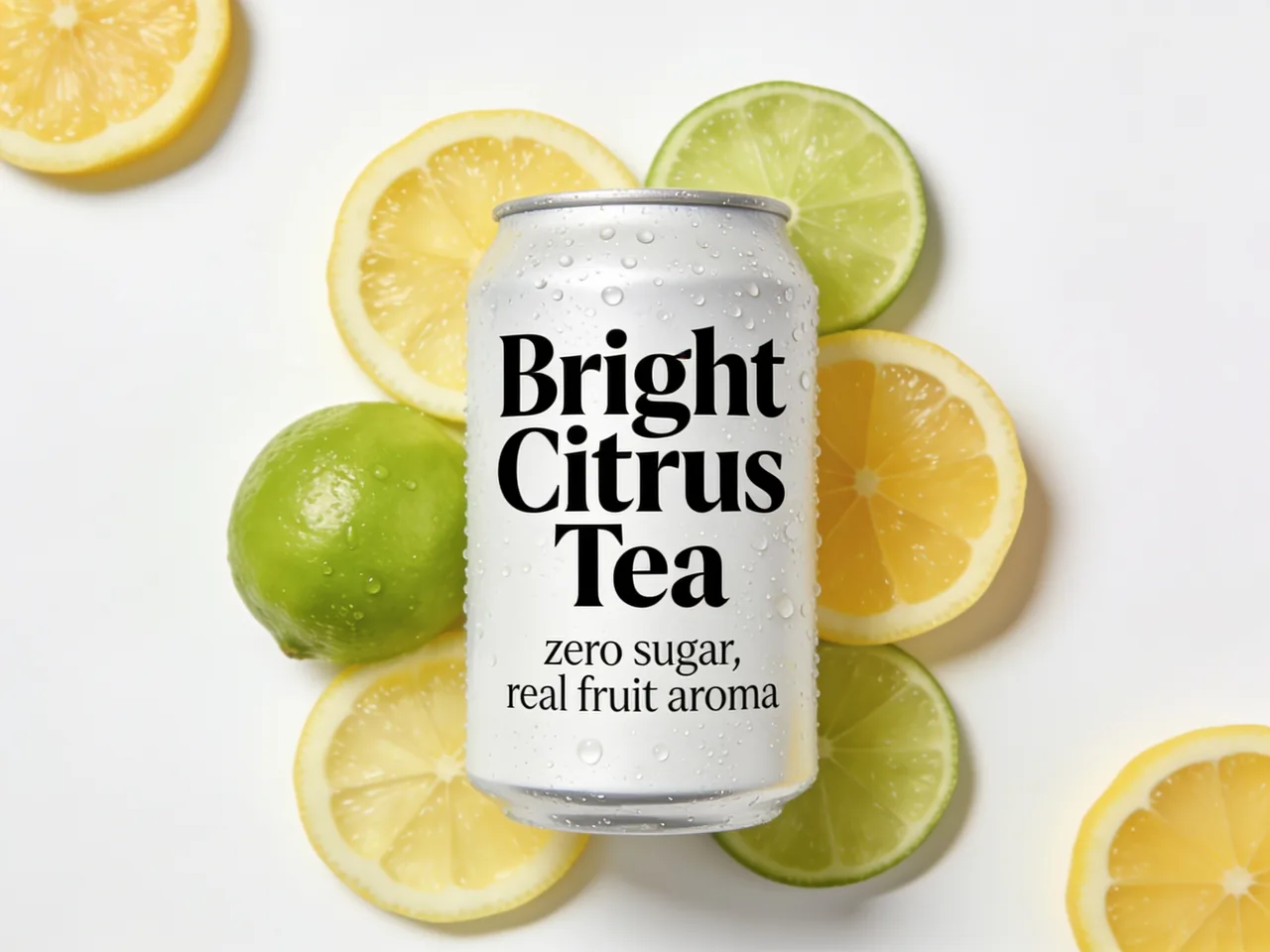
Create a 4K product launch poster for a premium sparkling tea can. Use a clean vertical composition, large readable headline text "Bright Citrus Tea", smaller subtitle "zero sugar, real fruit aroma", fresh citrus slices, condensation, soft studio lighting, and a polished commercial layout with clear negative space.
Use the uploaded character reference. Preserve the same face shape, hairstyle, eye color, and outfit details. Place the character in a cinematic rainy street scene at night, with reflective pavement, soft neon light, natural pose, and the same recognizable identity across the new image.

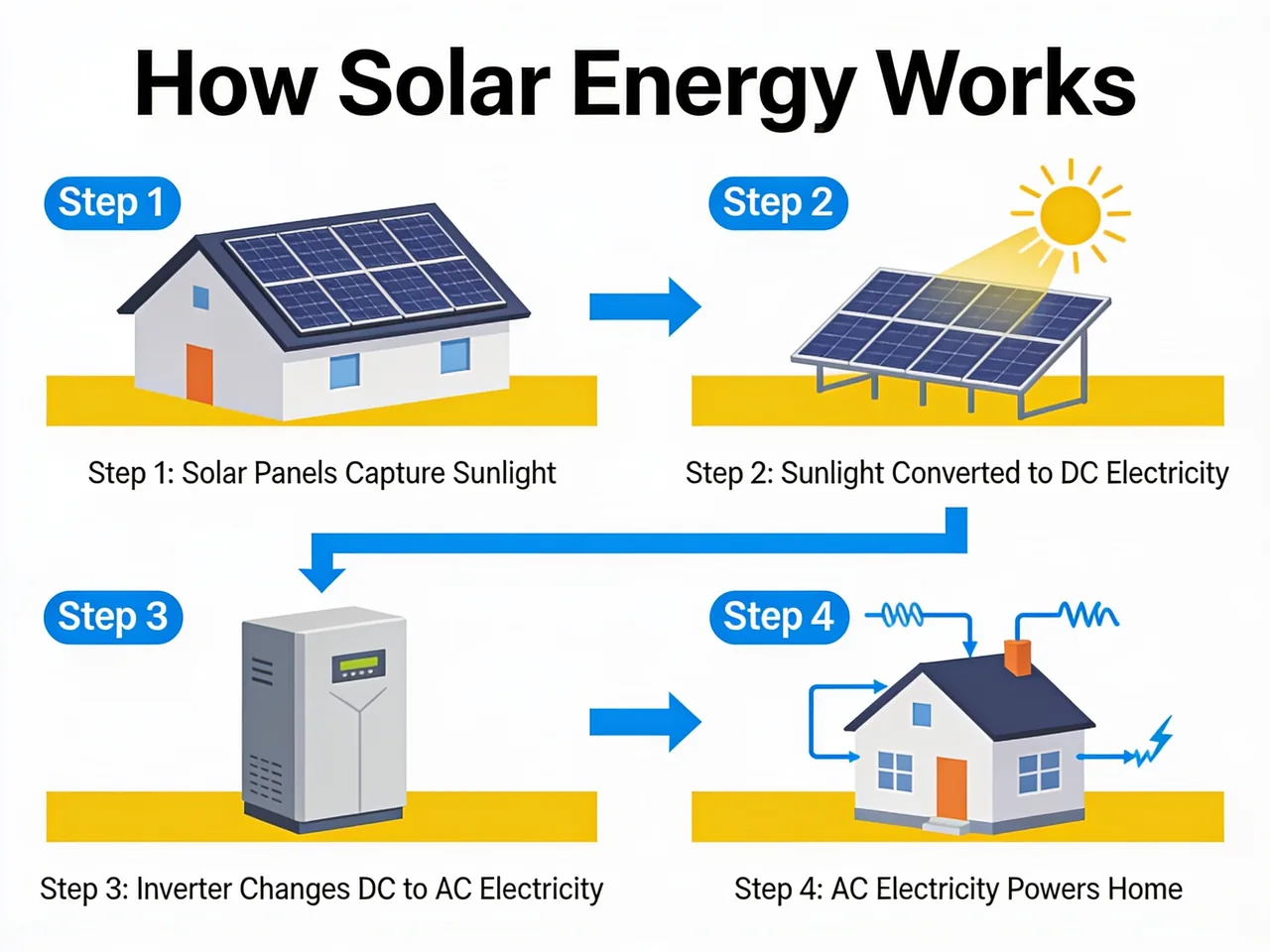
Design a clean educational infographic titled "How Solar Energy Works". Include four clearly separated steps, readable labels, simple flat diagrams, arrows, concise captions, blue and yellow accents, and a balanced classroom-friendly layout with no clutter.
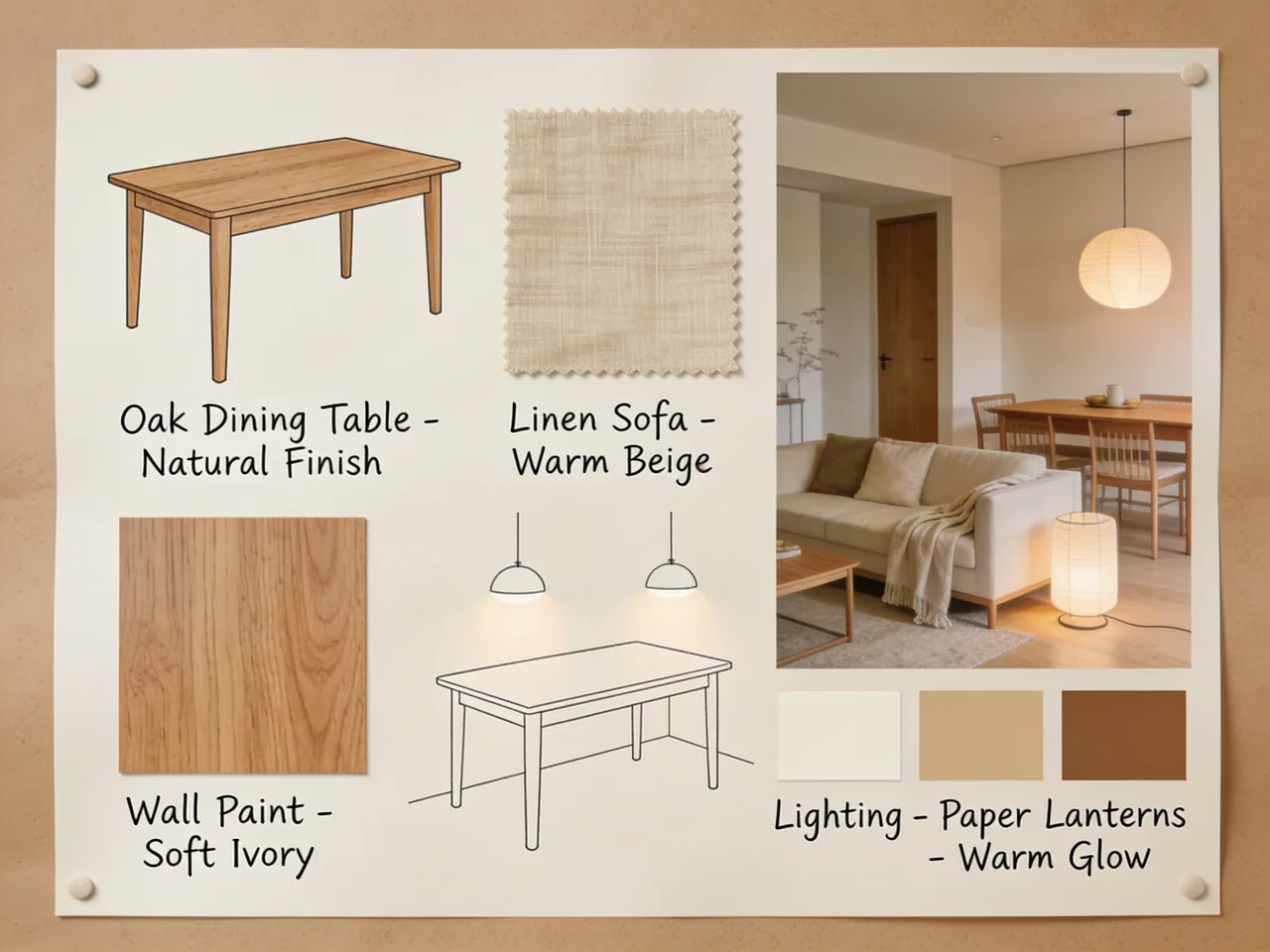
Use the uploaded room photo as a reference. Keep the camera angle, window placement, and room layout unchanged. Redesign the room in a warm Japandi style with oak furniture, linen textures, soft indirect lighting, neutral walls, and tidy styling suitable for an interior design proposal.
Create a modern event poster for "Future Design Week 2026". Include readable schedule text for three sessions, speaker names, date, venue, ticket note, and a bold abstract visual system. Use strong hierarchy, generous spacing, and a polished editorial poster style.

Watch selected YouTube videos that show Seedream 4.5 capabilities, beginner workflows, and consistency-focused image creation.
Official overview
A concise overview for seeing how Seedream 4.5 positions cinematic quality, precision, and professional image output.
Watch on YouTube
Beginner tutorial
A step-by-step tutorial for understanding the basic workflow before creating or editing images on Toolaze.
Watch on YouTube
Creator workflow
A workflow-focused video about multi-image consistency, reference inputs, and batch-style creative production.
Watch on YouTube
Browse Reddit posts where creators compare Seedream 4.5, share prompts, and discuss real image outputs from different workflows.
r/singularity
Reddit discussion

A r/singularity benchmark thread comparing Seedream 4.5 image results, with the original three Reddit preview images kept together in one carousel.
Open Reddit threadr/singularity
Reddit discussion

A r/singularity post testing Seedream 4.5 against Nano Banana Pro with the same fantasy-scene comparison image shown from the original thread.
Open Reddit threadr/GenAIGallery
Reddit discussion

A r/GenAIGallery prompt post for generating a car capsule style image using Seedream 4.5, paired with the original Reddit preview image.
Open Reddit threadr/aiArt
Reddit discussion

A r/aiArt gallery thread testing Seedream 4.5 for posters, thumbnails, and social visuals, with the post gallery kept in one carousel.
Open Reddit threadr/aiArt
Reddit discussion

A r/aiArt post sharing early Seedream 4.5 launch examples, using the original two portrait images from that thread.
Open Reddit threadr/aiArt
Reddit discussion

A r/aiArt prompt-included athletic portrait post focused on motion blur, lighting, and image realism.
Open Reddit threadr/aiArt
Reddit discussion

A r/aiArt portrait prompt post showing Seedream 4.5 handling monochrome lighting, texture, and close portrait mood.
Open Reddit threadr/aiArt
Reddit discussion

A r/aiArt portrait example focused on expressive face detail, realistic lighting, and close-up image quality.
Open Reddit threadr/aiArt
Reddit discussion

A r/aiArt feedback post asking creators what they think of Seedream v4.5 compared with the previous version.
Open Reddit threadr/HiggsfieldAI
Reddit discussion

A HiggsfieldAI comparison post using one portrait prompt across several image models.
Open Reddit threadSee X posts with real Seedream 4.5 examples, comparisons, creator tests, and provider updates.

Marky @ Easy-Peasy.AI
Verified@easy_peasy_ai
An X comparison of Seedream 4.5 and Nano Banana Pro, useful for judging subject detail and output style.
 Image
Image
Heisenberg
Verified@rovvmut_
A creator compares the same detailed cafe prompt across Nano Banana Pro and Seedream 4.5.
 Image
Image
Brady Long
Verified@thisguyknowsai
A creator thread highlights consistency and prompt-following impressions from early Seedream 4.5 testing.
 Image
ImageHeisenberg
Verified@rovvmut_
A side-by-side portrait prompt test showing lighting, face detail, and scene interpretation.
 Image
Image
Curious Refuge
Verified@CuriousRefuge
A Curious Refuge post compares Seedream 4.5 with another recent image model across several visual criteria.
 Image
ImageCurious Refuge
Verified@CuriousRefuge
A creator post discussing realistic and cinematic Seedream 4.5 output in comparison with Nano Banana Pro.
 Image
Image
Replicate
Verified@replicate
A model availability post that summarizes Seedream 4.5 strengths such as spatial understanding and reference inputs.
 Image
Image
ElevenLabs
Verified@ElevenLabs
A product update showing Seedream 4.5 output for detail, subject consistency, and high-quality visuals.
 Image
Image
Oogie
Verified@oggii_0
A same-prompt portrait test focused on skin detail, facial consistency, color, and close-up realism.
 Image
Image
AI/ML API
Verified@aimlapi
An image comparison post showing how Seedream 4.5 appears in a provider workflow.
 Image
ImageCompare another strong image model for text-rich visuals, editing, UI mockups, and commercial drafts.
Try Now
Try the alternate GPT image model route for text-to-image and image-to-image workflows.
Try Now
Explore a Gemini image workflow for high-resolution design assets and reference-guided edits.
Try Now
Use another fast image model for common creative formats, product visuals, and image editing.
Try Now
Use a dedicated image-to-image workflow when uploaded references are your main priority.
Try Now
Browse Toolaze image and video model pages when you want broader model comparison.
Try Now
Seedream 4.5 is ByteDance Seed's AI image generation and editing model for creating and refining images from prompts and reference images. It is useful for product visuals, posters, typography-rich layouts, multi-image editing, and commercial creative drafts.
Yes. Toolaze lets you try Seedream 4.5 online for free. Free usage may vary by quota, model availability, or selected quality settings.
Yes. Toolaze AI image model pages are designed for free no-signup access. Some advanced settings, higher limits, downloads, or continued usage may require signing in if the access policy changes.
Yes. Toolaze supports Seedream 4.5 4K output through its high quality mode. Use 4K for product posters, campaign visuals, detail images, and typography-heavy layouts that need more room for visual detail.
Yes. Toolaze supports Seedream 4.5 image editing with reference inputs, including JPEG, PNG, and WEBP files. Use it for product updates, reference-guided edits, background changes, layout revisions, and multi-image composition.
It depends on the task. Seedream 4.5 is attractive for reference consistency, typography, product visuals, and poster layouts. GPT Image 2 is strong for structured text-rich images and editing, while Nano Banana models are useful for fast image workflows and reference-based generation.
Use prompts that describe the asset type, subject, exact visible text, layout, ratio, lighting, background, and what should stay unchanged from references. For edits, specify what to preserve before describing what to change.
Try Seedream 4.5 online with no signup and create product visuals, typography-rich posters, reference edits, and 4K campaign images directly on Toolaze.
Try Seedream 4.5 Free