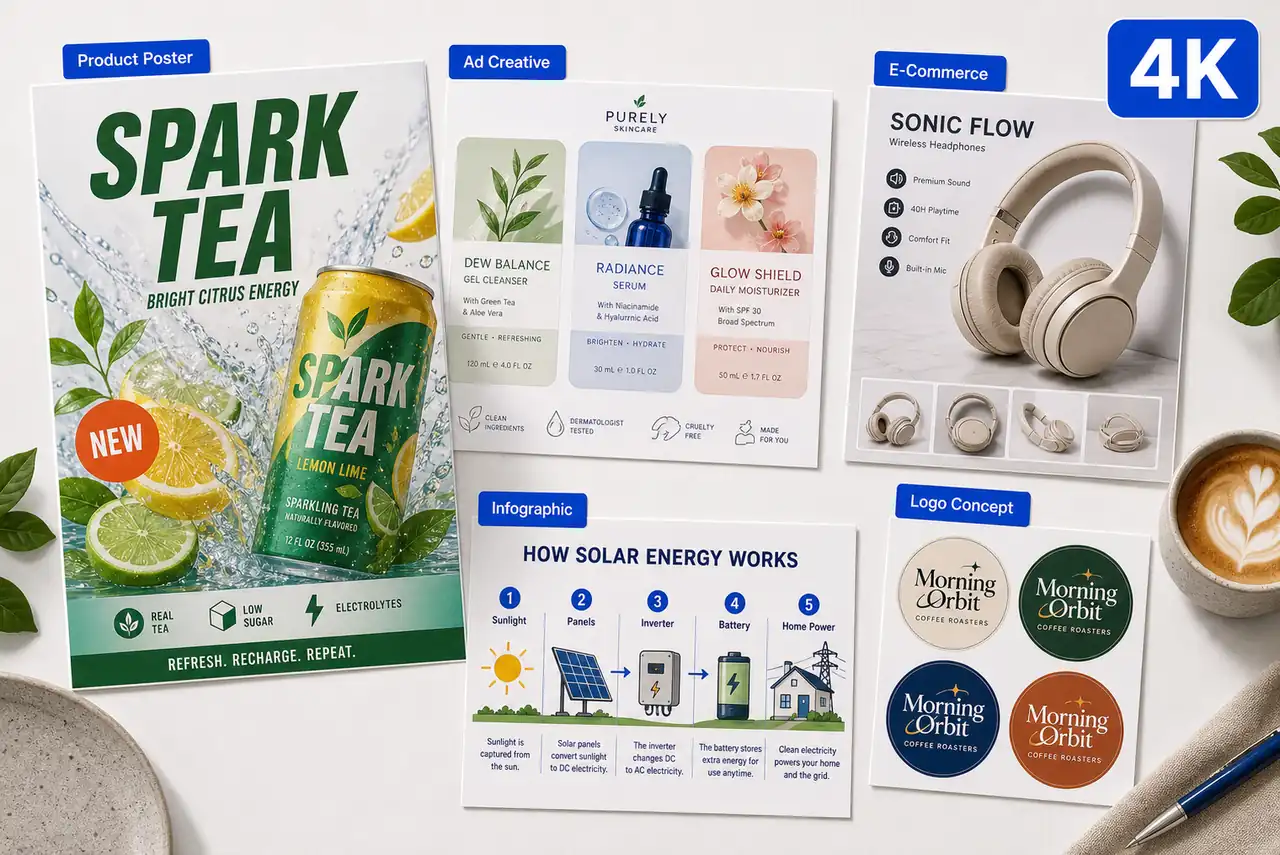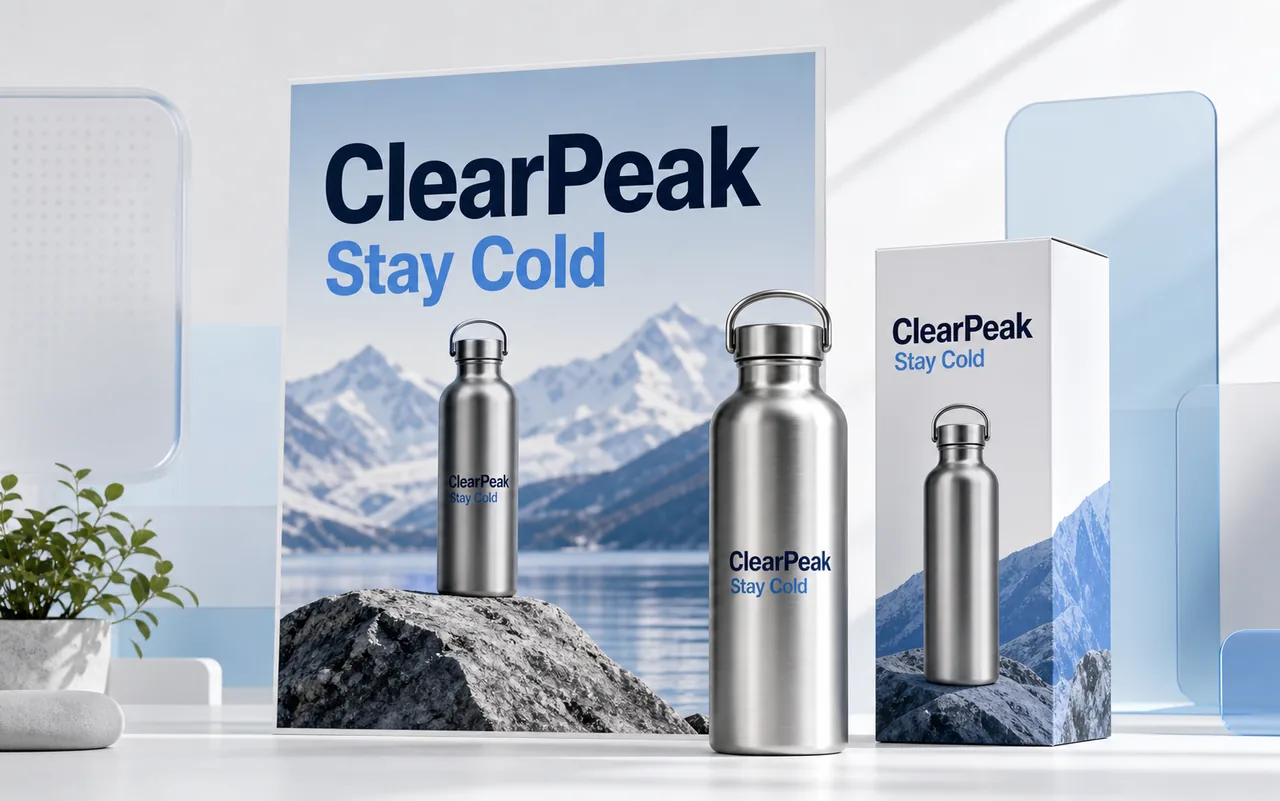
Product Launch Poster
Create a clean product poster for a bottle, skincare item, coffee drink, snack package, or software feature with a readable headline and clear product hero.
Use GPT Image 2 online on Toolaze for free with no signup or login. Create 4K images, product posters, social media ads, UI mockups, edited product visuals, and text-rich commercial graphics with OpenAI's image generation model directly in your browser.
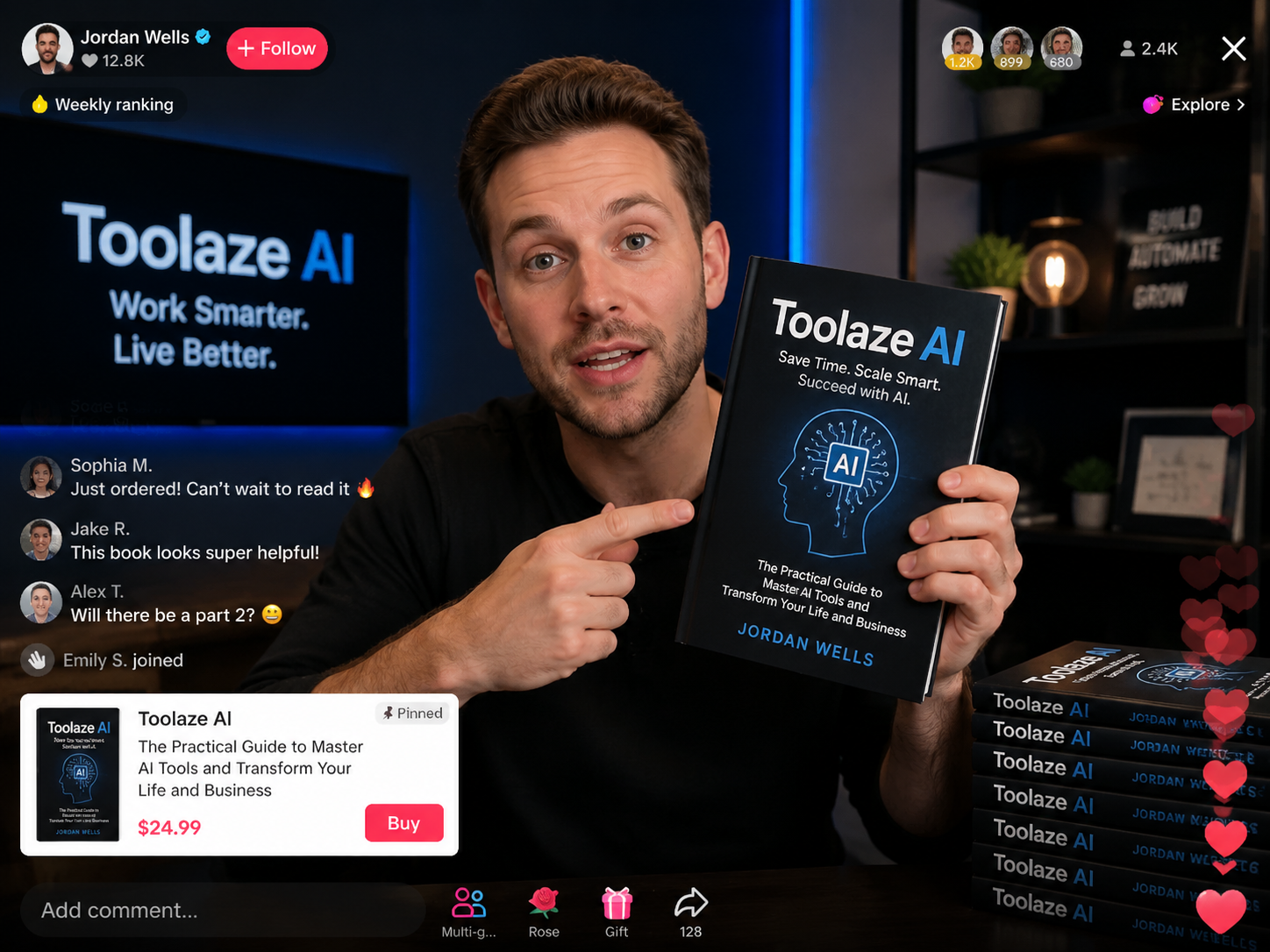
GPT Image 2 is OpenAI's image generation and editing model for creating visuals from text prompts and reference images. It is useful when an image needs more than a decorative style: readable text, structured layout, realistic product staging, clear prompt following, and practical image editing.
On Toolaze, GPT Image 2 is positioned as a free online AI image generator for creators, marketers, designers, e-commerce sellers, product teams, and educators. You can use it for text-to-image work, image-to-image edits, product concepts, advertising layouts, UI mockups, infographics, thumbnail concepts, and other visual drafts that need both creativity and structure.
The main reason to choose GPT Image 2 is not only that it can make attractive images. Its stronger value is in practical visual work: short readable text inside images, commercial layouts, reference-guided edits, and prompt-driven variations that are easier to review, refine, and publish.
Each feature maps to a real image job: readable text, 4K drafts, product editing, structured layouts, and campaign-ready visual exploration.
Text rendering is one of the most important reasons to use GPT Image 2 for commercial images. Marketing teams often need readable headlines, product labels, UI phrases, event titles, stickers, chart labels, or callouts inside the image.
Keep the text concise, put exact words in quotation marks, and describe where the text should appear. Before publishing, still check spelling, brand wording, legal statements, and small typography.
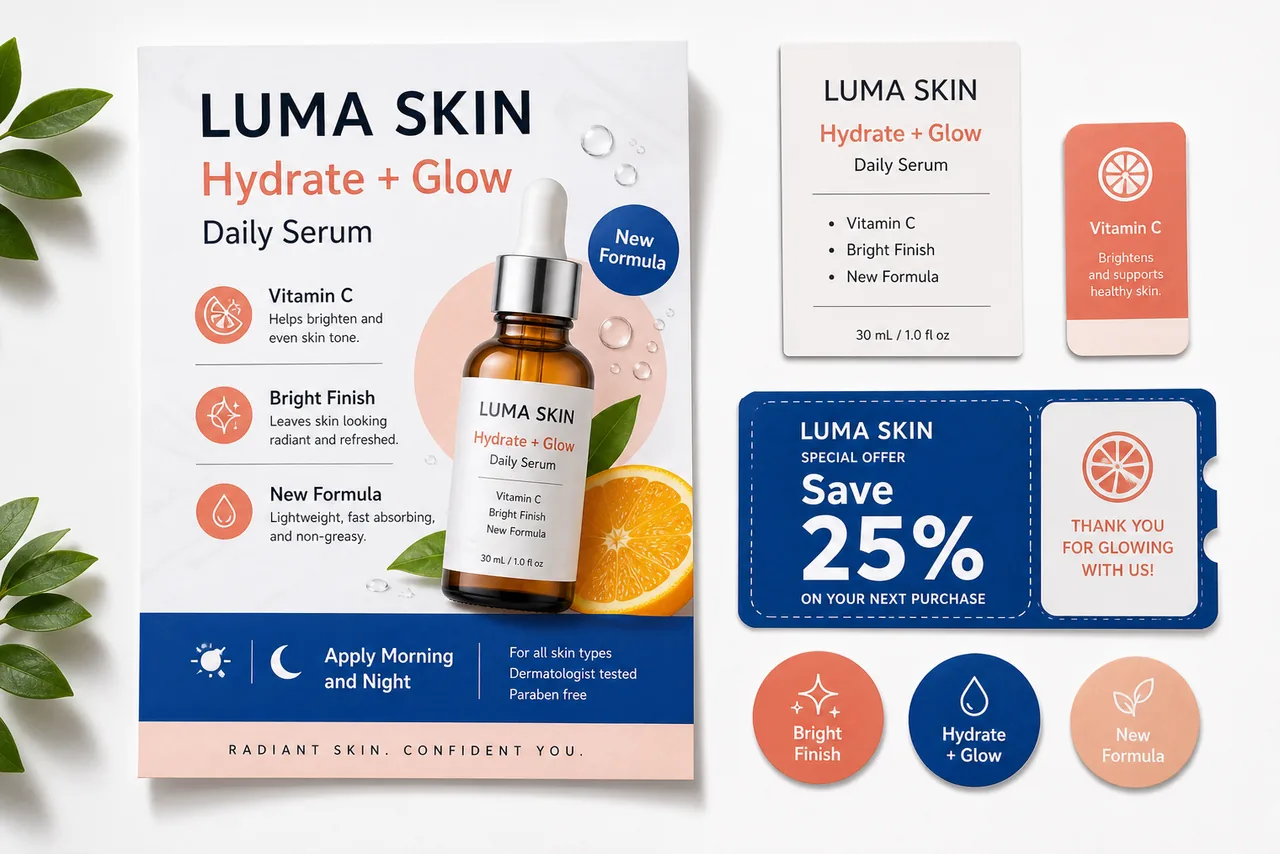
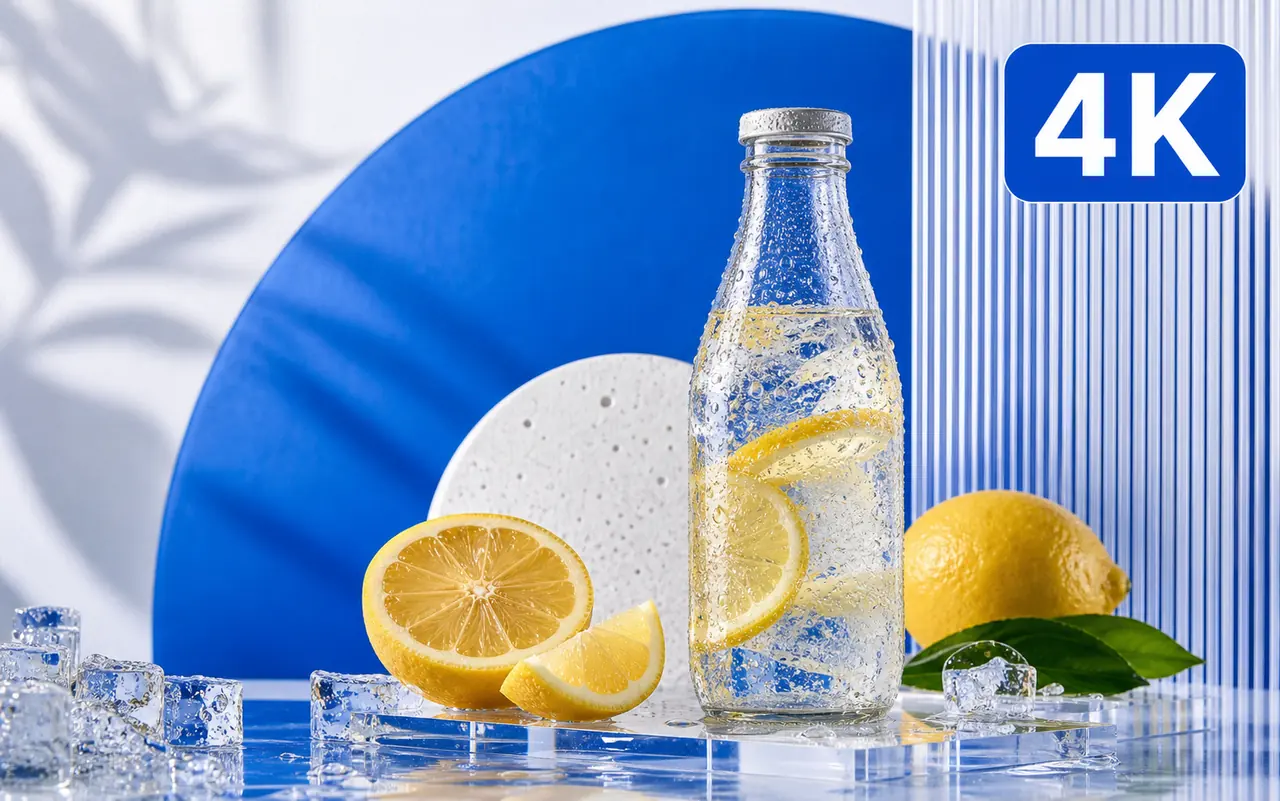
GPT Image 2 is useful when the output needs enough resolution for review, layout testing, campaign planning, and high-quality web visuals. On Toolaze, use 4K output when the selected ratio and model settings support it.
High-resolution output matters most when the image includes product details, text labels, interface elements, textures, or a design system board.
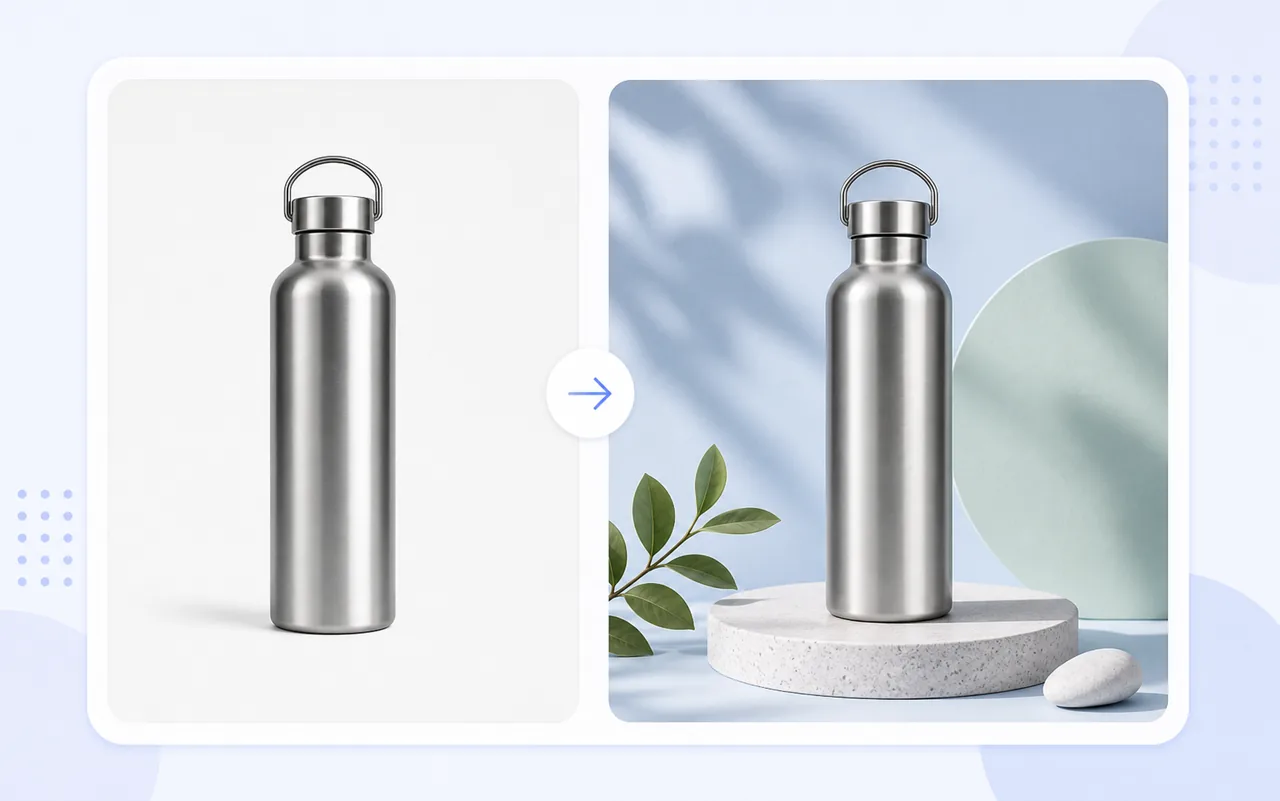
GPT Image 2 is not only for creating images from scratch. It also works well for reference-guided editing, where you start with an existing product image, room photo, interface concept, or visual direction and ask the model to change specific parts of it.
Use image-to-image workflows for background replacement, product staging, lighting cleanup, seasonal campaign variations, packaging mockups, e-commerce listing ideas, and before-after concepts.
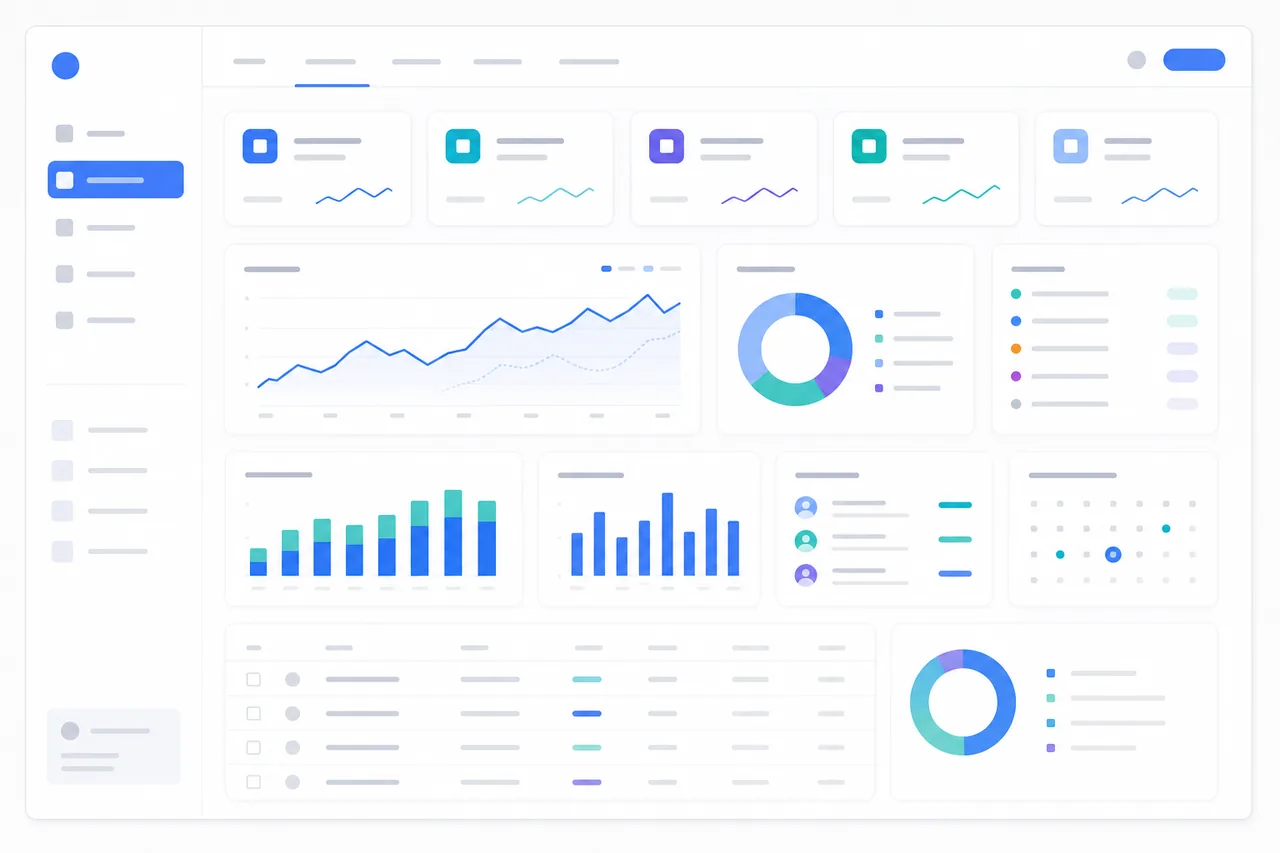
GPT Image 2 is useful when the image needs a readable layout rather than a purely artistic look. Product teams can use it to sketch dashboards, app screens, landing page hero concepts, feature diagrams, data boards, classroom explainers, and presentation-ready visual systems.
GPT Image 2 can help marketing teams explore multiple campaign directions before committing design time. Use prompts to test product posters, paid social ads, creator thumbnails, e-commerce banners, feature launch visuals, and seasonal campaign concepts.
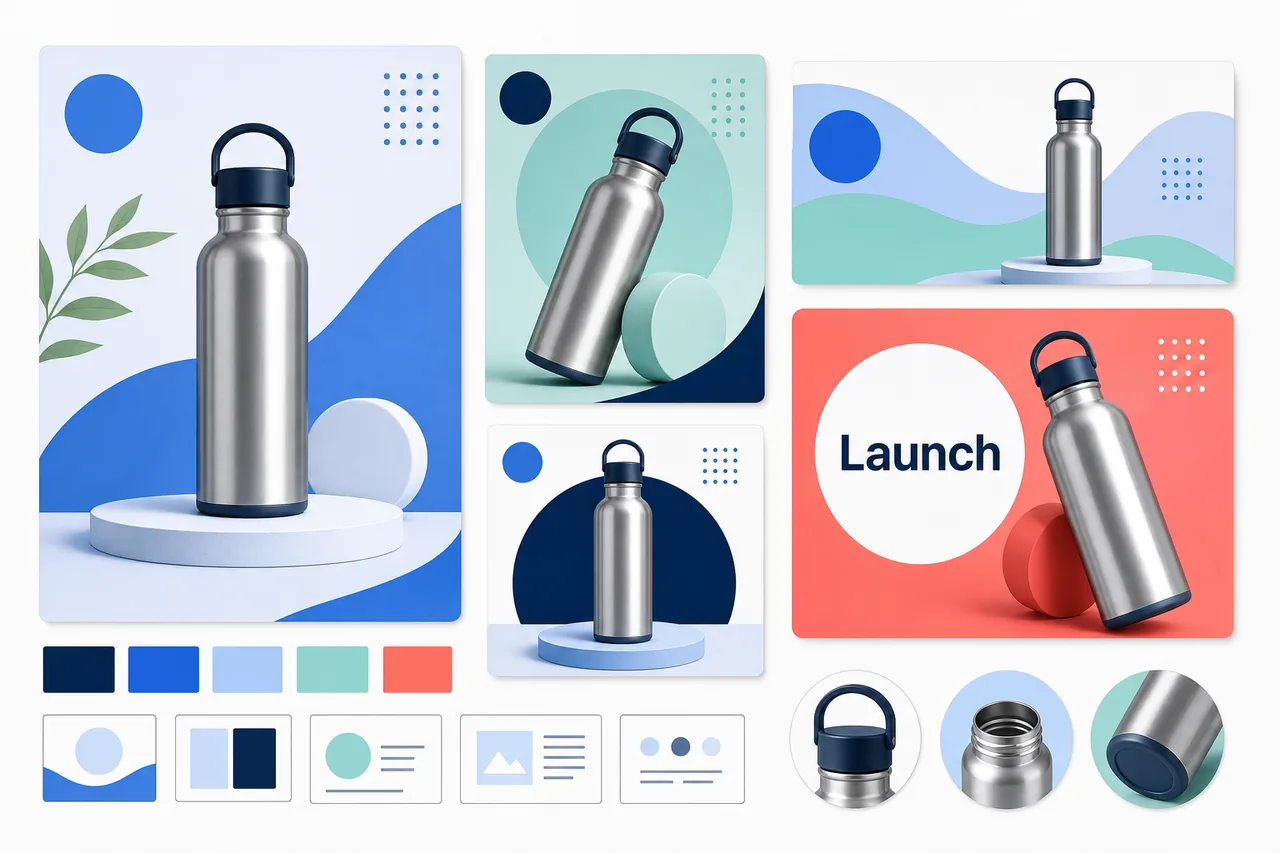
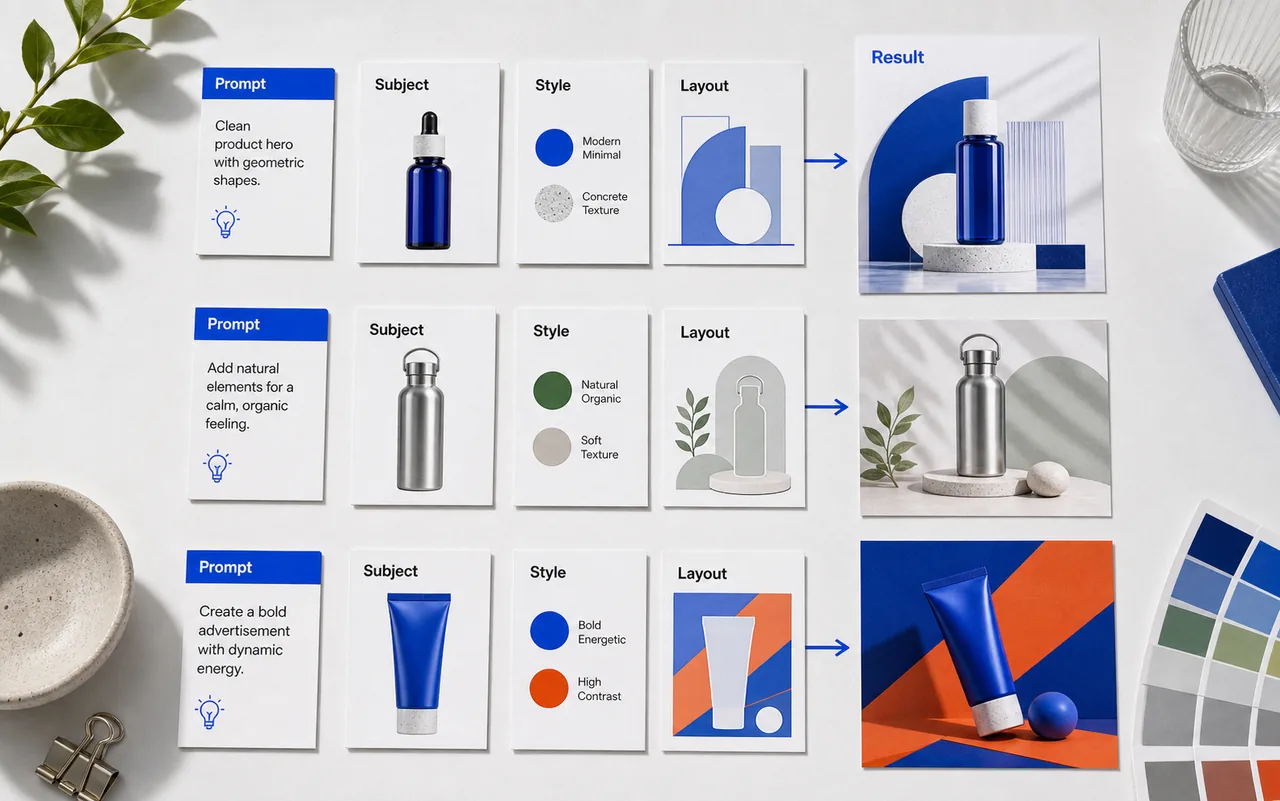
GPT Image 2 responds best when the prompt gives it a clear job. Describe the asset type, subject, audience, layout, exact text, visual style, lighting, background, output ratio, and what should not change. If the first result is close but not correct, revise one part of the prompt at a time.
These eight examples show where GPT Image 2 is useful on Toolaze: advertising, e-commerce, UI design, social content, education, text-rich branding, image editing, and high-resolution campaigns.
Create a clean product poster for a bottle, skincare item, coffee drink, snack package, or software feature with a readable headline and clear product hero.
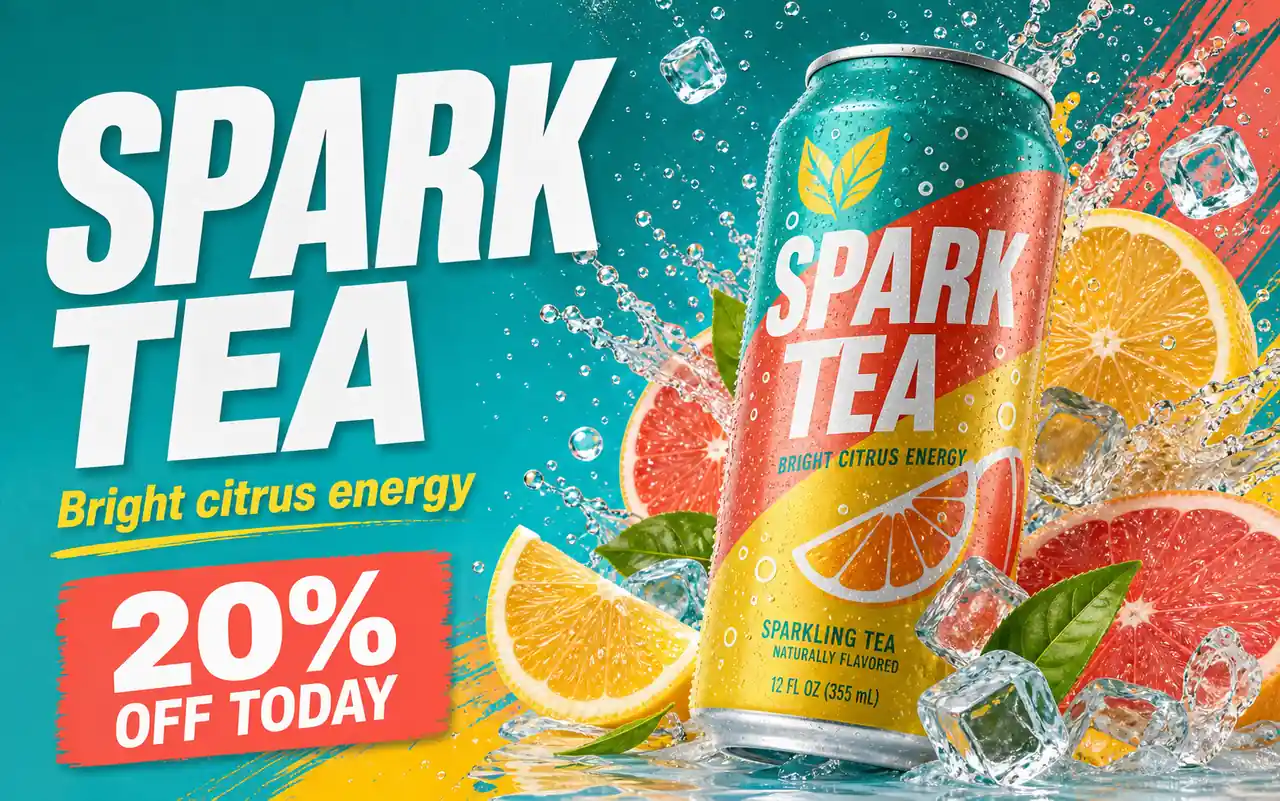
Build a scroll-stopping social ad with bold short text, a clear product benefit, creator-friendly composition, and safe fictional people or objects.
Generate an app dashboard, analytics panel, onboarding page, or feature overview image with readable labels and structured navigation.
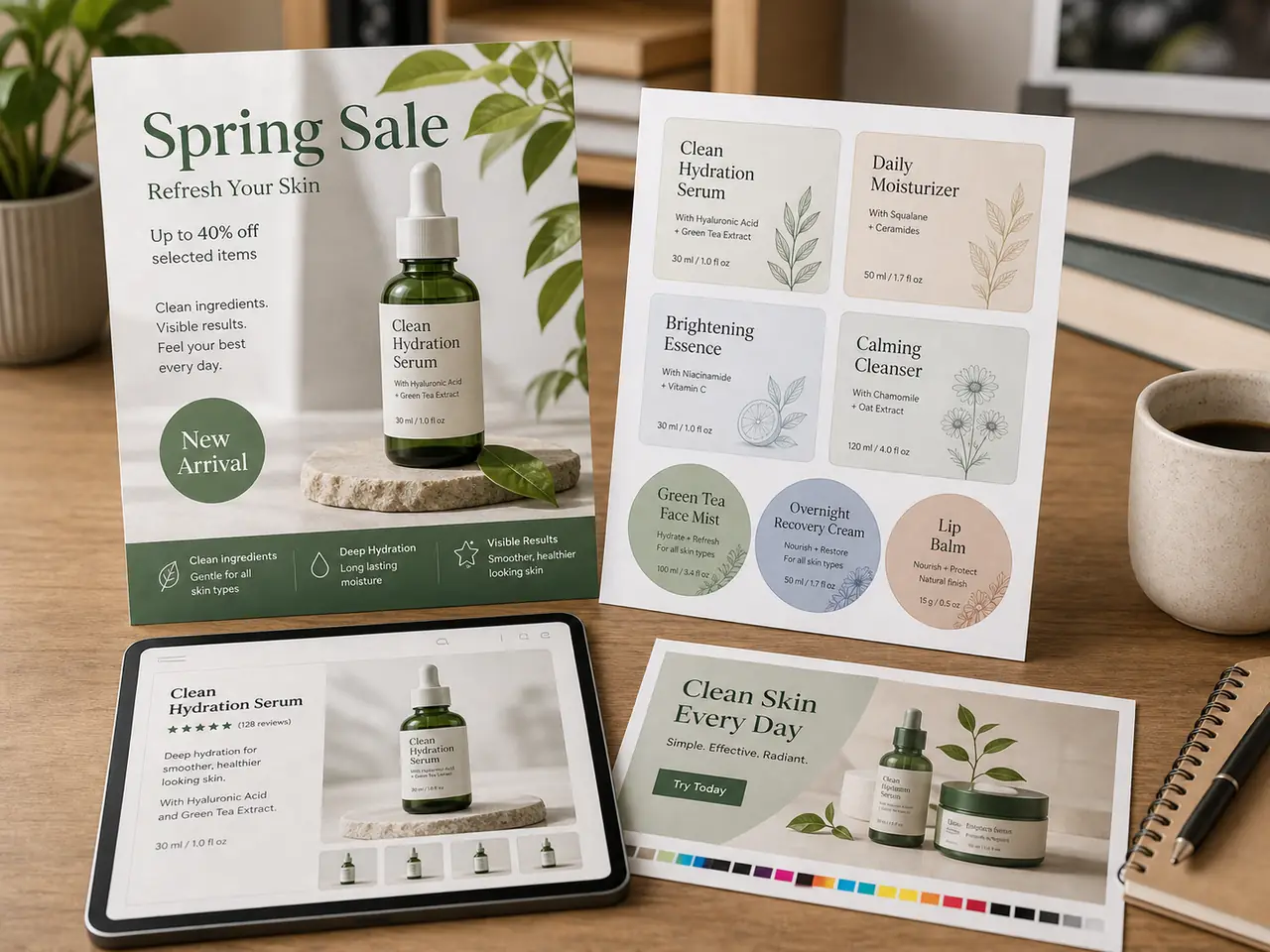
Use a product reference to create a cleaner marketplace image, seasonal background, lifestyle setup, or bundle visual.
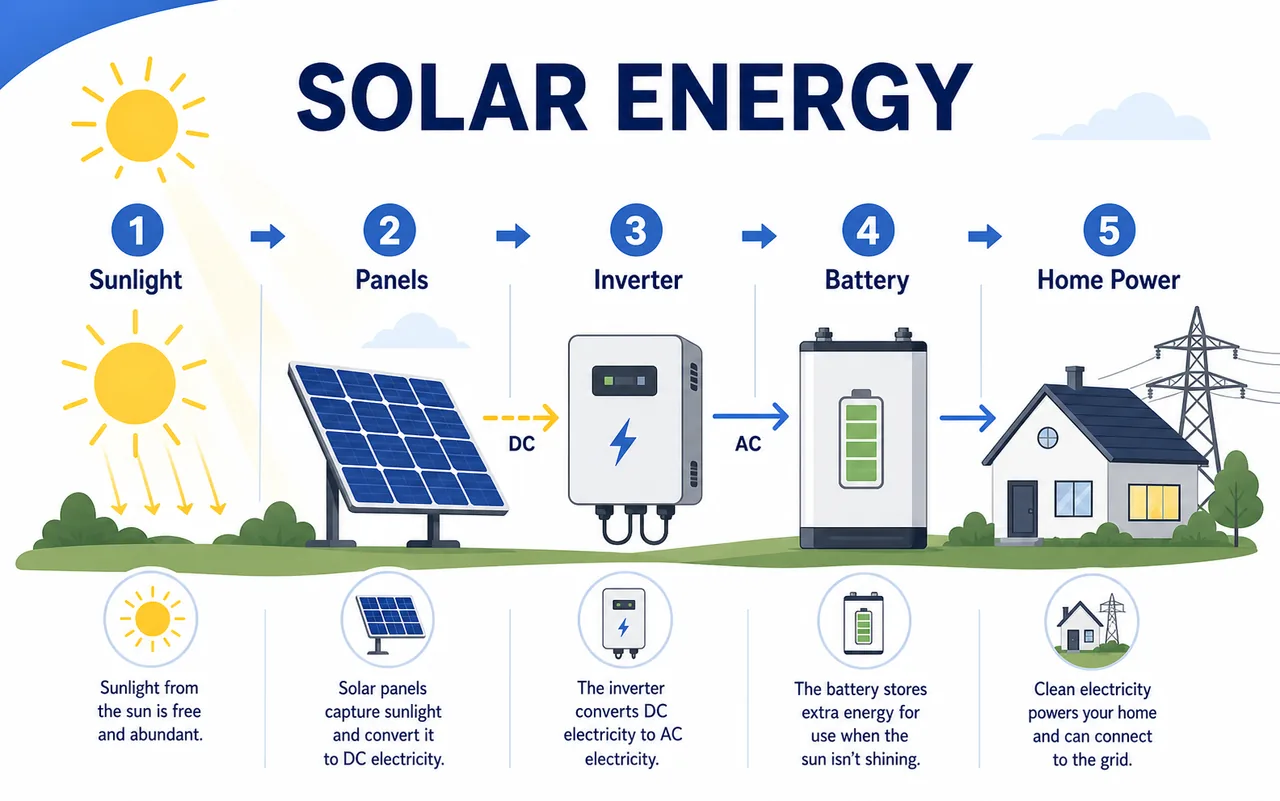
Create a classroom visual, science diagram, historical explainer, process chart, or study guide image with clear section labels.
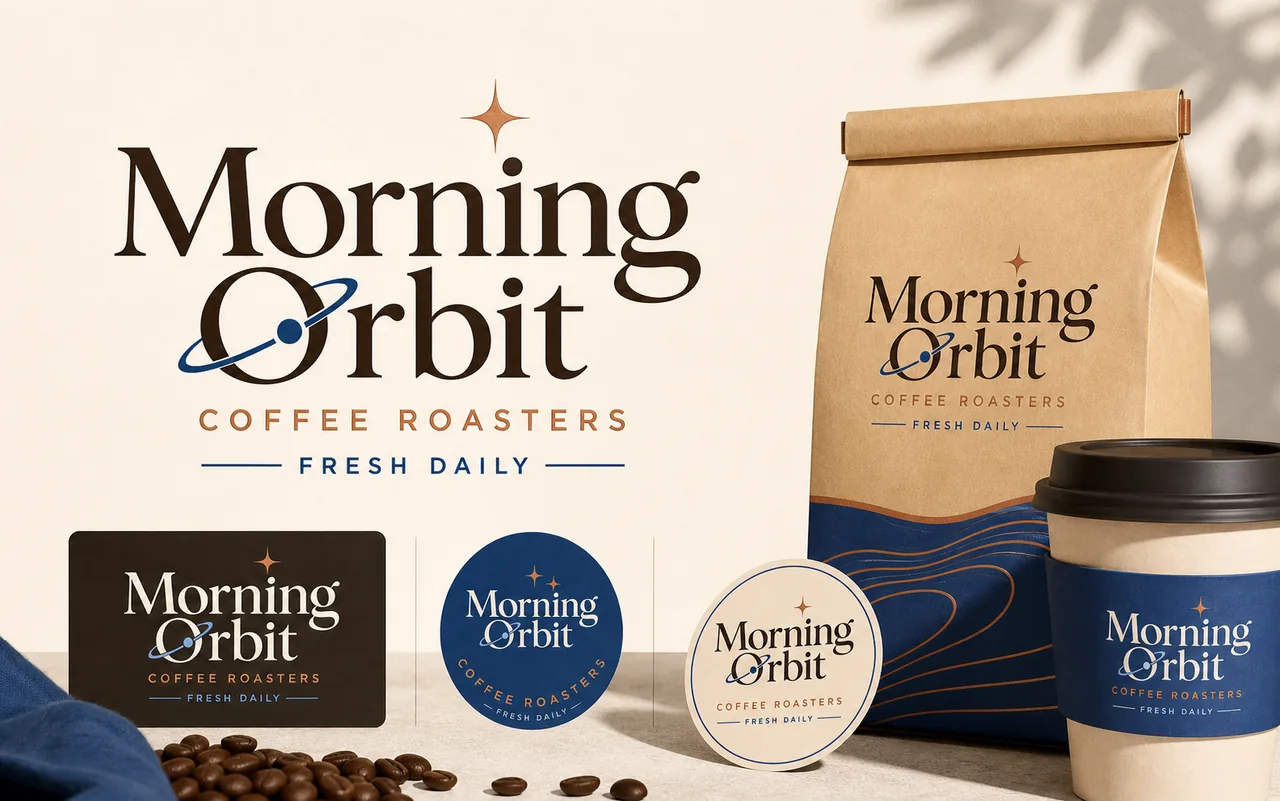
Explore early logo concepts, badge layouts, event titles, sticker designs, and packaging wordmarks with short readable text.
Upload a reference image and ask GPT Image 2 to preserve the main subject while changing background, lighting, styling, or layout.
Create a polished campaign image for posters, banners, product launches, and large-format creative drafts when 4K output is needed.
GPT Image 2 is useful for teams that need practical visuals, not just one-off experiments.
Marketing teams: Create product posters, paid social concepts, campaign variants, launch visuals, and thumbnail ideas for fast creative testing.
Designers: Explore moodboards, UI screens, layout systems, typography directions, and visual concepts before moving into production tools.
E-commerce sellers: Create product image variations, seasonal backgrounds, listing visuals, bundle images, and promotional banners for online stores.
Content creators: Make thumbnails, educational graphics, social media posts, creator economy visuals, and branded images with clearer text direction.
Product managers: Mock up feature screens, internal planning boards, app concepts, and product storytelling visuals for early validation.
Educators: Create diagrams, lesson visuals, concept maps, classroom explainers, and simple infographics for teaching materials.
Choose an AI image model by the job, not by the loudest claim. GPT Image 2 is strongest when the image depends on text, structure, editing, and commercial purpose.
| Capability | GPT Image 2 | Nano Banana | Midjourney | Flux |
|---|---|---|---|---|
| Best for | Text-rich commercial visuals, image editing, UI mockups, structured layouts | Fast image generation, reference edits, Gemini-style creative workflows | Stylized art direction, cinematic visuals, aesthetic exploration | Photoreal images, open workflows, multi-reference control |
| Text rendering | Strong for short readable text, labels, posters, and UI-style visuals | Strong in newer Gemini image workflows and text-heavy designs | Improved but still needs careful review | Strong in typography and layout-focused use cases |
| Image editing | Useful for natural-language edits and reference-guided changes | Useful for fast iteration and image-to-image variations | Editor workflows are available but less direct for some users | Strong for text-prompted editing and reference control |
| Layout control | Strong for dashboards, posters, infographics, and multi-panel concepts | Good for structured generation and commercial concepts | Better for visual style than strict layout | Strong for production-style visuals and controlled compositions |
| 4K output | Supports high-resolution workflows, including 4K when settings support it | Strong high-resolution positioning in current image workflows | High-quality output with strong detail and texture | Strong detail and photoreal output across supported workflows |
| Limitations | Review spelling, small text, faces, hands, brand claims, and compliance | Review model availability, style fit, and reference consistency | Less ideal when exact text and strict layout are the priority | Workflow and access can vary by platform and model version |
Use GPT Image 2 first when you need readable text, structured layouts, product visuals, image edits, or commercial design drafts. Use Midjourney when art direction is the main goal. Use Flux when open workflows and reference control matter. Use Nano Banana when you want another fast image model for creative iteration and comparison.
Open the GPT Image 2 page on Toolaze.
Start with free no-signup access.
Enter a clear prompt or upload a reference image when your task needs image-to-image editing.
Generate, review spelling and visual details, then refine the prompt or reference images.
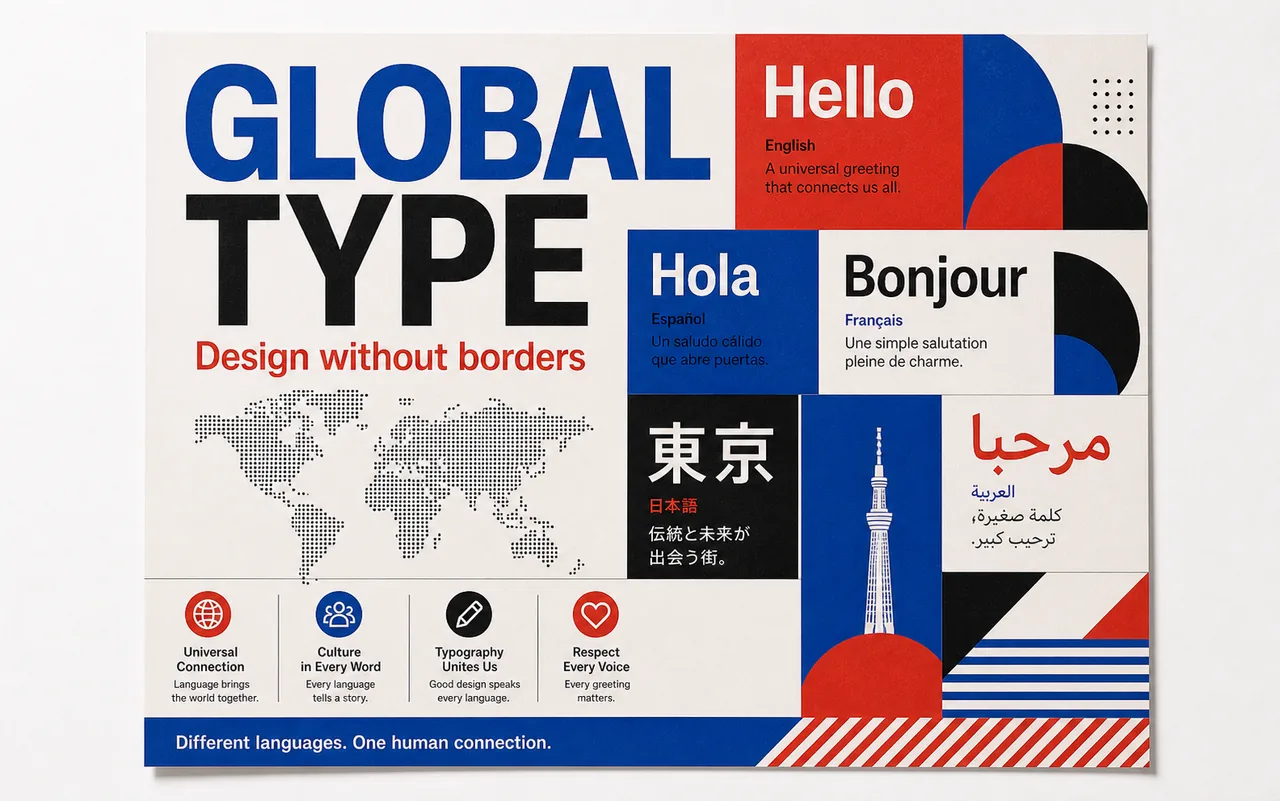
These examples focus on GPT Image 2 strengths that are different from the gallery above: multilingual typography, print constraints, character consistency, sequential storytelling, reference edits, and editorial layouts.
Create a premium multilingual editorial poster titled "GLOBAL TYPE". Include readable text blocks in English, Spanish, French, Japanese, and Arabic, with a clean grid, bold headline typography, strong color contrast, and enough spacing for each language. Keep all text short and review-ready.
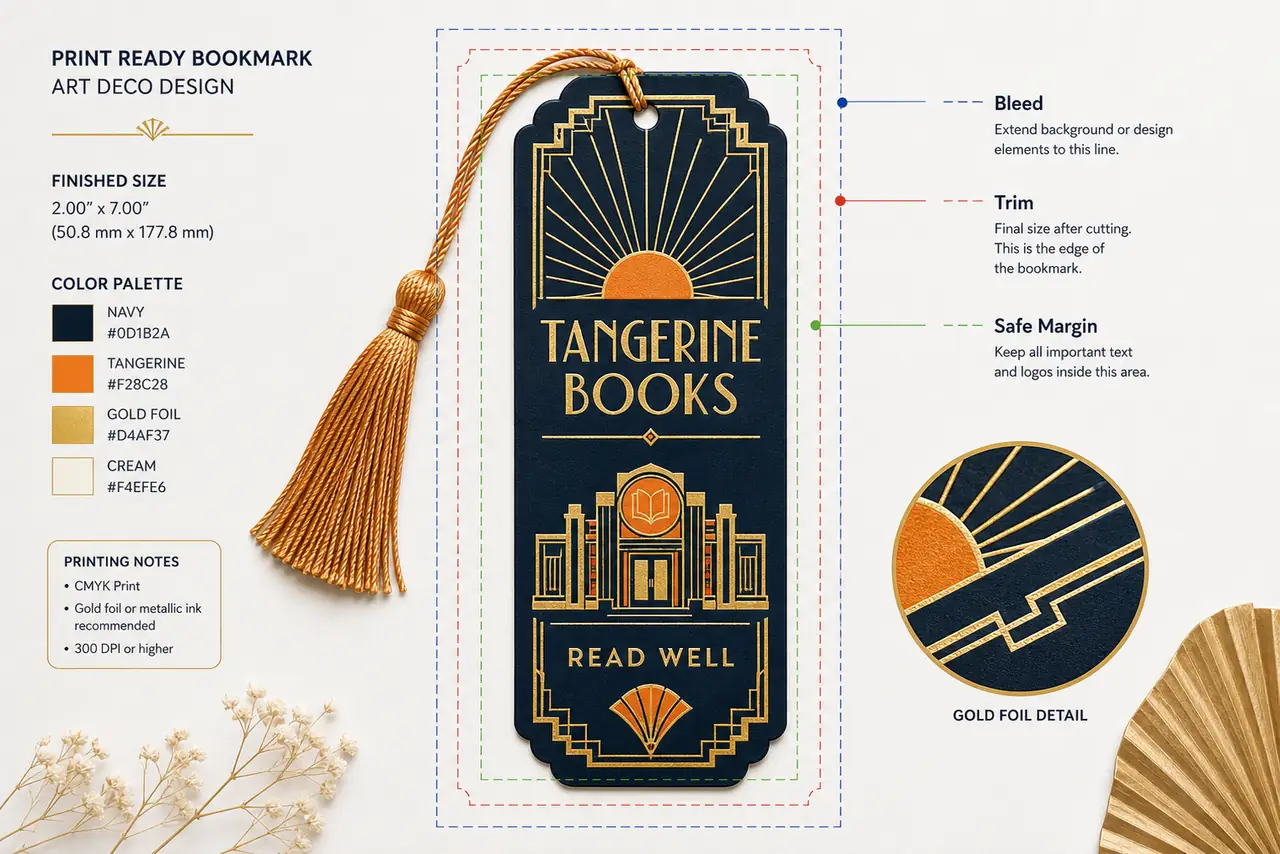
Create a print-ready Art Deco bookmark concept for a fictional bookstore named "Tangerine Books". Show the bookmark on a clean proof sheet with visible bleed, trim, and safe margin guide lines. Include the exact words "TANGERINE BOOKS" and "READ WELL" with crisp lettering.
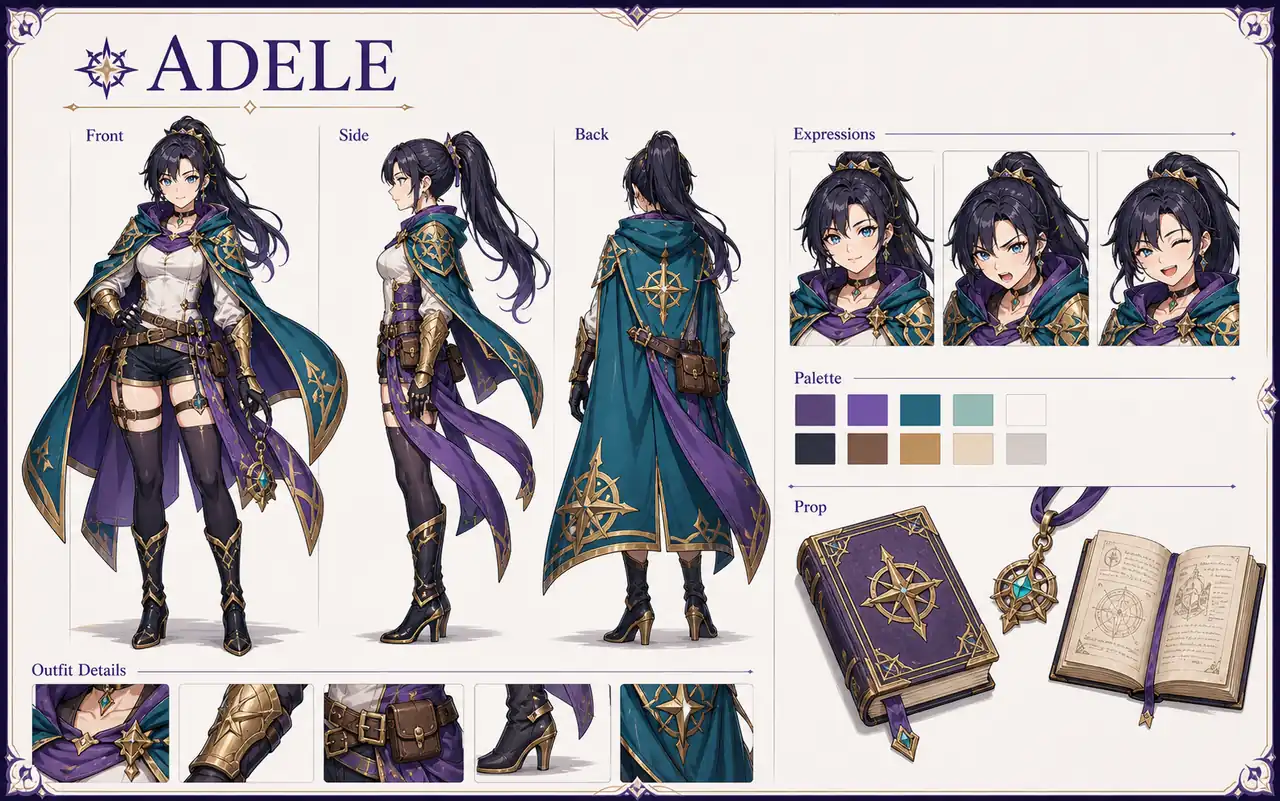
Create a coherent character reference sheet for an original adventure game heroine named "Adele". Show front view, side view, back view, three facial expressions, outfit details, a color palette, and one prop close-up. Keep the character identity consistent across every panel.
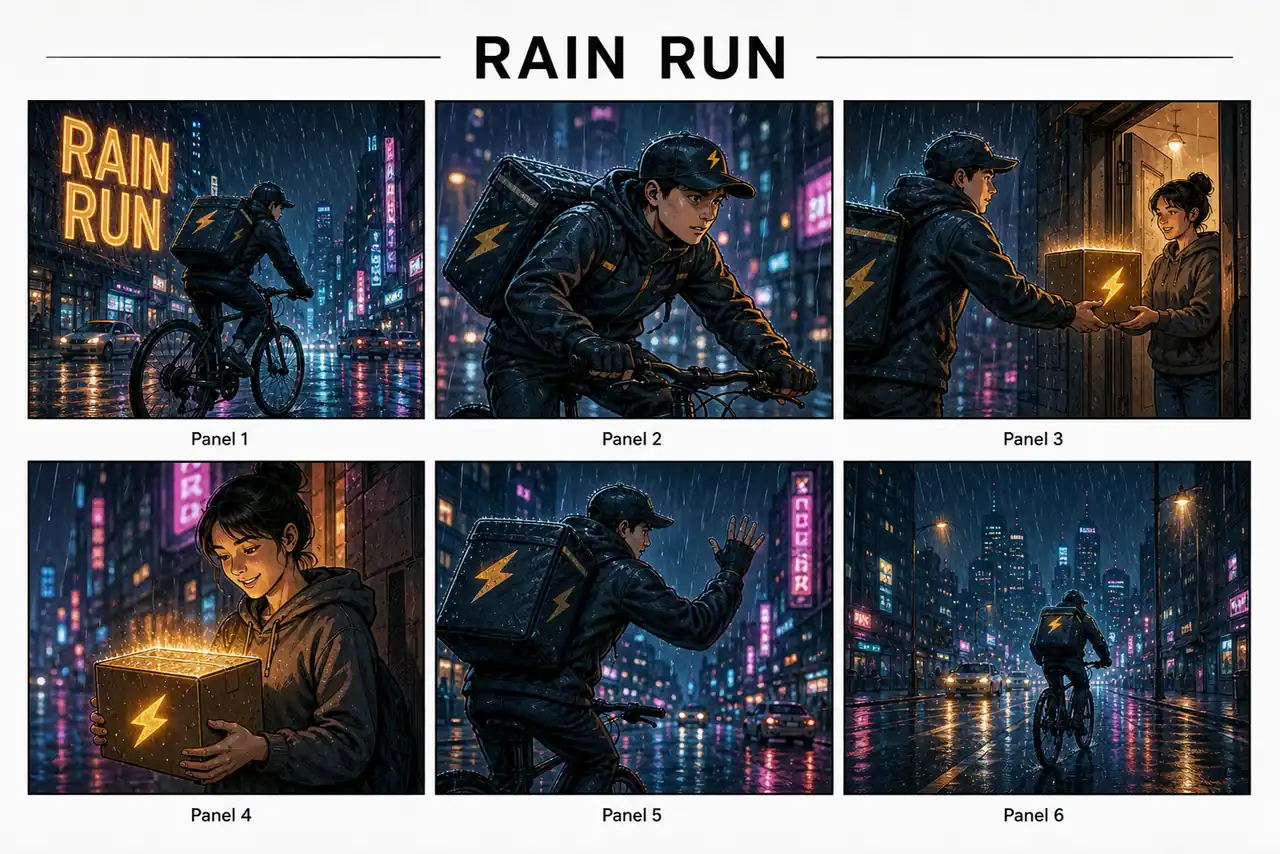
Create a six-panel storyboard titled "RAIN RUN". Show the same courier riding through a rainy neon city while delivering one glowing package. Keep the character, package, weather, and visual style consistent from Panel 1 through Panel 6.
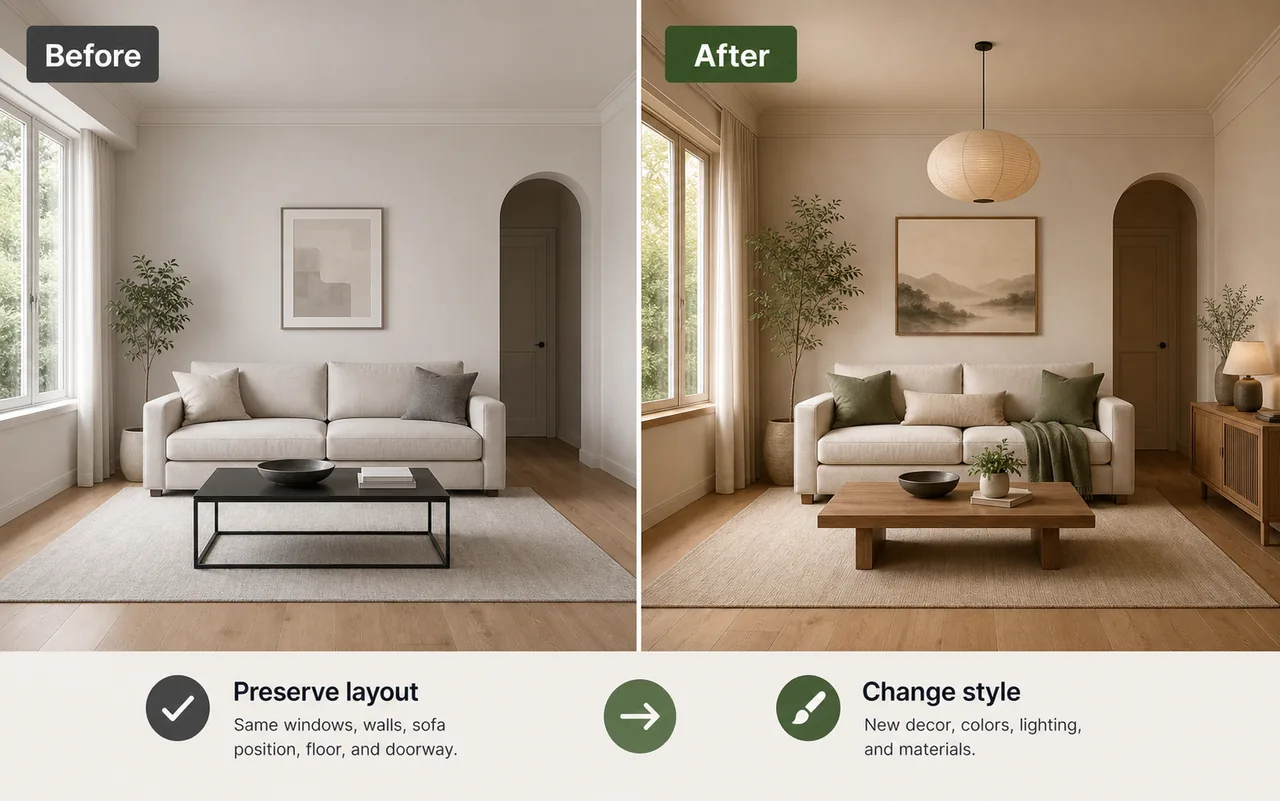
Use the uploaded living room photo as the reference. Preserve the window placement, wall structure, sofa position, floor, and camera angle. Change only the interior style into a warm Japandi look with wood textures, soft daylight, neutral fabric, and sage green accents.
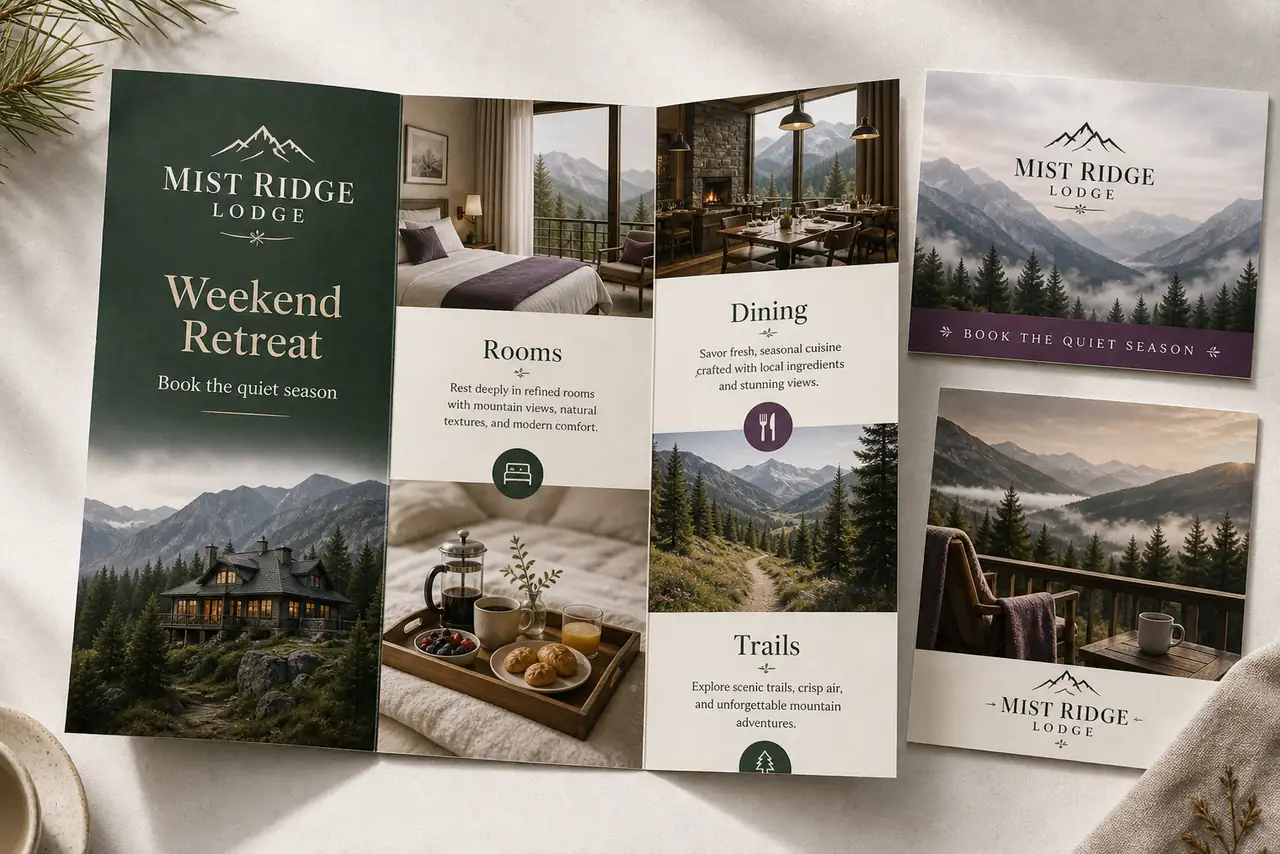
Create a premium travel brochure spread for a fictional mountain retreat called "Mist Ridge Lodge". Include the headings "Weekend Retreat", "Rooms", "Dining", and "Trails". Use elegant editorial photography, readable type, calm luxury colors, and a polished hospitality layout.
YouTube videos are useful when you want a walkthrough instead of a static example. These links help users compare workflows, watch prompt tests, and see how creators explain GPT Image 2.
OpenAI
An official launch-style video reference for understanding how OpenAI presents the new image workflow and model direction.
Watch on YouTube
Creator guide
A practical comparison video that helps users evaluate model choice, workflow differences, and real image results.
Watch on YouTube
Creator test
A use-case focused video that explores practical applications beyond a single gallery image.
Watch on YouTube
Reddit discussions are useful for reading practical questions, comparison concerns, and early user reactions. Use them as community context, not as official model documentation.
r/ChatGPT
Community discussion

A multi-image Reddit thread testing whether Image 2.0 can keep the same subject consistent across different angles and action shots.
Open Reddit Discussionr/DefendingAIArt
Community discussion

A different Reddit post with several output tests, useful for comparing detail, composition, and prompt-following behavior across tasks.
Open Reddit Discussionr/aigamedev
Community discussion

A game-dev discussion showing sprite-sheet output and animation-style media, relevant for consistency and asset-production use cases.
Open Reddit Discussionr/DefendingAIArt
Community discussion

A separate community post with practical image examples and comments around how GPT-Image-2 feels in everyday experimentation.
Open Reddit Discussionr/ChatGPT
Community discussion

A Reddit critique thread focused on visible artifacts, useful for balancing the page with real failure-mode discussion instead of only praise.
Open Reddit Discussionr/singularity
Community discussion

A post about GPT-Image-2 reviewing and iterating on its own output, useful context for quality-control and refinement claims.
Open Reddit Discussionr/singularity
Community discussion

A separate discussion centered on perceived quality gains, useful as community context rather than official model documentation.
Open Reddit Discussionr/ChatGPT
Community discussion

A multi-image thread that gives another set of public examples, helping the section avoid depending on one viral post.
Open Reddit Discussionr/ChatGPT
Community discussion

Another independent Reddit post with multiple examples, useful for judging style range and public reaction beyond a single thread.
Open Reddit Discussionr/ImagineAiArt
Community discussion

A model-comparison post with several side-by-side images, relevant for searchers comparing GPT Image 2 with other image models.
Open Reddit DiscussionCreators on X often publish concrete output tests. These links are useful for studying the kinds of layouts, image styles, and model stress tests people are trying in public.

Nicolechan
Verified@stark_nico99
Public GPT Image 2 example testing a complete UI design system board with structured labels, component cards, and interface layout control.
 Watch on X
Kus
Verified@tamayo888
A useful X reference for character consistency, pose breakdowns, costume details, and reference-sheet style composition.
 Watch on X
Larus Canus
Verified@MrLarus
A dense non-English text layout test that is helpful for reviewing typography handling, spacing, hierarchy, and readable copy inside generated images.
 Watch on X
宝玉
Verified@dotey
A public educational visual example focused on concept explanation, clean diagram structure, and infographic-style reasoning.
 Watch on X
Justin Farrugia
Verified@justinmfarrugia
A commercial brand-kit style example for page consistency, identity presentation, layout systems, and campaign-ready visual direction.
 Watch on X
知识猫图解
Verified@GeekCatX
A creator example for interior mood boards, material palettes, room concepts, and reference-guided visual planning.
 Watch on X
Kashiko
Verified@Kashiko_AIart
A public image example focused on polished character presentation, strong art direction, and production-ready poster composition.
 Watch on X
crayon
Verified@crayon1267
A creator image test that is useful for studying promptable composition, visual hierarchy, and finished social-ready output.
 Watch on X
Min Choi
Verified@minchoi
A public still-image example for product-style composition, lighting control, and prompt-driven commercial presentation.
 Watch on X
lakeside
Verified@lakeside529
A public X image example for checking cinematic style, lighting, subject detail, and image-model range in a still visual.
 Watch on X
Use GPT Image 2 when you want text-rich images, image editing, structured layouts, and commercial visuals. Explore related Toolaze pages when your creative task changes.
Study source-backed prompt structures, then return to GPT Image 2 to create your own image.
Try Now
Try the closest GPT image model route for text-to-image and image-to-image workflows.
Try Now
Compare a Gemini image workflow for high-resolution design assets and text-heavy layouts.
Try Now
Explore another fast image generation and editing model for common publishing formats.
Try Now
Use another image-to-image workflow when reference-guided editing is your main priority.
Try Now
Browse Toolaze image and video model pages when you need broader model comparison.
Try Now
GPT Image 2 is OpenAI's image generation and editing model for creating images from text prompts and reference images. It is useful for product posters, social media ads, UI mockups, image editing, text-rich visuals, and structured commercial design concepts.
Yes. Toolaze lets you try GPT Image 2 for free online. Free usage may depend on daily quota, model availability, output settings, or future access policy, but the page is designed for fast browser-based image generation.
Yes. Toolaze lets you try GPT Image 2 without signup or login. Some advanced settings, higher limits, downloads, or continued usage may require signing in, depending on the current Toolaze access policy.
Yes. GPT Image 2 supports high-resolution image workflows, including 4K output when the selected mode, ratio, and settings support it. Use 4K for product posters, campaign visuals, UI mockups, and presentation-ready creative drafts.
You can create product posters, social media ads, UI mockups, e-commerce images, educational infographics, text logo concepts, edited images, campaign visuals, thumbnails, and reference-guided creative variations.
Yes. GPT Image 2 supports image editing from text and image inputs. Use it for product image cleanup, background changes, lighting refinement, layout changes, visual variations, before-after concepts, and reference-guided creative updates.
It depends on the task. GPT Image 2 is a strong choice for text-rich images, structured layouts, image editing, and commercial visuals. Midjourney is often stronger for stylized art direction, while Flux and Nano Banana can be useful for different reference and workflow needs.
The best prompts describe the asset type, subject, exact text, composition, style, lighting, background, output purpose, and constraints. For edits, specify what should stay unchanged and what should be modified.
Try GPT Image 2 online with no signup or login and create 4K images, product posters, social media ads, UI mockups, edited product visuals, and text-rich commercial graphics directly on Toolaze.
Start Free on Toolaze